Software engineer portfolio examples: My top picks for 2025
Building a standout software engineer portfolio often feels like its own complex project. I've been there myself, staring at a blank editor and wondering how to best showcase my skills and experience. Your portfolio is much more than a simple list of projects; it’s your professional brand, your digital handshake, and often the first real impression you make on a recruiter or hiring manager.
A well-crafted portfolio isn't just a nice-to-have; it's a strategic career tool. In fact, some internal hiring data suggests a compelling, project-focused portfolio can increase your interview callback rate by as much as 30%. I've seen it firsthand—the key differentiator between a good portfolio and a great one isn't just about flashy animations or complex UIs. It's about clear, strategic storytelling that guides a visitor through your technical capabilities and problem-solving mindset.
In this comprehensive guide, I'll walk you through my curated list of top-tier software engineer portfolio examples and the powerful platforms used to build them. We will move beyond surface-level observations to analyze the specific "why" behind their design choices, content strategy, and technical implementation.
Each example includes screenshots, direct links, and a detailed breakdown, providing you with a replicable blueprint. My goal is for you to gain actionable insights and specific tactics to build a portfolio that effectively communicates your value, gets you noticed by the right people, and helps you land your next role in 2025. Let’s dive into the examples that truly work.
1. Fantastic Portfolios
For software engineers who need a professional, high-impact portfolio without the time sink of building one from scratch, Fantastic Portfolios emerges as a powerful and efficient solution. It directly addresses the classic developer dilemma: you have the skills to code a custom site, but your time is better spent on billable projects or job hunting. I find this platform fascinating because it leverages AI to transform a standard resume PDF into a polished, mobile-responsive portfolio website in as little as 30 seconds. This focus on speed and simplicity makes it one of the most compelling software engineer portfolio examples for those who prioritize results over process.
The platform has already empowered over 10,000 professionals, a testament to its effectiveness. Users consistently report tangible outcomes, from securing more interviews to commanding higher freelance rates. The core value proposition is clear: it removes the friction between having great work and showcasing it effectively online.
Strategic Breakdown: AI-Powered Efficiency
Fantastic Portfolios isn't just a template-based site builder; it's an AI-driven career toolkit. When you upload your resume, the platform’s AI doesn't just copy and paste text. It intelligently parses and structures your experience, projects, and skills into a clean, professional layout.
Key Insight: From my perspective, the platform's true strength lies in its integrated AI assistant. It can refine project descriptions, answer visitor questions via a chat widget, and even help you generate social media content to promote your work. This turns a static portfolio into an active, engaging lead-generation tool.
This comprehensive AI integration is what sets it apart. It’s not an add-on; it’s the engine that powers the entire experience, from creation to visitor engagement.
Actionable Takeaways & Key Features
For software engineers looking to gain a competitive edge, I believe several features are particularly impactful:
- Instant Deployment: The ability to go from a resume file to a live, shareable URL (
yourname.fantasticportfolios.com) in under a minute is a game-changer for time-sensitive job applications. - Built-in Analytics: The free plan includes analytics that show who is viewing your portfolio and what they are clicking on. This data is invaluable for understanding which projects or skills are resonating most with recruiters and potential clients.
- ATS Optimization (Pro): The Pro plan offers an ATS resume scanner and optimization suggestions. This is a critical feature for ensuring your application materials pass through automated screening systems, a common first hurdle in corporate hiring.
- AI Cover Letter Generator (Pro): Another powerful Pro feature, this tool helps you quickly create tailored cover letters, saving you hours during a job search.
Platform Tiers & Accessibility
Fantastic Portfolios operates on a freemium model that offers significant value even at the free level.
| Feature | Free Plan | Pro Plan (from $3/month, billed yearly) |
|---|---|---|
| Portfolio Site | Complete, single-page portfolio | Includes everything in Free |
| AI Assistant | Smart AI responses, unlimited visitors | Unlimited conversations & knowledge base |
| Analytics | Basic visitor insights | Detailed visitor analytics |
| Custom Domain | No (uses branded subdomain) | Yes (connect your own domain) |
| ATS & Career Tools | Not included | Resume analysis, ATS scoring, AI Cover Letter Gen |
| Branding | Fantastic Portfolios attribution | Option to remove attribution |
The accessibility of the free plan makes it a no-risk option for students, recent graduates, or anyone needing a professional web presence immediately. The Pro plan’s low price point provides an affordable pathway to advanced tools that can offer a significant return on investment during a job search. While it may not offer the granular design control of a hand-coded site, its speed, intelligence, and built-in career tools make it a top-tier choice for modern software engineers.
Website: fantasticportfolios.com
2. Webflow
For developers who want a visually stunning, production-grade portfolio without writing a single line of CSS or JavaScript, Webflow is a game-changer. It's a visual web development platform that blends the power of a no-code editor with the flexibility of custom code, making it an ideal middle-ground for engineers who, like me, sometimes want to focus on their projects, not on wrestling with flexbox alignment.
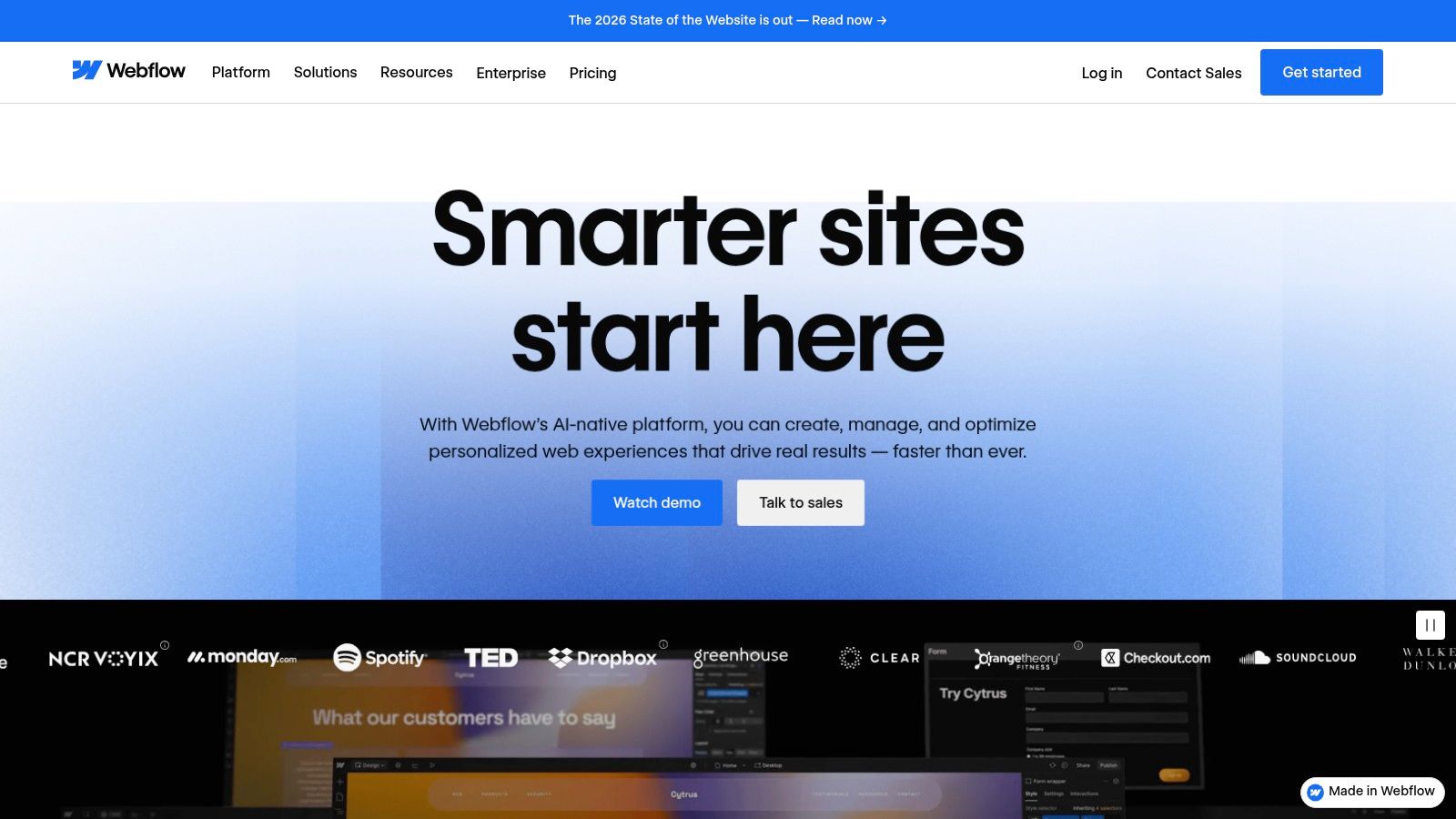
Unlike static site generators that require deep familiarity with a specific framework, Webflow offers a Photoshop-like interface that writes clean, semantic code behind the scenes. You can drag and drop elements, build complex animations, and manage content through a built-in CMS, all visually. This approach dramatically cuts down development time, allowing you to launch a polished site in hours, not weeks.
Key Features and Strategic Breakdown
Webflow's ecosystem is what sets it apart. It’s not just a tool; it's a complete platform for building and launching your portfolio.
- Developer-Focused Templates: The Webflow Marketplace has hundreds of professionally designed portfolio templates, many built specifically for software engineers. This saves you from the "blank canvas" problem and provides a solid, modern foundation. I've found templates ranging from $49 to $129, a small investment for the massive head start it provides.
- Visual-First Workflow: You can customize every aspect of a template, from responsive behavior to intricate scroll-based animations, without writing code. This lets you achieve a highly custom look that would otherwise require significant frontend expertise.
- Integrated Hosting: Webflow provides managed hosting on a global CDN (powered by AWS and Fastly), with included SSL. This end-to-end solution simplifies the deployment process, so you can connect a custom domain and go live with a few clicks.
Strategic Insight: Use Webflow to build a portfolio that showcases not just your coding projects, but also your design sensibility. I've always found that a polished, well-animated site signals attention to detail and a commitment to user experience—qualities highly valued in any software engineering role.
Pricing and Getting Started
Webflow offers a tiered pricing model. You can start building for free on a webflow.io subdomain. To connect a custom domain, you’ll need a paid Site Plan, which starts at around $14/month (billed annually). While this is more expensive than static hosting on platforms like Netlify or Vercel, you're paying for the all-in-one convenience of the visual editor, CMS, and managed hosting.
To get started effectively, I recommend browsing their official Showcase and blog, which often features excellent software engineer portfolio examples for inspiration. For an in-depth look at what's possible, you can explore a curated list of portfolios built with Webflow and learn from real-world implementations.
Official Website: https://webflow.com
3. Framer
For engineers who prioritize speed, modern design, and an interactive feel, Framer is quickly becoming the go-to platform. It sits at the intersection of a design tool and a website builder, offering a component-based workflow that feels incredibly intuitive for anyone familiar with React or modern frontend frameworks. It allows you to build a highly polished, interactive portfolio with impressive speed.
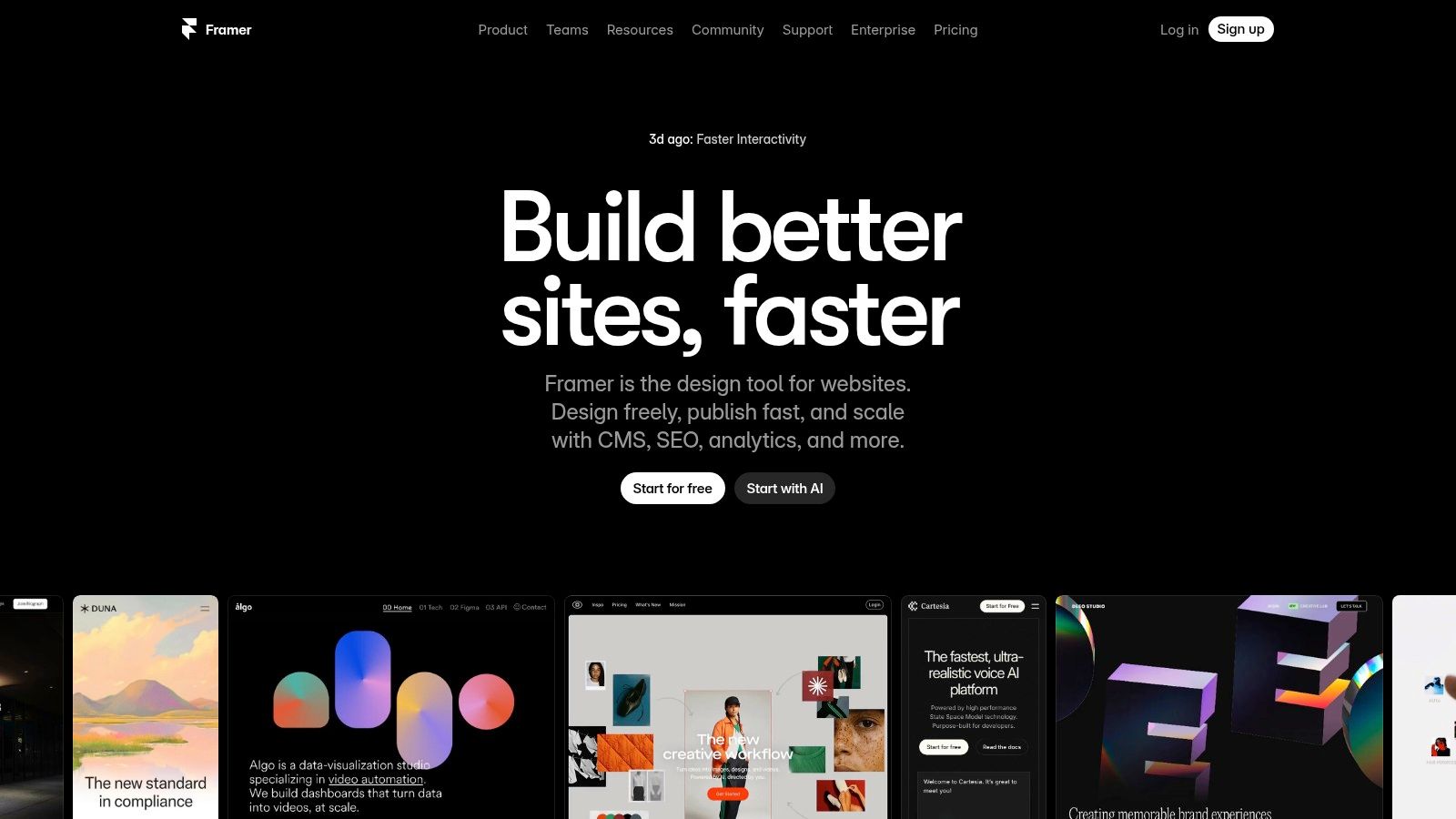
Framer's core strength is its ability to go from a template to a live, production-ready site in minutes, not hours. It handles all the difficult parts of web development-like performance optimization, SEO basics, and hosting-out of the box. This lets you focus entirely on presenting your projects and skills in the most professional light possible.
Key Features and Strategic Breakdown
Framer's platform is built around a developer-first mindset, emphasizing efficiency and modern tooling to create standout portfolios.
- Extensive Template Marketplace: Framer boasts a rich marketplace filled with sleek, modern templates specifically designed for developer portfolios. Many excellent options are free, while premium templates often range from $30 to $80. This gives you a professional starting point without a significant upfront investment.
- Component-Driven Design: The platform's design system feels like working in Figma or a React environment. You build with reusable components, which makes maintaining consistency across your portfolio effortless. This workflow is a natural fit for engineers.
- Integrated Hosting and CMS: Like Webflow, Framer provides an all-in-one solution. You get a global CDN for hosting, a simple-to-use CMS for managing blog posts or project details, and even version control features like staging and rollbacks on higher-tier plans.
Strategic Insight: My advice? Leverage Framer's built-in animation and interaction tools to create a "live" feel for your project showcases. Instead of static screenshots, use Framer to build small, interactive demos or animated GIFs that demonstrate your application's functionality. This immediately conveys your ability to build engaging user experiences.
Pricing and Getting Started
Framer offers a generous free tier that allows you to publish a site on a framer.website subdomain, which is perfect for getting started and building out your content. To connect a custom domain and remove Framer branding, you'll need a paid plan, with the "Mini" plan starting at around $5 per month (billed annually). The "Basic" plan, at around $15 per month, adds CMS functionality and is a popular choice for most software engineer portfolios.
The platform is designed for rapid deployment. I've personally seen developers take a template and launch a complete portfolio over a single weekend. A great starting point is to explore the software engineer portfolio examples showcased in Framer's own template gallery to see the high level of polish that is achievable.
Official Website: https://www.framer.com
4. GitHub Pages
For software engineers who live and breathe Git, GitHub Pages is the most natural, code-centric way to build and host a portfolio. It offers free static site hosting directly from a GitHub repository, creating a seamless workflow where your portfolio's code lives alongside your project code. In my own experience, this approach is ideal for developers who want full control over their site's markup and prefer a "code-first" deployment process.
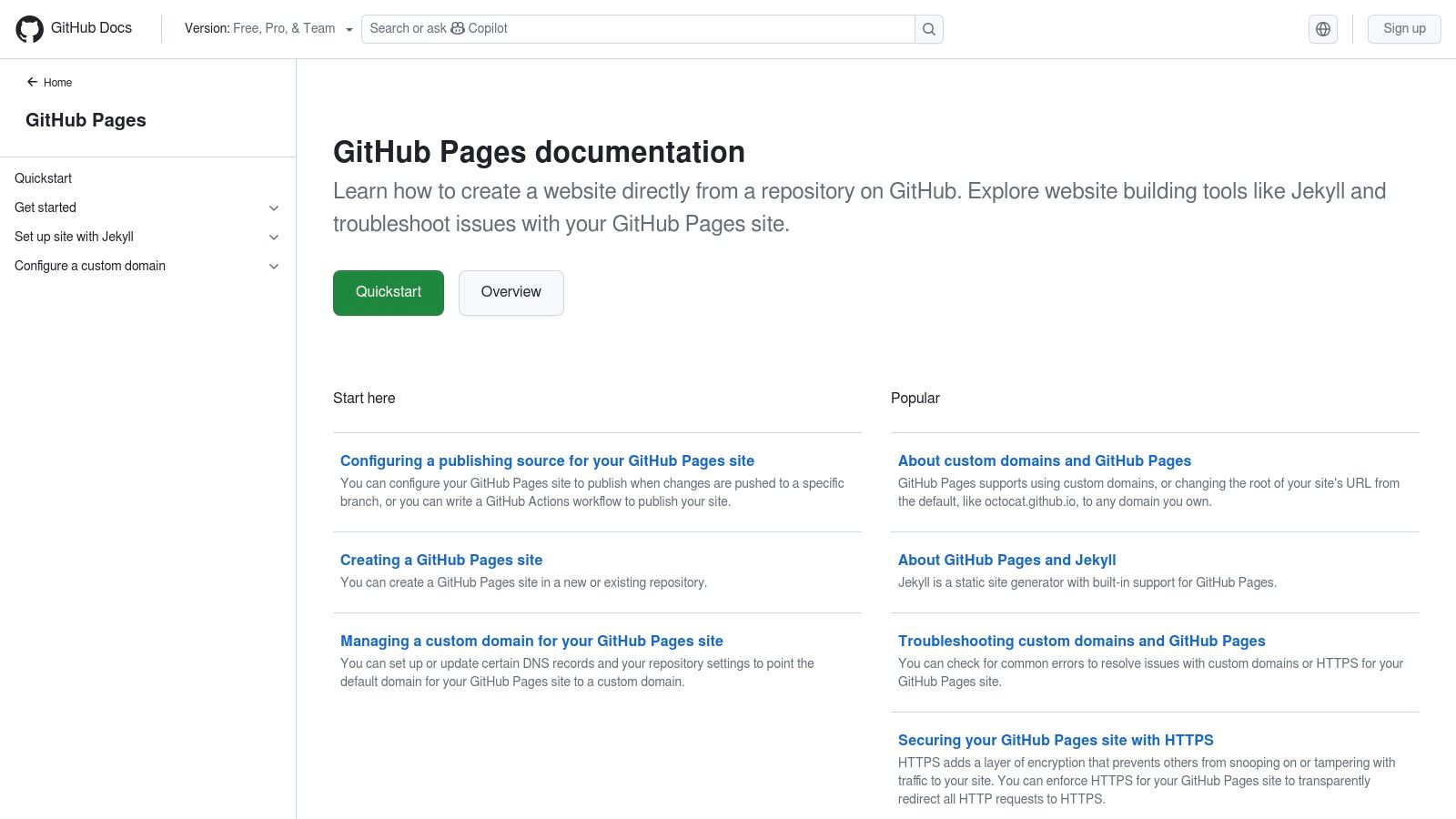
Unlike all-in-one platforms, GitHub Pages gives you a blank canvas powered by your own HTML, CSS, and JavaScript. It natively supports Jekyll, a popular static site generator, allowing you to build a sophisticated blog or portfolio using Markdown and templates. The deployment process is as simple as pushing a commit to a specific branch, making updates fast and frictionless.
Key Features and Strategic Breakdown
GitHub Pages' power lies in its deep integration with the developer ecosystem. It's not just hosting; it's a part of your existing workflow.
- Zero-Cost Hosting: For public repositories, hosting is completely free, with generous soft limits on usage (1 GB site size, 100 GB monthly bandwidth). This makes it one of the most cost-effective solutions available for showcasing your work.
- Git-Based Workflow: Every update to your portfolio is a
git push. This version-controlled approach means you have a full history of your site, can work on new features in separate branches, and manage your portfolio with the same tools you use for your software projects. - Massive Open-Source Ecosystem: Thousands of open-source software engineer portfolio examples and Jekyll themes are available on GitHub. You can fork a repository, customize it with your own content, and deploy a professional-looking site in under an hour. This is a massive advantage for learning and quick-starting your build.
Strategic Insight: Hosting your portfolio on GitHub Pages sends a clear signal to recruiters that you are proficient with fundamental developer tools like Git and version control. From my point of view, the act of deploying the site itself becomes a demonstration of your technical skills, reinforcing the claims made within your resume and projects.
Pricing and Getting Started
GitHub Pages is free for all public repositories. If you need to host a site from a private repository (for instance, to keep your portfolio's source code confidential), you'll need a paid GitHub plan like Pro, which starts at around $4/month. The platform also provides free HTTPS for custom domains, ensuring your site is secure and professional.
Getting started is straightforward. You create a repository named <your-username>.github.io, push your static files, and your site is live. For a more structured build, you can use a static site generator like Jekyll, Hugo, or Eleventy. If you're looking for a step-by-step guide, you can learn how to build a portfolio website and get up and running quickly.
Official Website: https://pages.github.com
5. JekyllThemes.io
For engineers who value speed, simplicity, and full ownership of their code, Jekyll offers a powerful static-site generation approach. JekyllThemes.io serves as a curated marketplace, providing a massive head start by offering premium, production-ready themes specifically designed for portfolios, blogs, and personal sites. I think it’s the ideal solution for developers who are comfortable in a terminal but want to bypass the time-consuming process of building a theme from scratch.
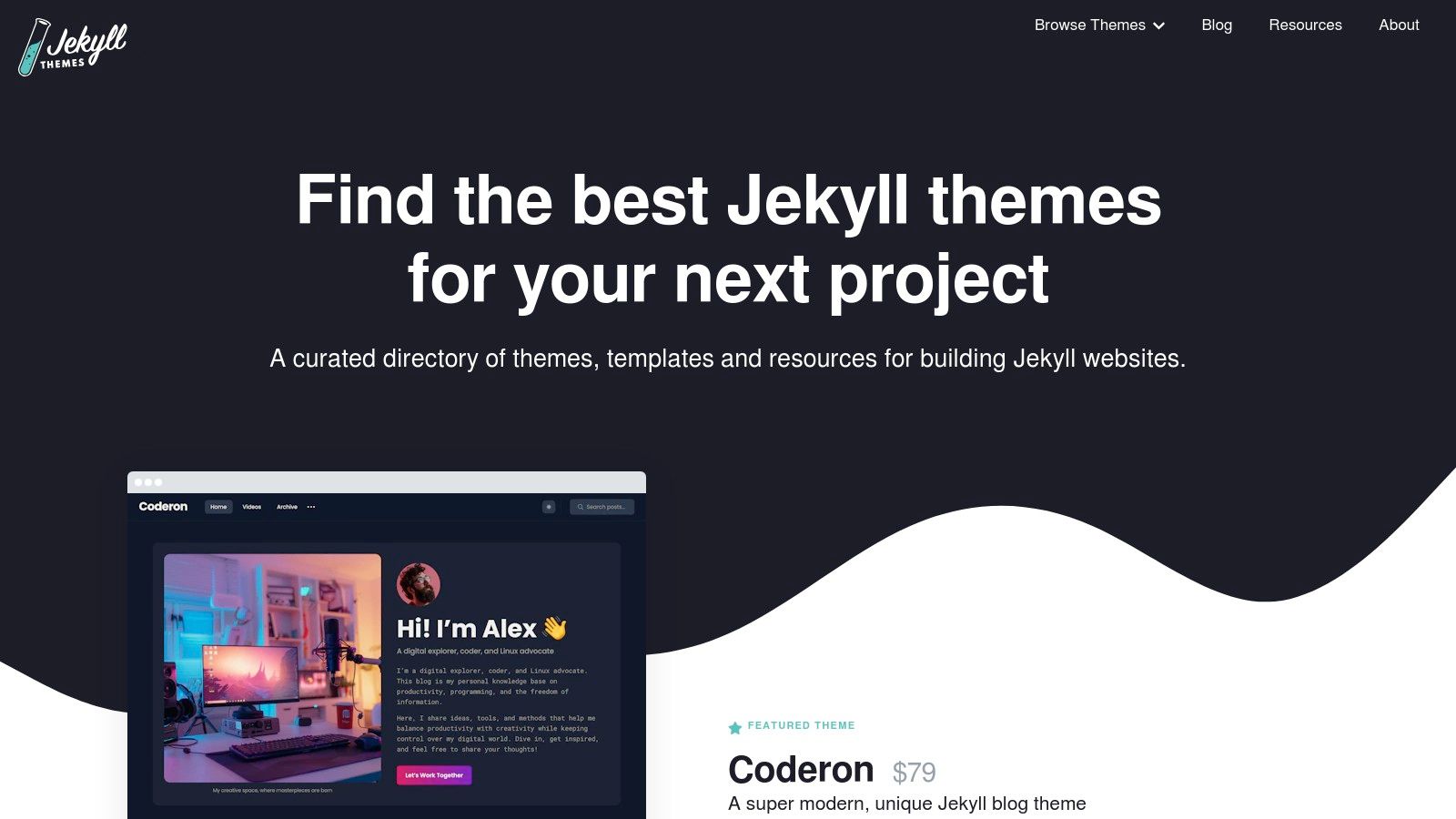
Unlike all-in-one platforms, Jekyll gives you complete control over your project. You own the code, can version it with Git, and host it for free on services like GitHub Pages. JekyllThemes.io streamlines this by providing well-documented, feature-rich templates that you can purchase once and use forever. This approach is perfect for developers who want a fast, secure, and professional-looking site without being locked into a proprietary ecosystem or recurring subscription fees.
Key Features and Strategic Breakdown
JekyllThemes.io acts as a quality filter, presenting only well-coded and visually appealing themes, which is a huge time-saver compared to sifting through countless open-source options.
- One-Time Purchase Model: Most themes on the platform are sold with a one-time license fee, typically ranging from $19 to $59. This is a small investment for a theme you can customize and host for free indefinitely, making it one of the most cost-effective options long-term.
- Optimized for GitHub Pages: Many themes are explicitly built to be compatible with GitHub Pages, which simplifies deployment to a
git push. This synergy between Jekyll and GitHub is a major draw for developers who already live in that ecosystem. - Developer-Centric Features: The themes are not just visually appealing; they come packed with features engineers need. Common inclusions are syntax highlighting for code blocks, integrated blog functionality for technical articles, dark mode toggles, and hooks for analytics tools like Google Analytics.
- Clear Documentation: Premium themes almost always come with detailed documentation, guiding you through setup, configuration of
_config.yml, and customization. This significantly lowers the learning curve if you're new to Jekyll.
Strategic Insight: I believe that using a Jekyll theme can signal your technical proficiency and preference for efficient, performance-oriented tools. A portfolio built on a static site generator and hosted on GitHub Pages demonstrates your understanding of modern, lightweight web development practices—a subtle but powerful message to potential employers.
Pricing and Getting Started
The business model is straightforward: you browse the marketplace and purchase a theme license directly from the creator. Prices vary, but the one-time cost is often less than a few months of a subscription-based website builder. The main "cost" beyond the theme is your time for setup and content creation, although hosting can be entirely free.
Getting started involves purchasing a theme, downloading the files, and following the provided documentation to run the site locally. From there, you customize the content (in Markdown) and deploy it to your hosting provider. For those exploring free hosting options, you can learn more about free portfolio website builders that pair well with static site generators like Jekyll. The combination offers one of the best software engineer portfolio examples of a cost-effective and powerful setup.
Official Website: https://jekyllthemes.io
6. ThemeForest (Envato Market)
For engineers who want maximum control and flexibility, ThemeForest offers an almost endless marketplace of portfolio templates. Instead of an all-in-one platform, it provides the raw source code (HTML, React, Next.js, etc.), empowering you to customize and host your portfolio wherever you choose, be it on Vercel, Netlify, or your own server. This approach is perfect for developers who, like me, are comfortable with the deployment process and want a cost-effective head start on a professional design.
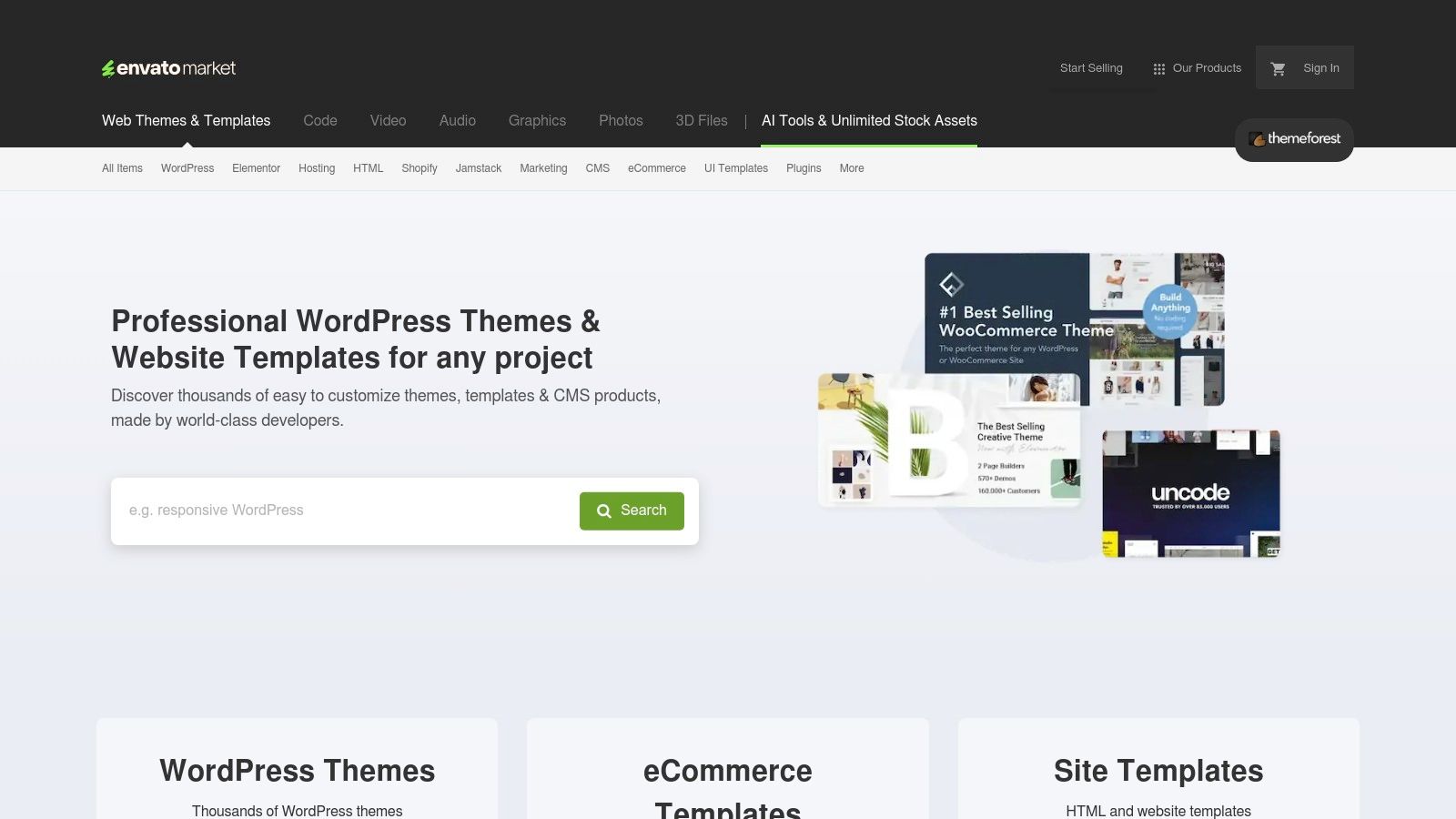
Unlike managed platforms, ThemeForest is a "bring your own hosting" model. You purchase a template, download the files, and take full ownership. This unbundled approach gives you the freedom to modify the code, integrate different APIs, or set up your own CI/CD pipeline, making it an excellent choice for demonstrating your technical skills beyond just the frontend presentation.
Key Features and Strategic Breakdown
ThemeForest's value lies in its sheer volume and diversity, offering a template for nearly every tech stack and aesthetic preference.
- Massive Template Selection: With thousands of portfolio templates, you can find options built with modern stacks like React/Next.js and Vue, as well as traditional HTML/CSS/JS. I've found high-quality, modern React templates for as low as $14, a one-time purchase. This variety ensures you can find a starting point that aligns with your preferred technology.
- Full Code Ownership: Once you purchase a template, you get the source code. This means you have complete freedom to refactor, extend, and deploy it as you see fit. It's an ideal way to learn a new framework or showcase your ability to work with and improve an existing codebase.
- Cost-Effective One-Time Pricing: Most templates are sold with a one-time license fee, often ranging from $10 to $59. This is significantly cheaper in the long run compared to the recurring subscription costs of managed platforms, especially if you leverage free static hosting providers.
Strategic Insight: Here's my pro tip: use a ThemeForest template as a foundation, not a final product. The best software engineer portfolio examples built from templates are those that have been heavily customized. Modify the design, refactor the code to reflect your personal style, and add unique features. This demonstrates not only your ability to build but also to adapt and improve existing code.
Pricing and Getting Started
ThemeForest operates on a straightforward, per-item pricing model. You pay a one-time fee for a license to use a template. Prices vary by author and complexity, but most portfolio themes are incredibly affordable. Remember to factor in the cost of a domain name and potential hosting, although many excellent free options exist (like GitHub Pages or Netlify's free tier).
When choosing a template, carefully vet the author's ratings, read recent reviews, and check the "last updated" date to avoid outdated code. For a deeper dive into selecting the right foundation for your site, you can explore a curated list of personal portfolio website templates and see what fits your style.
Official Website: https://themeforest.net
7. Squarespace
For the engineer who wants a polished, professional online presence with minimal fuss, Squarespace is the go-to all-in-one solution. It’s a website builder designed for simplicity and elegance, allowing you to create a beautiful portfolio without touching a line of code or worrying about hosting configurations. This makes it perfect for developers who want to focus entirely on showcasing their projects, not on managing infrastructure.
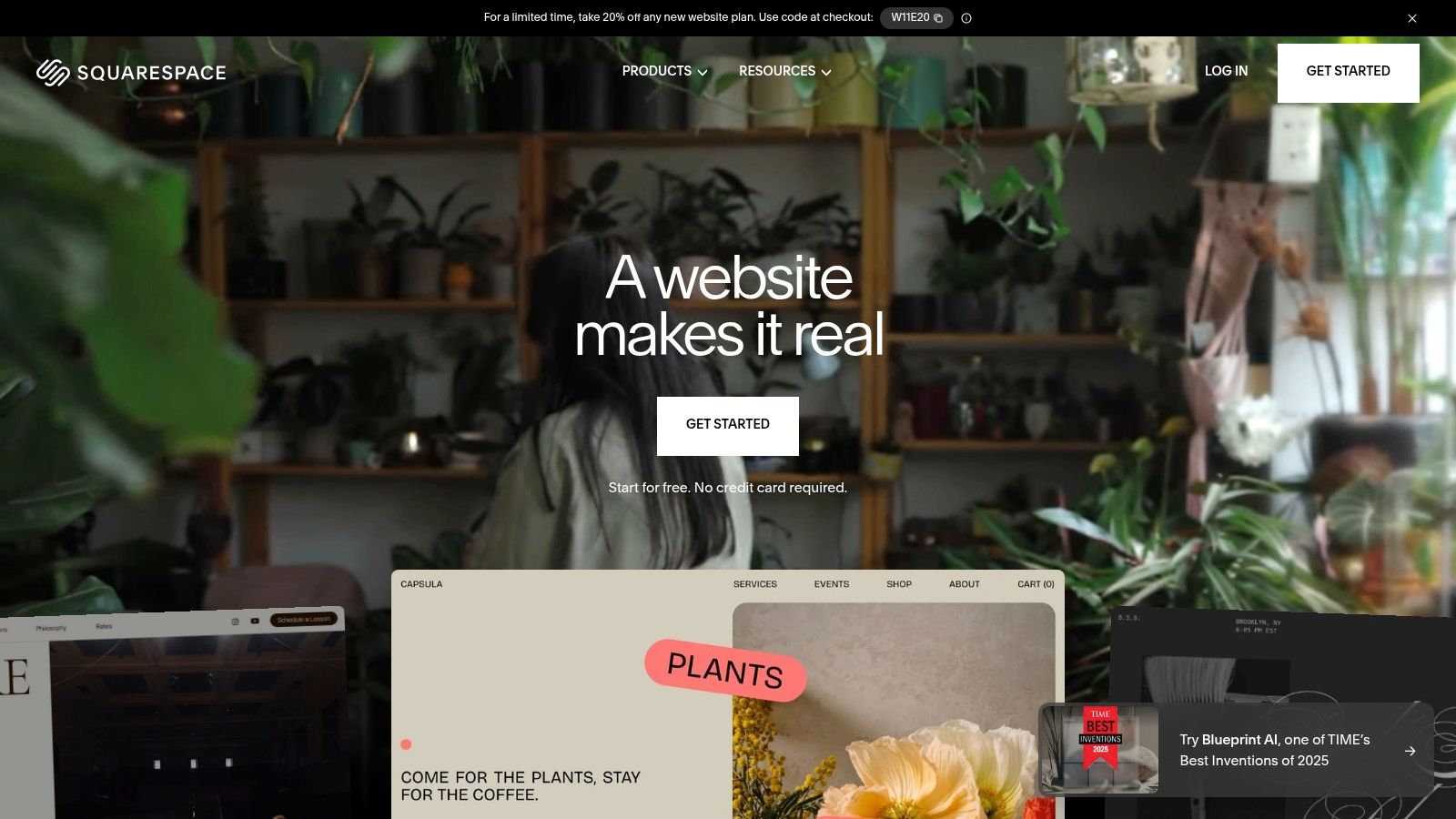
Unlike platforms that require you to piece together hosting, a domain, and a theme, Squarespace bundles everything into a single, predictable package. Its editor is intuitive, using a section-based, drag-and-drop system that empowers you to build a professional-looking site in an afternoon. This approach is ideal for engineers who value efficiency and want a reliable, low-maintenance platform that just works.
Key Features and Strategic Breakdown
Squarespace’s strength lies in its curated, all-inclusive ecosystem. It removes technical overhead so you can concentrate on your content.
- Award-Winning Templates: Squarespace is renowned for its visually striking, mobile-responsive templates. Many are specifically designed for portfolios, offering a clean, modern aesthetic that makes your project case studies shine. This built-in design quality provides a significant advantage from the start.
- Integrated Tooling: The platform includes built-in SEO tools, analytics, and a powerful blogging engine. This is a strategic advantage, as you can write detailed project case studies or technical articles to demonstrate your expertise, all managed from one dashboard.
- Zero-Maintenance Hosting: All plans include fully managed cloud hosting, ensuring your site is fast, secure, and reliable without you ever needing to configure a server or manage updates. The peace of mind this offers is a major benefit for busy developers.
Strategic Insight: Here's how I think about it: use Squarespace to signal that you value clean design and user experience as much as you value clean code. A recruiter sees a well-organized, visually appealing portfolio as a proxy for a well-organized, thoughtful engineer. Spend your time writing compelling project descriptions instead of debugging CSS.
Pricing and Getting Started
Squarespace operates on a subscription model, with plans typically starting around $16/month (billed annually) for the Personal plan, which is sufficient for most portfolios. This includes a custom domain for the first year, unlimited bandwidth, and SSL security. While it's an ongoing cost compared to free static hosting, you are paying for the convenience, premium templates, and integrated platform features.
To get started, I suggest browsing their portfolio-specific templates and taking advantage of the 14-day free trial to build out your site. For a deeper dive into crafting a standout portfolio on the platform, you can learn more about creating a powerful online portfolio and see how others have leveraged its features. This is one of the best software engineer portfolio examples of a platform that prioritizes speed and polish.
Official Website: https://www.squarespace.com
7-Platform Comparison: Software Engineer Portfolios
| Product | Implementation complexity | Resource requirements | Expected outcomes | Ideal use cases | Key advantages |
|---|---|---|---|---|---|
| Fantastic Portfolios | Very low — upload resume, AI builds site | Minimal — free plan; Pro ~$3/mo for advanced features | Polished, mobile-friendly portfolio with analytics and AI responses | Job seekers, students, freelancers needing fast launch | Instant no-code build, built-in AI toolkit, generous free tier |
| Webflow | Low–medium — visual editor with learning curve | Paid hosting/templates; ongoing subscription for custom domain | Highly customizable, interaction-rich portfolios | Designers/devs who want visual control without full coding | End-to-end builder, many modern templates, managed hosting |
| Framer | Low — template-based, designer-focused workflows | Paid plans for advanced features; usage-based scaling | Sleek, high-performance portfolios with staging/rollback | Teams or devs wanting rapid iteration and polished interactions | Fast launch, clean CMS, built-in performance/SEO |
| GitHub Pages | Medium — requires Git/static site tooling (Jekyll, etc.) | Very low hosting cost for public repos; custom domain supported | Static, code-centric portfolio hosted for free | Software engineers comfortable with Git and static sites | Zero hosting cost, Git-based deploy workflow, large OSS themes |
| JekyllThemes.io | Medium — theme setup with Jekyll/Ruby basics | One-time theme purchase; can host free (e.g., GitHub Pages) | Ready-made Jekyll portfolios optimized for static hosting | Engineers who want a quick Jekyll-based site with minimal dev work | Curated Jekyll themes, documentation, GitHub Pages compatibility |
| ThemeForest (Envato) | Medium — purchase + self-hosting and integration | One-time template purchase; self-hosting costs vary | Flexible, stack-specific portfolios (HTML, React, Next.js) | Developers wanting full control over tech stack and hosting | Largest template selection across multiple stacks and styles |
| Squarespace | Very low — drag-and-drop site builder | Subscription-based hosting; built-in CMS and analytics | Polished, maintenance-light portfolio with CMS features | Non-technical users and small businesses needing turnkey sites | All-in-one hosting, professional templates, built-in SEO/analytics |
From Examples to Execution: Build Your Career-Winning Portfolio
We've journeyed through a curated collection of outstanding software engineer portfolio examples, breaking down the exact strategies and tools that make them so effective. From the pixel-perfect designs of Framer and Webflow to the raw, developer-centric power of GitHub Pages and Jekyll, a clear pattern emerges. The most successful portfolios aren't just collections of code; they are compelling narratives that demonstrate tangible impact.
The difference between a resume that gets a cursory glance and a portfolio that lands an interview is storytelling. A staggering 75% of recruiters report that a strong online portfolio is a major influencing factor in their hiring decisions. Your portfolio is where you transform abstract bullet points like "developed a new feature" into a compelling story about how you solved a real-world problem and delivered value.
Your Strategic Blueprint for Action
Moving from inspiration to implementation is the most critical step. The examples in this article prove that there's no single "right" way to build your site, but there are universal principles for success.
- Focus on Impact, Not Just Activity: Instead of just listing technologies, frame your projects around the problems you solved. Use metrics whenever possible. Did you improve performance by 30%? Did you increase user engagement? This is the language recruiters understand.
- Prioritize Clarity and User Experience: A hiring manager spends mere seconds on your portfolio initially. I know this because I've seen the analytics—the average time on page for a first visit can be under 15 seconds. Ensure your navigation is intuitive, your key projects are immediately visible, and your contact information is easy to find. A clean, scannable layout always wins.
- Let Your Personality Shine: Whether it's through a unique design, a well-written "About Me" section, or a blog post detailing your learning journey, let your personality come through. Companies hire people, not just lines of code.
Choosing the Right Tool for the Job
The tool you choose should be a catalyst for your success, not a barrier. Your decision should align with your goals, skills, and the amount of time you can invest.
- For Speed and Simplicity: If your goal is to create a professional, polished portfolio in minutes, a solution like Fantastic Portfolios is unmatched. It leverages AI to turn your resume into a complete website, letting you focus on refining your project stories rather than fighting with CSS.
- For Maximum Design Control: If you have a strong design vision and want granular control without writing extensive code, Webflow and Framer are your best bets. They offer the power of a visual canvas with the robustness needed for a modern web experience.
- For the Hands-On Coder: If you want to showcase your command of the command line and enjoy the build process itself, GitHub Pages combined with a static site generator like Jekyll is the quintessential developer's choice.
As you begin to build, remember that visuals play a crucial role in capturing attention and communicating professionalism. To make your projects stand out, you don't need to be a graphic designer. You can leverage AI website image generation tools to create captivating banners, project thumbnails, and other graphic elements that enhance your site's appeal and make a memorable first impression.
The journey from viewing software engineer portfolio examples to launching your own is about taking decisive action. The perfect portfolio is the one that's finished and working for you. Don't wait for the "perfect" project or the "perfect" design. Start today with the tools and strategies we've outlined, and build the single most powerful asset for your career.
Ready to skip the complex setup and launch a professional portfolio that gets results? Let Fantastic Portfolios do the heavy lifting for you. Generate a stunning, AI-powered portfolio website directly from your resume in under a minute and start telling your career story today.