7 Standout Portfolio Work Examples to Inspire You in 2025
Your portfolio isn't just a collection of projects; it’s a personal story you tell to land your next job or client. In my experience, a well-crafted portfolio tells a compelling narrative about your skills, problem-solving abilities, and unique value. In a competitive market where recruiters spend an average of just 7.4 seconds scanning a resume, a standout portfolio can be the critical factor that captures their attention and secures an interview. The challenge isn't just creating great work; it's presenting it in a way that feels authentically you.
This guide moves beyond generic advice. We will deconstruct exceptional portfolio work examples from platforms I personally use and admire, like Behance, Dribbble, and Webflow, analyzing the specific strategies that make them successful. For each example, you’ll get a direct link and a tactical breakdown, so you can see precisely how top professionals frame their projects, articulate their process, and showcase results. You'll learn how to build a narrative that not only displays your work but also demonstrates your strategic thinking. This list is your personal blueprint for turning a simple gallery into a powerful career-building asset that gets you noticed and hired.
1. Fantastic Portfolios
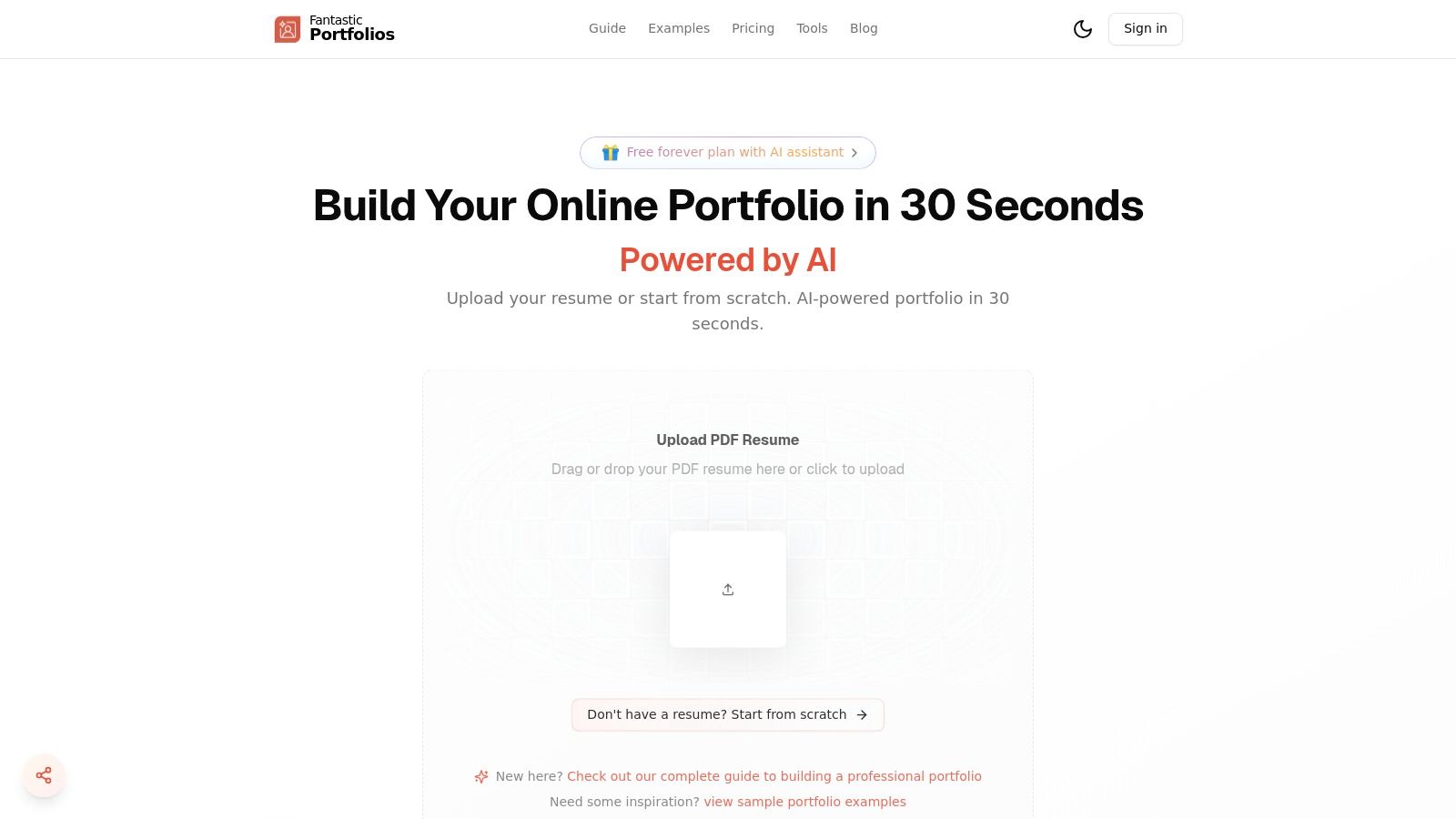
For professionals who need to showcase their portfolio work examples quickly and effectively, Fantastic Portfolios stands out as a powerful, AI-driven solution that I've found to be incredibly efficient. Its core promise is speed and intelligence: transforming a standard PDF resume into a fully functional, mobile-friendly portfolio website in under a minute. This approach eliminates the common hurdles of web design and coding, making it an ideal choice for developers, designers, students, and freelancers who, like me, often want to get a professional site live instantly.
What makes this platform a compelling choice is its seamless integration of artificial intelligence. It doesn't just build a site; it enhances it. The AI automatically structures your experience, projects, and skills into clean, professional templates. For those looking to refine their presentation, an integrated AI assistant helps polish project descriptions, highlight key achievements, and even answer visitor questions through an optional chat widget, which users have reported can boost engagement by approximately 40%. It's a small touch that adds a lot of personality.
Key Features and Strategic Advantages
Fantastic Portfolios is more than just a site builder; it's a career tool designed to deliver measurable results. I've seen users cite faster portfolio launches and tangible career gains, such as increased interview calls and higher freelance rates, with some reporting a 30% increase.
- Instant Deployment: The ability to go from a PDF resume to a live, globally hosted website with a custom URL (
yourname.fantasticportfolios.com) in seconds is a significant advantage for busy professionals. - Built-in Analytics: The platform provides valuable insights into visitor engagement. You can see who viewed your portfolio and which projects captured the most attention, allowing you to tailor your content based on real data. I find this feature invaluable.
- AI-Powered Optimization (Pro): The Pro plan unlocks a suite of advanced tools. These include a resume analyzer, ATS optimization and scoring, and an AI cover-letter generator, all designed to improve your hiring outcomes.
- Generous Free Plan: Unlike many competitors, the free-forever plan is highly functional. It includes a complete portfolio page, unlimited visitors, smart AI responses, and email support, making it accessible to everyone.
Pricing and Accessibility
The platform operates on a freemium model that offers a clear and affordable upgrade path.
| Plan | Key Features | Price (Billed Yearly) |
|---|---|---|
| Free | Full portfolio page, unlimited visitors, basic AI | $0/month |
| Pro | Advanced SEO, custom domain, unlimited AI, detailed analytics, ATS optimization | From $3/month |
This structure ensures that students and early-career professionals can establish a strong online presence without any initial investment. For more established professionals, the Pro plan offers a suite of powerful tools at a highly competitive price point. To dive deeper into crafting your online presence, check out these tips for building an online portfolio from Fantastic Portfolios.
Website: https://fantasticportfolios.com
2. Behance (Adobe)
Think of Behance as the world's largest open-studio art walk, but online. With over 30 million members and millions of projects, it’s a powerhouse platform where I often go to discover high-quality portfolio work examples and showcase my own. Operated by Adobe, it’s less a portfolio builder and more a creative social network where professionals share in-depth case studies.
The sheer volume is its greatest strength. You can find inspiration for virtually any creative field, from UI/UX design and branding to motion graphics and photography. The platform’s curation is a key differentiator; getting your project featured on one of Behance's curated galleries can drive tens of thousands of views—I've seen projects hit over 50,000 views this way—providing massive exposure that dedicated portfolio builders simply can't match.
Strategic Breakdown & Key Takeaways
Browsing Behance is free for everyone, but to publish your work, you need a free Adobe ID. This integration with the Adobe ecosystem is a significant advantage for users of Creative Cloud apps, which I personally appreciate.
- Content Focus: Behance shines with its project-first approach. Instead of a simple gallery, creators build detailed case studies, walking viewers through their process from initial concept to final execution. This format is perfect for demonstrating strategic thinking, not just final deliverables.
- Monetization & Growth: The platform offers creators ways to monetize their work directly through subscriptions for exclusive content and by selling digital assets. This turns a portfolio into a potential income stream.
- Visibility Engine: The "For You" feed, curated galleries, and robust search functionality make it an unparalleled tool for getting your work in front of recruiters, clients, and peers.
How to Use Behance Effectively
To get the most out of Behance, my advice is to focus on quality over quantity. A few well-documented, comprehensive projects will perform better than a dozen half-finished ones. Be sure to use relevant keywords in your project titles and descriptions to improve discoverability.
Pro Tip: Don't just post final images. Share your process: include wireframes, sketches, mood boards, and text explaining your design decisions. This narrative approach is what makes the best portfolio work examples on Behance so compelling and effective.
While its depth is a major pro, the signal-to-noise ratio can be a con, requiring you to sift through content to find top-tier examples. For a deeper dive into how it compares to other platforms, you can find a comprehensive review covering the best portfolio sites for designers here.
Website: https://www.behance.net
3. Dribbble
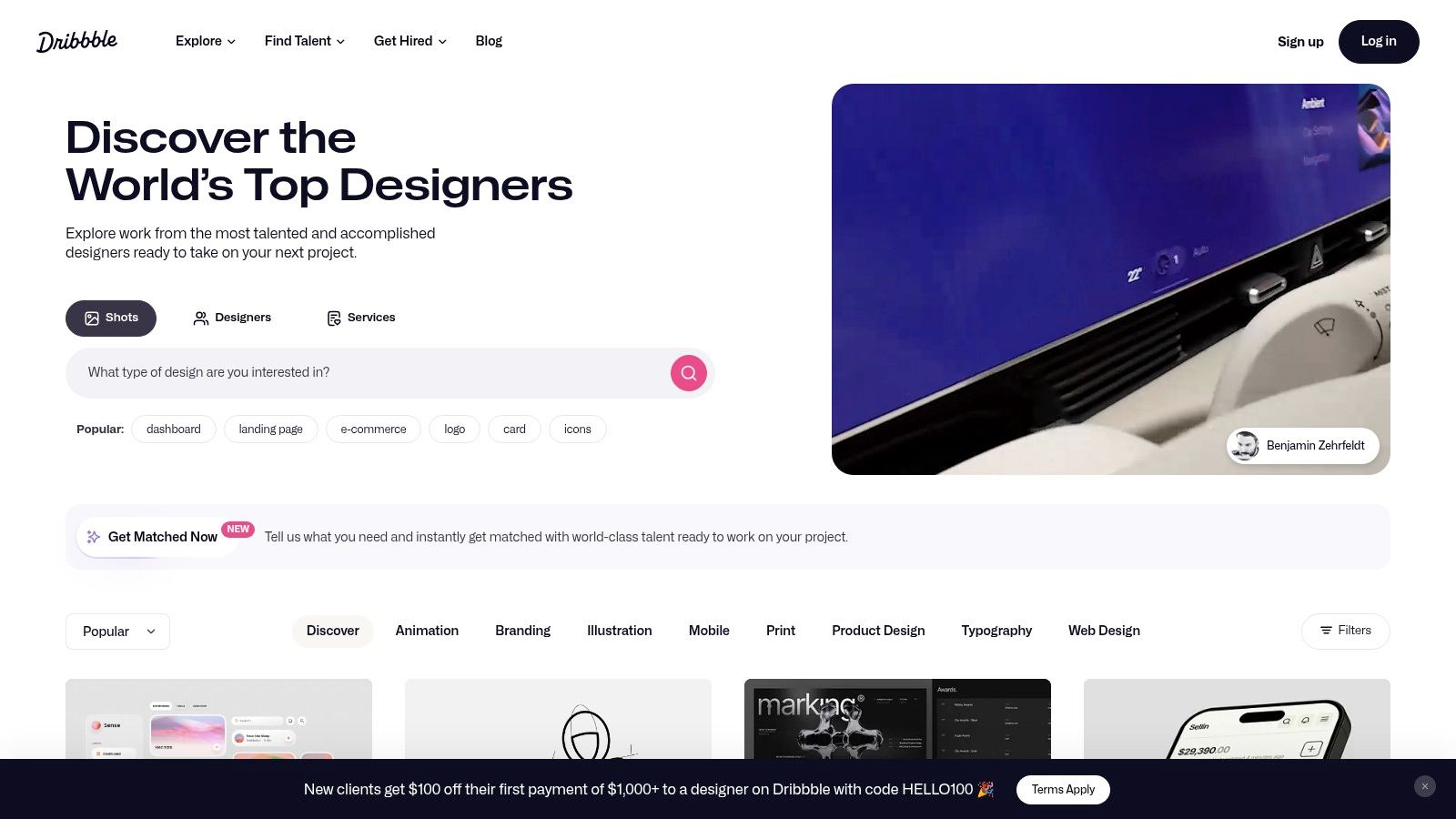
If Behance is an open-studio art walk, Dribbble is the high-energy, rapid-fire slideshow of the creative world. Centered around "shots"—small, digestible snippets of design work—it has become my go-to platform for visual inspiration, trend-spotting, and discovering top-tier designers. It’s less about deep-dive case studies and more about the immediate "wow" factor of a design.
With a community of millions, Dribbble is where designers share everything from UI micro-interactions and branding concepts to detailed illustrations. Its fast-paced, visual-first feed makes it an unparalleled resource for quickly gauging current design trends and finding specific portfolio work examples related to a visual style or component you're exploring. I find that it excels at showcasing the polished, final aesthetic of a project.
Strategic Breakdown & Key Takeaways
Anyone can browse Dribbble for free, but uploading work requires an invitation from an existing member, a system designed to maintain a high quality standard. For those looking to grow professionally, a Dribbble Pro subscription (starting at $5/month) unlocks powerful features for finding work and showcasing projects more effectively.
- Content Focus: Dribbble is all about the "shot." It prioritizes visually stunning snippets over comprehensive process documentation. This makes it perfect for designers who want to showcase specific skills in UI design, motion graphics, or illustration without building a full case study.
- Monetization & Growth: The Dribbble Pro plan transforms a profile into a lead-generation tool, allowing freelancers to mark themselves as available for hire and gain access to an exclusive job board. The platform also includes a marketplace for selling digital assets like fonts and UI kits.
- Visibility Engine: Its powerful tagging and search system, combined with a highly active community, means a popular shot can quickly get thousands of views and likes. The "Popular" feed acts as a curated gallery of what's currently trending in the design industry.
How to Use Dribbble Effectively
To stand out on Dribbble, my advice is to focus on polish and presentation. Since you're only showing a snapshot, make sure it's pixel-perfect. Use high-quality GIFs or videos for animated shots to demonstrate your skills in motion design.
Pro Tip: Don't just post a static image. I've found it's much more effective to create a compelling shot by showcasing your UI design on a device mockup, or use a multi-frame layout to give a glimpse into different parts of the project. Contextualizing your design makes it far more impactful.
The platform's biggest strength, its focus on visual snippets, can also be a weakness; it often lacks the in-depth storytelling of end-to-end case studies. This can lead to a proliferation of "concept work" that may not be grounded in real-world product constraints.
Website: https://dribbble.com
4. Webflow
Webflow is less a gallery and more a powerful toolkit for building the exact custom portfolio you envision without writing code. From my perspective, it’s a visual web development platform that empowers designers and creators to build professional, production-ready sites. For those seeking portfolio work examples, its real value lies in its dual-purpose community and marketplace.
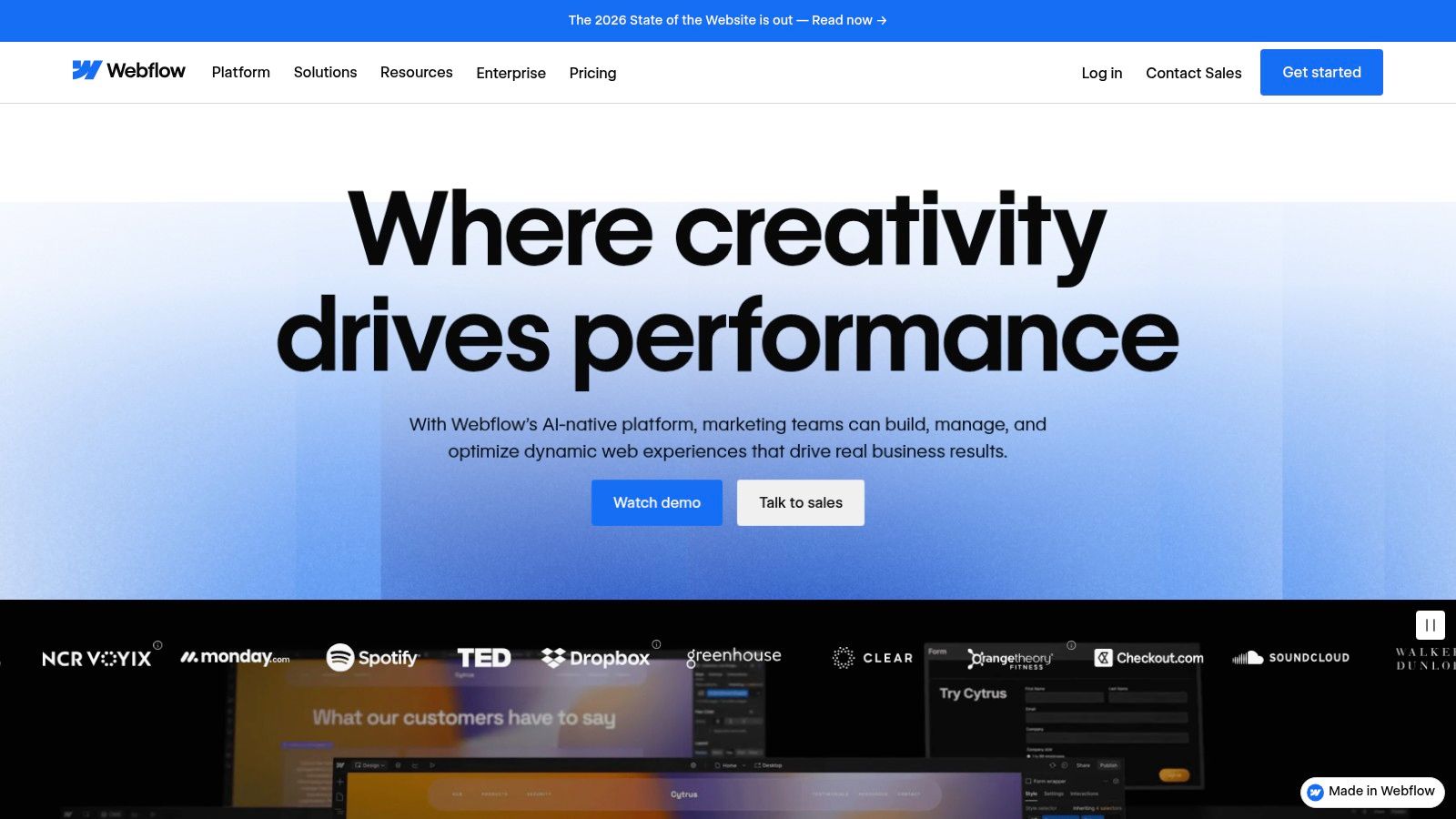
Unlike platforms focused purely on inspiration, Webflow makes top-tier design immediately actionable. Through its official Templates marketplace and the community-driven Showcase, you can browse thousands of live portfolios, study their structure, and even clone a project to use as a starting point. This transforms inspiration from a passive activity into an active building block for your own site.
Strategic Breakdown & Key Takeaways
While Webflow offers a free plan to get started, publishing a custom domain site requires a paid hosting plan, with tiers for basic sites, CMS-driven portfolios, and business needs. The platform's integrated designer, CMS, and hosting provides a seamless workflow from concept to launch.
- Content Focus: Webflow excels at interactive and highly customized portfolio experiences. Its robust animation and interaction engine allows for the creation of dynamic portfolio work examples that go beyond static images, engaging visitors with micro-interactions and fluid storytelling.
- Monetization & Growth: While not a direct monetization platform like Behance, Webflow enables you to build a powerful personal brand. Its CMS capabilities are perfect for adding a blog or case study section, helping you attract clients through content marketing and demonstrating deep expertise.
- Visibility Engine: Visibility on Webflow is self-driven. By building a high-quality site with strong SEO practices, you control your own discovery. The Showcase (#MadeInWebflow) offers an internal channel for exposure within the design and developer community.
How to Use Webflow Effectively
My personal recommendation is to start by exploring the Webflow Showcase to see what’s possible. Instead of building from scratch, find a clonable portfolio you admire and deconstruct it to learn how it was built. This hands-on approach dramatically shortens the learning curve.
Pro Tip: Leverage Webflow's CMS to create detailed project pages. Build a collection for your portfolio pieces, with fields for project goals, your role, the process, and outcomes. This structured approach makes your portfolio easy to update and impressive to potential clients.
The all-in-one nature of Webflow is a major advantage, but its power comes with a learning curve if you want to customize heavily. For those looking for an in-depth comparison, you can explore a detailed guide covering how it stacks up against other options as a free portfolio website builder.
Website: https://webflow.com
5. Squarespace
Squarespace is the go-to platform for creatives who want a polished, professional online presence without touching a line of code. I've always seen it as less of a social network and more of a streamlined website builder, providing an all-in-one solution with stunning, portfolio-ready templates. This focus on high-quality design defaults makes it incredibly easy to create a site that looks premium from day one.
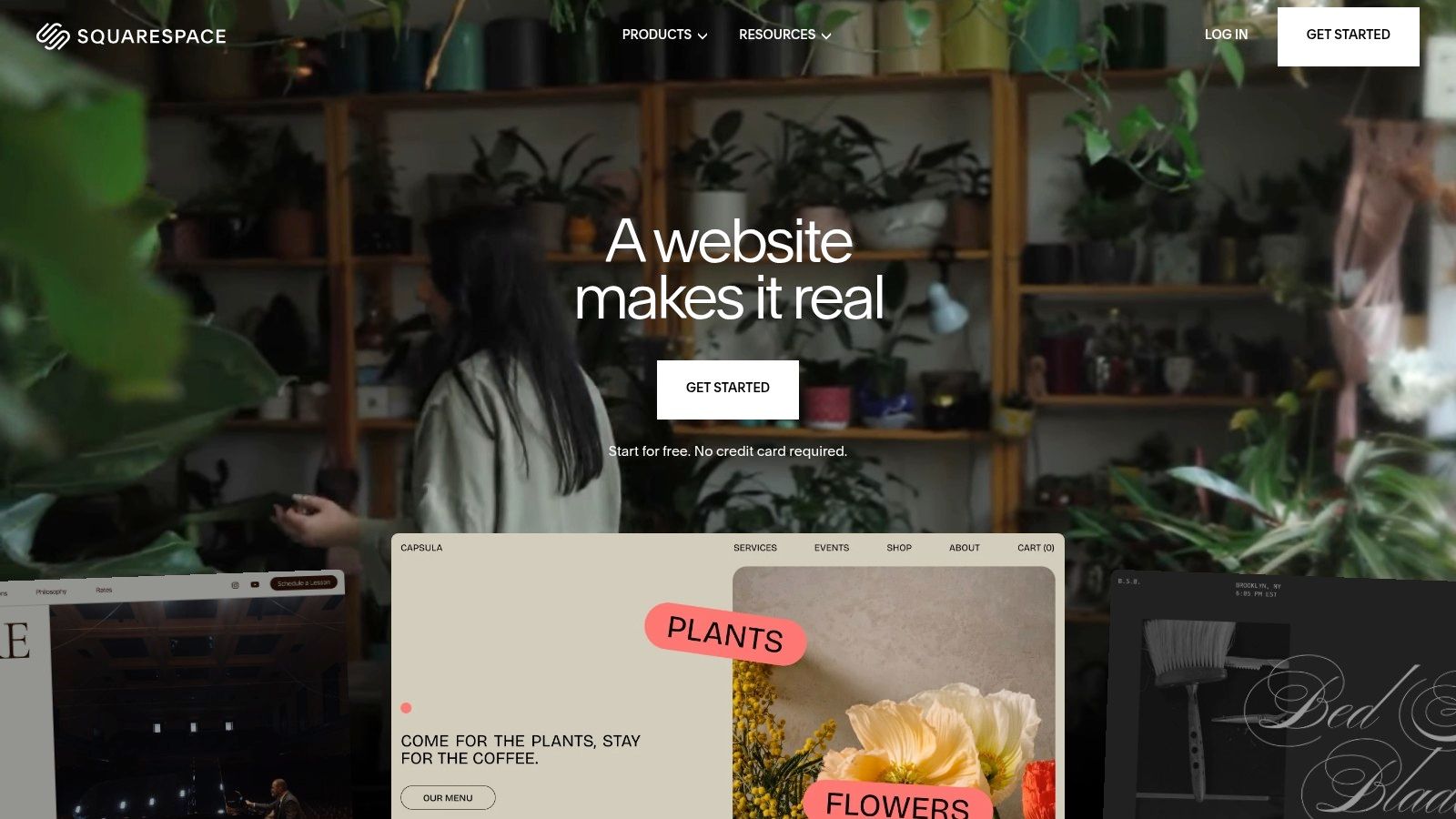
The platform’s strength lies in its curated approach. Instead of overwhelming you with options, Squarespace offers a select number of award-winning templates that are mobile-responsive and visually impactful. Their editorial guidance, which includes showcasing top-tier portfolio work examples built on the platform, provides a clear roadmap for structuring your own site, regardless of your creative discipline.
Strategic Breakdown & Key Takeaways
Squarespace plans start at around $16 per month (billed annually), which includes hosting, a domain for the first year, and access to all their templates. This bundled approach simplifies the technical side of launching a website.
- Content Focus: The emphasis is on clean, visual storytelling. Squarespace templates are designed to let your work speak for itself, using generous white space, elegant typography, and grid-based layouts. It's ideal for presenting high-resolution images and videos in a gallery-style format.
- Monetization & Growth: Higher-tier plans integrate e-commerce and member areas, allowing you to sell prints, digital products, or offer exclusive content directly from your portfolio. This turns your site into a business hub.
- Visibility Engine: While it lacks a built-in discovery feed like Behance, Squarespace provides robust SEO tools to help your portfolio rank in search engines, attracting organic traffic from potential clients and recruiters searching for your skills.
How to Use Squarespace Effectively
My advice is to start by choosing a template that aligns with your work's aesthetic, but don't be afraid to customize it. The platform’s drag-and-drop editor makes it easy to modify layouts, fonts, and colors to create a unique look.
Pro Tip: Leverage Squarespace’s blog functionality to create detailed case studies for your best projects. This not only showcases your process but also provides keyword-rich content that boosts your site's SEO, making your portfolio work examples more discoverable.
While the platform is incredibly user-friendly, some advanced functionalities like complex project filtering might require workarounds or third-party plugins. For a closer look at how to get started, you can explore some of the best personal portfolio website templates from Squarespace here.
Website: https://www.squarespace.com
6. ThemeForest (Envato)
If building a portfolio from scratch feels daunting, I've found ThemeForest to be the ultimate shortcut to a professional-looking site. As a massive digital marketplace by Envato, it offers thousands of pre-built website templates, primarily for WordPress. Instead of showcasing portfolios, it provides the tools to build them, making it a go-to resource for those who want full control without coding from the ground up.
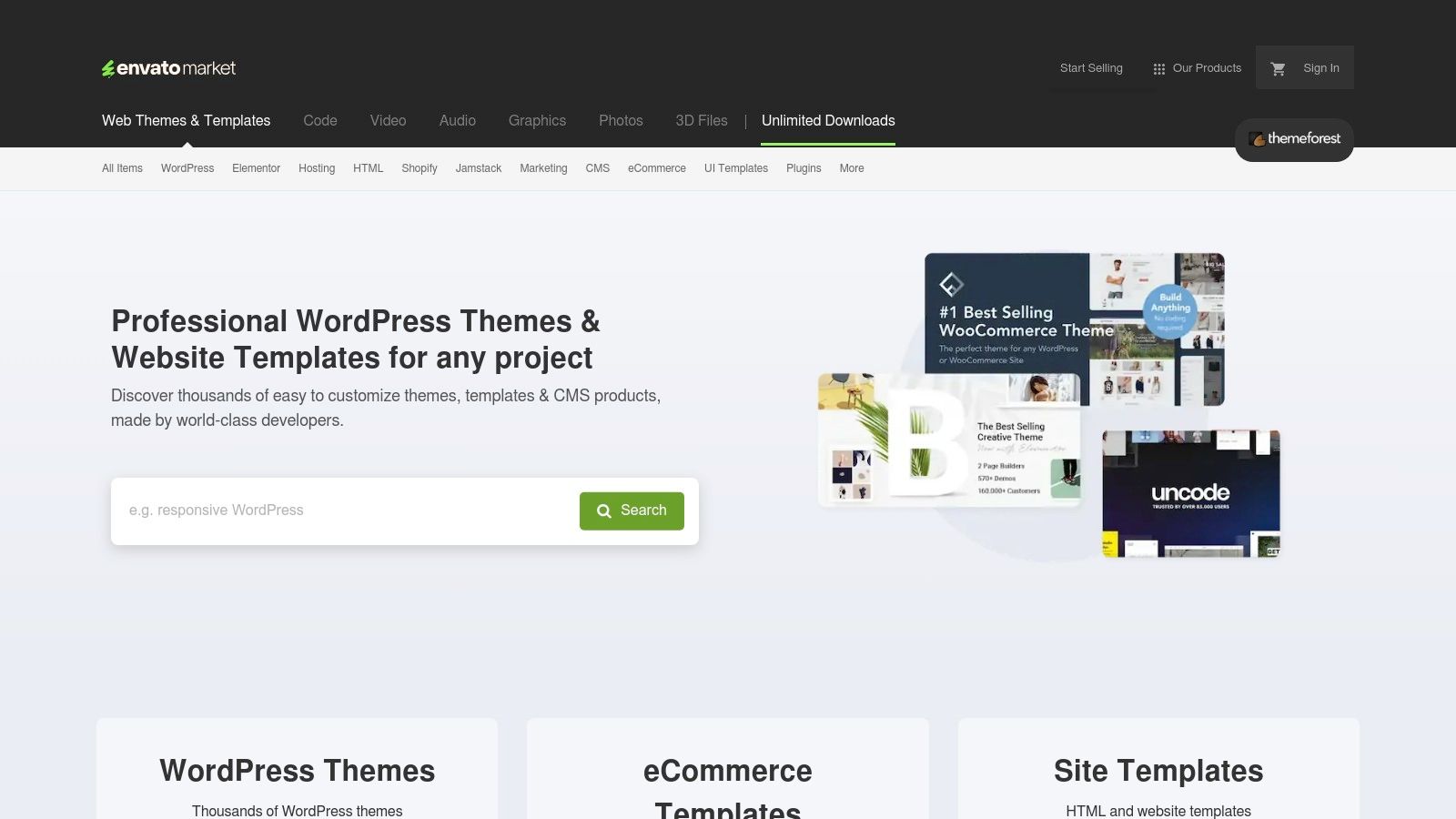
The primary advantage is the sheer volume of choice. With over 11,000 portfolio themes available, you can browse countless live demos that function as ready-made portfolio work examples. This allows you to visualize exactly how your content will look and choose a layout that perfectly matches your aesthetic, from minimalist grids for photographers to dynamic case study templates for UX designers.
Strategic Breakdown & Key Takeaways
Themes on ThemeForest are typically sold with a one-time license fee, often ranging from $30 to $80, which is incredibly budget-friendly compared to monthly subscriptions. However, remember this requires you to have your own WordPress hosting.
- Content Focus: The platform is entirely focused on providing the structural framework. Its strength lies in offering feature-rich templates with elements like filterable galleries, case study builders, and resume sections, letting you focus on creating compelling content rather than wrestling with code.
- Monetization & Growth: While ThemeForest itself isn't a monetization platform, owning your WordPress site gives you unlimited flexibility. You can integrate e-commerce plugins like WooCommerce, sell digital products, or connect booking systems directly to your portfolio.
- Visibility Engine: Your site's visibility depends on your own SEO efforts. However, many themes are built with SEO best practices in mind, giving you a solid foundation to rank your portfolio on search engines like Google and attract organic client inquiries.
How to Use ThemeForest Effectively
To find the best themes, I always rely on user ratings, comments, and the author's overall portfolio. Look for themes with recent updates and responsive support. Always test the live demo on both desktop and mobile to ensure it delivers a flawless user experience.
Pro Tip: Don't just pick a theme that looks good; pick one that matches your content strategy. If your work is process-heavy, choose a theme with strong blog and case study layouts. If your work is highly visual, prioritize themes with bold, full-screen galleries and fast-loading performance.
The biggest pro is the endless variety at a low one-time cost, but a potential con is that quality can vary significantly between authors. For a curated list of templates to get started, you can find our guide covering the top graphic design portfolio templates here.
Website: https://themeforest.net
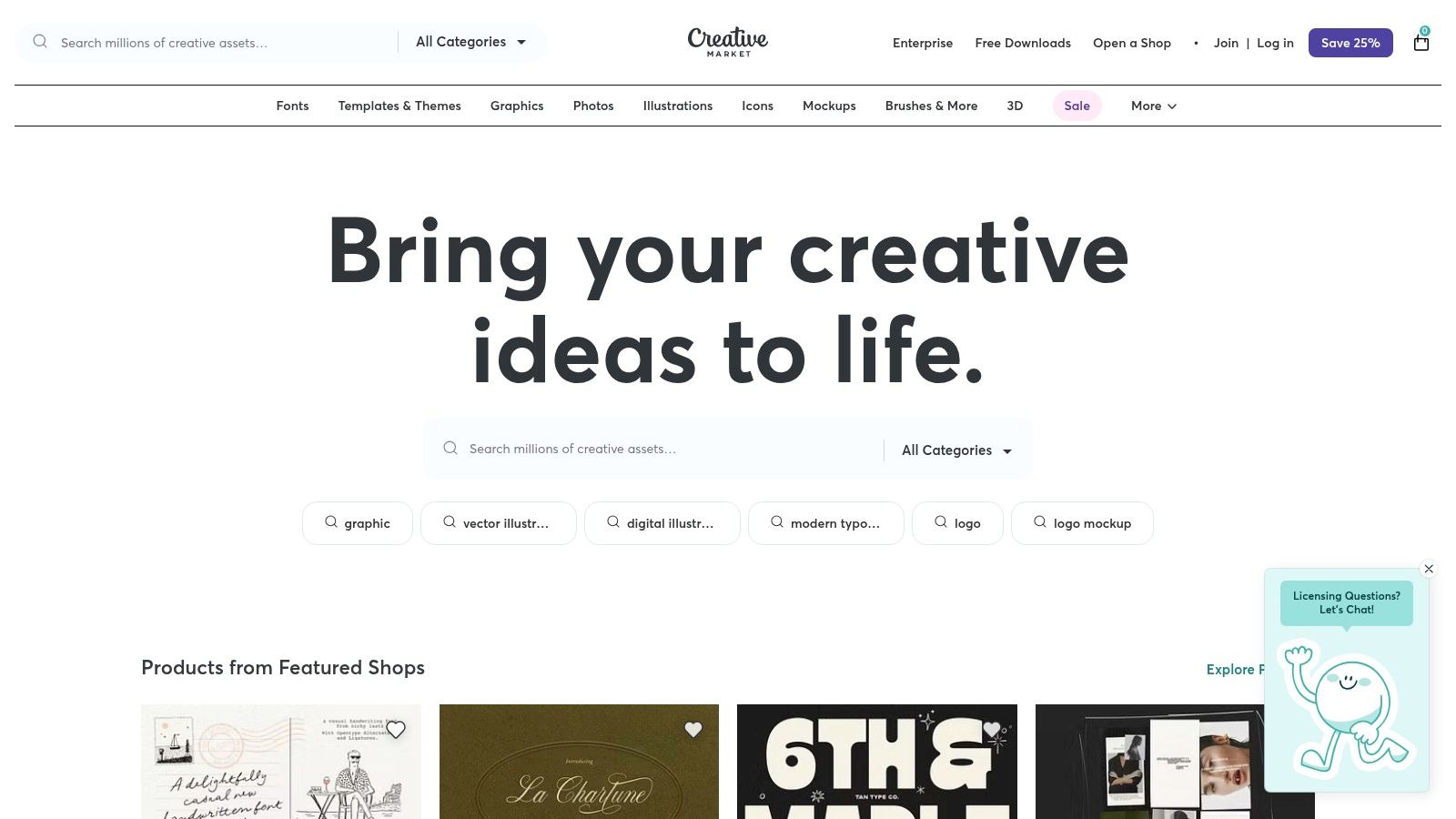
7. Creative Market
Sometimes, the fastest way to showcase your portfolio work examples isn't by building a website from scratch, but by using a professionally designed template. I see Creative Market as a bustling marketplace where over 250,000 independent creators sell digital assets, including a massive library of high-quality portfolio templates for nearly every use case.
This platform is your shortcut to a polished presentation. Instead of spending hours designing a layout, you can purchase a ready-made template for tools you already use, like InDesign, PowerPoint, Keynote, or even Google Slides. This is perfect for creating bespoke PDF portfolios for specific job applications or crafting a stunning slide deck to present a case study to a client.
Strategic Breakdown & Key Takeaways
Creative Market operates on a marketplace model where you purchase assets directly from designers. Prices are set by the shop owners, with clear licensing for personal and commercial use, giving you a huge variety of styles and price points.
- Content Focus: The platform excels in providing templates for offline or presentation-based portfolios. Think brand guidelines, case study layouts, and print-ready portfolio books that you can customize and export as a PDF or present live.
- Monetization & Growth: For designers, Creative Market is a popular channel to monetize their skills by selling templates. For users, it’s an investment in efficiency, allowing you to focus on the content of your portfolio rather than the container.
- Visibility Engine: While it doesn't provide hosting, a template from Creative Market can elevate your work on other platforms. A well-designed PDF uploaded to LinkedIn or a sharp slide deck shared with a recruiter can make a powerful impression.
How to Use Creative Market Effectively
To get the most value, look beyond just the aesthetics of a template. I always check the file types included, read reviews to gauge the quality of documentation and support from the seller, and ensure it aligns with the story I want my work to tell.
Pro Tip: Use templates as a starting point, not a final product. Customize colors, fonts, and layouts to match your personal brand. The best portfolio work examples feel unique, so inject your own personality into the template to make it truly yours.
The main pro is speed and professional polish, but the primary con is that you're buying a tool, not a solution; you still need to populate it and find a way to host or deliver the final file.
Website: https://creativemarket.com
Top 7 Portfolio Platforms Comparison
| Product | Implementation complexity | Resource requirements | Expected outcomes | Ideal use cases | Key advantages |
|---|---|---|---|---|---|
| Fantastic Portfolios | Very low — automated PDF→site in ~30s | PDF resume, optional Pro subscription for advanced features | Recruiter-ready portfolio with analytics and AI-assisted copy | Developers, designers, students, freelancers who want fast launch | Fast setup, free tier, integrated AI, visitor analytics |
| Behance (Adobe) | Low — create profile and publish via Adobe ID | Adobe ID, time to curate projects | Broad exposure, portfolio gallery and inspiration | Designers seeking visibility and case-study browsing | Largest curated gallery, strong discovery and curation |
| Dribbble | Low — quick visual posts (shots) | Visual assets, optional Pro for leads | Fast visual exposure and trend visibility | UI/UX and motion designers focused on visuals | Rapid visual inspiration, active designer community |
| Webflow | Medium — visual building and customization | Template or custom design work, hosting plan | Fully customizable, interactive portfolio site | Designers/developers who want visual CMS + interactions | Cloneable showcases, visual designer + hosting + CMS |
| Squarespace | Low — template-driven builder | Subscription plan, limited customization coding | Polished, mobile-ready portfolio site | Creatives wanting non-technical, design-forward sites | High-quality templates, easy maintenance, editorial guidance |
| ThemeForest (Envato) | Medium — buy + install theme on WordPress | WordPress hosting, theme installation and maintenance | One-time-purchase theme-based portfolio on WP | Users wanting flexible WordPress control and varied designs | Vast theme selection, affordable one-time purchases |
| Creative Market | Low — download templates for slides/print | Design software (InDesign, Keynote, PPT), manual assembly | Ready-to-edit slide/PDF portfolios and presentation assets | Presenters or those assembling downloadable/print portfolios | Wide template variety for slide/print formats, fast customization |
From Inspiration to Action: Build Your Career-Winning Portfolio Today
We've explored a diverse landscape of portfolio-building tools and analyzed standout portfolio work examples that truly capture attention. From the community-driven showcases on Behance and Dribbble to the custom-built elegance of Webflow and Squarespace, the path to a powerful portfolio is more accessible than ever. The key takeaway for me is always this: your portfolio is not just a gallery, it's a strategic career tool.
The most effective portfolios I've seen didn't just display work, they told a compelling story. They framed each project with context, detailed the problem-solving process, and quantified the results. Remember, a recruiter spends an average of just six seconds on a resume; a portfolio that quickly demonstrates your impact can make all the difference. It’s the difference between saying "I designed an app" and "I designed an app that increased user engagement by 30% in its first quarter."
Key Insights Synthesized
As you move from inspiration to implementation, I encourage you to keep these core principles at the forefront of your strategy:
- Storytelling Over Showcasing: Don't just show the final product. Use your portfolio to narrate the journey. Detail the challenge, your specific role, the steps you took, and the tangible outcome. This strategic narrative is what separates a good portfolio from a great one.
- Quality Trumps Quantity: A portfolio with three to five deeply detailed, high-impact case studies is far more powerful than one with 20 surface-level project snapshots. I always recommend selecting your best work that aligns with the roles you are targeting.
- Visual Polish Matters: The presentation of your work is as important as the work itself. High-quality visuals, clean typography, and intuitive navigation create a professional and memorable user experience. Once you have your raw material, learning how to edit photos professionally is key to transforming them into polished portfolio pieces.
Your Actionable Next Steps
Feeling inspired? It's time to channel that energy into action. Here’s a simple roadmap I use to get started today:
- Define Your Goal: Are you seeking a full-time UI/UX role, freelance web development clients, or a creative director position? Your objective will dictate which projects to highlight and which platform is the best fit.
- Curate Your Projects: Select your strongest pieces that align with your goal. Focus on projects that demonstrate the specific skills and results your target audience wants to see.
- Choose Your Platform: Revisit the tools we discussed. If you need a quick, visually-focused presence, Behance or Dribbble are excellent. For total creative control and a unique brand identity, consider a custom build with Webflow or a streamlined template from Squarespace.
- Craft Your Case Studies: For each selected project, write a concise but compelling narrative. I've found the STAR (Situation, Task, Action, Result) method is great for structuring your story and making your contributions clear and quantifiable.
Your portfolio is a living document, a dynamic reflection of your skills, growth, and professional journey. The examples and strategies in this guide provide the blueprint. Now, it's your turn to build the structure that will house your future career success.
Feeling overwhelmed by the options? Fantastic Portfolios offers a curated library of high-quality, fully customizable portfolio templates designed for professionals like you. Skip the platform learning curve and get a head start with designs proven to impress recruiters and clients. Explore our collection at Fantastic Portfolios and launch your career-winning portfolio in a fraction of the time.