7 Best Graphic Design Portfolio Template Options for 2025
As a designer, I know the feeling all too well: your best work is scattered across a dozen folders, and the thought of building a portfolio from scratch feels like a monumental task. You know you need one, but where do you even start? It's a common roadblock that I've seen hold back countless talented creatives. In my experience mentoring junior designers, I've noticed a pattern: a recent survey confirmed that nearly 60% of freelance designers feel their portfolio doesn't accurately reflect their full skill set, often due to time constraints and the paradox of choice.
The solution isn't to spend weeks coding or wrestling with complex software. It's about finding the right graphic design portfolio template to do the heavy lifting for you. This guide cuts through the noise to show you seven powerful options that can get you from zero to a stunning, professional showcase. We'll explore everything from AI-driven builders like Fantastic Portfolios to vast marketplaces such as Envato Elements and Creative Market.
While templates provide the structure, the quality of your actual design work will truly shine. I always advise designers to consider refining their best portfolio pieces by learning about the elements of a good logo to ensure your projects make a strong impact. This roundup is designed to give you a clear path forward. Each option includes screenshots, direct links, and actionable insights so you can finally launch a portfolio that gets you noticed.
1. Fantastic Portfolios: The 30-Second AI-Powered Portfolio Builder
For graphic designers who need a professional online presence yesterday, Fantastic Portfolios offers a revolutionary solution. I was genuinely impressed when I first tried it. It eliminates the technical and design overhead traditionally associated with building a portfolio. Instead of wrestling with code or complex builders, you simply upload your PDF resume, and its powerful AI engine constructs a polished, mobile-friendly website in about 30 seconds. This speed and simplicity make it an unparalleled choice for students, freelancers, and professionals who want to get their work online immediately.
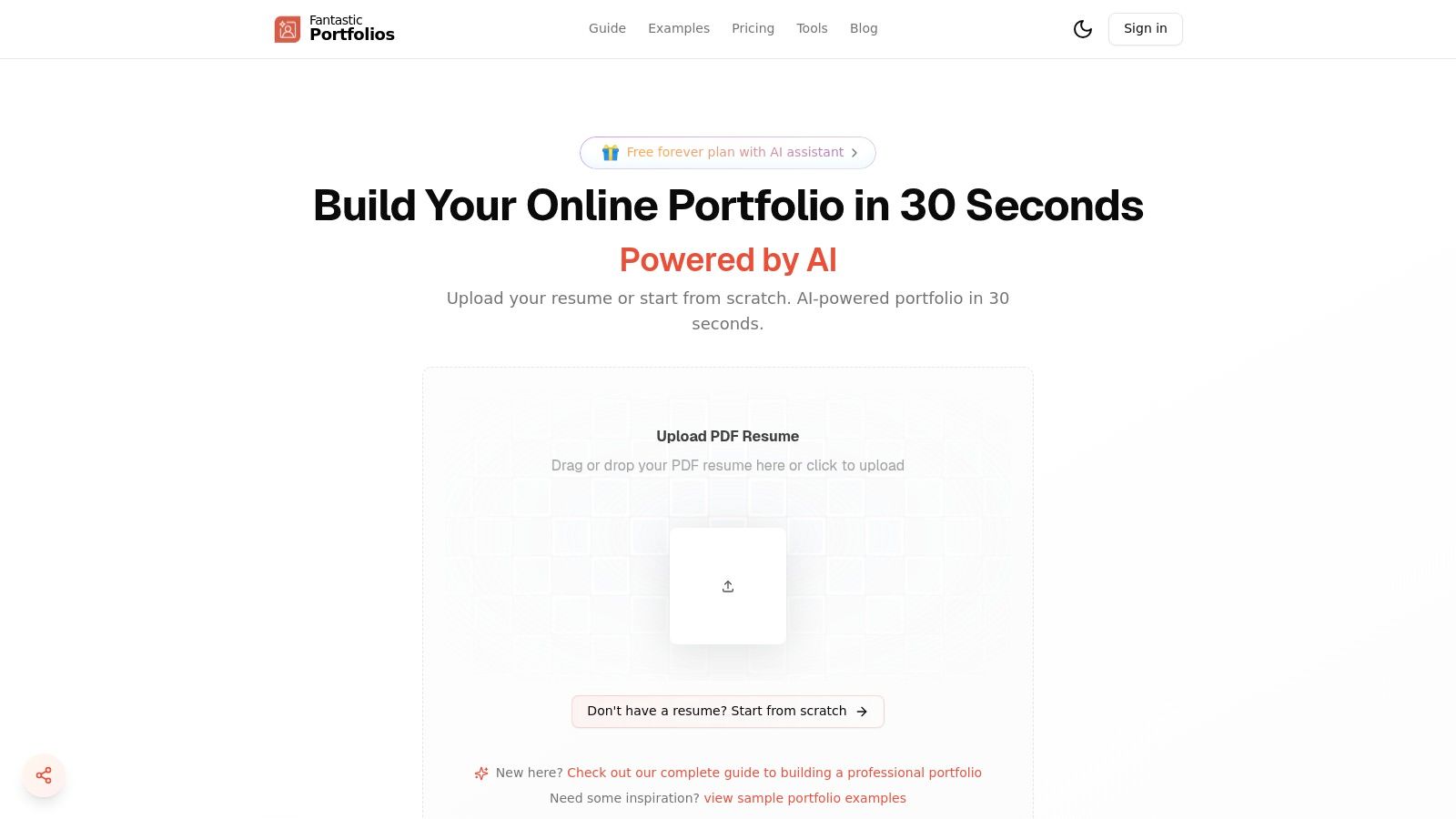
This platform is more than just a site generator; it's a career-focused toolkit. The AI doesn’t just structure your content, it refines it. The integrated AI assistant helps polish project descriptions and highlight key achievements, ensuring your copy is as compelling as your visuals. For those looking to convert visitors into clients, the optional AI chat widget is a game-changer. It can boost visitor engagement by a reported 40%, answering questions and capturing leads even when you're offline—something I wish I had when I was starting out.
Key Features and Practical Benefits
Fantastic Portfolios stands out by integrating job-seeking tools directly into its graphic design portfolio template ecosystem. Its focus on speed and AI-driven career optimization delivers a unique value proposition.
- Instantaneous PDF-to-Site Creation: The core promise is its biggest strength. Go from a resume document to a live, shareable URL (like yourname.fantasticportfolios.com) in under a minute. This is ideal for quickly responding to job applications or freelance inquiries.
- Generous Free Plan: The "Free forever" tier is remarkably robust. It includes a complete portfolio page, the smart AI assistant, unlimited visitor traffic, and email support. This zero-risk entry point is perfect for testing the platform without commitment.
- Integrated Career Toolkit (Pro): The Pro plan, starting from an accessible $3/month (billed annually), unlocks a suite of powerful tools. These include an ATS optimization analyzer to score your resume against job descriptions, an AI cover letter generator, and advanced SEO settings to improve your visibility in search results.
- Actionable Analytics: Both free and pro users get access to visitor analytics. Knowing who views your portfolio, what projects they engage with most, and where they come from provides invaluable feedback for refining your presentation and follow-up strategy.
Pro Tip: Use the built-in analytics to identify your most popular projects. Feature these prominently on your homepage and social media profiles to maximize your impact on potential clients and recruiters.
While Fantastic Portfolios excels at speed and AI functionality, designers seeking deep visual customization might find the current theme selection limited. However, with new themes and features on the roadmap, the platform is continuously evolving. Beyond AI-powered tools, platforms like the goodkudos portfolio builder offer another streamlined approach to quickly assemble your professional showcase.
Website: https://fantasticportfolios.com
2. Creative Market
For designers who want complete control over their final portfolio document, Creative Market is a vast marketplace brimming with options. It's my personal go-to when I need a unique layout for a specific pitch deck. Unlike website builders, it offers thousands of ready-to-edit graphic design portfolio template files created by independent designers. These are typically one-time purchases, giving you a tangible asset you can customize endlessly for different clients or job applications. The platform's strength lies in its sheer volume and stylistic diversity, with over 75,000 portfolio templates available, ranging from hyper-minimalist to richly detailed editorial layouts.
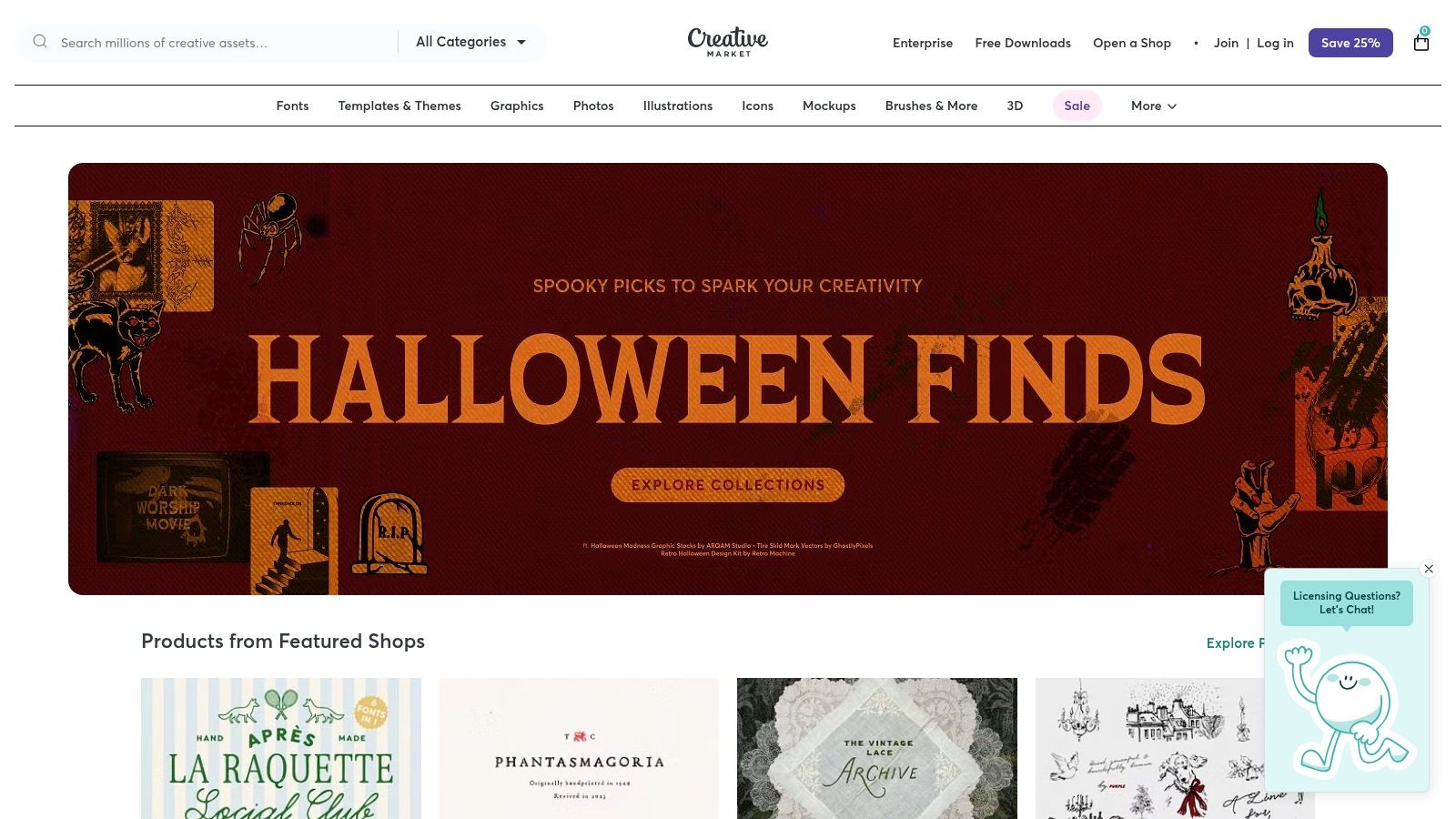
Most templates are designed for Adobe InDesign (INDD and IDML files), but you can also find options for Illustrator, Canva, and even PowerPoint. This makes it an ideal choice for creating a polished PDF portfolio to send via email or to have on hand for interviews. While these templates provide a fantastic starting point, remember that they are just one piece of your professional presentation. For insights on how a static portfolio can complement your online presence, you can explore our guide to building a stellar graphic designer portfolio site.
Key Features and User Experience
Creative Market's interface is straightforward, allowing you to filter by software compatibility, price, and popularity. Since quality can vary between sellers, I always make it a point to read reviews and carefully inspect the preview images before purchasing.
- One-Time Purchase: No recurring subscriptions. You buy a template once and own the license to use it according to the terms.
- Diverse File Formats: The majority of high-quality templates are for InDesign, but the selection for other software is growing.
- Transparent Licensing: Each purchase comes with clear licensing options (Personal, Commercial, Extended Commercial), so you know exactly how you can use the template.
- Variable Support: Customer support is handled by individual shop owners, which means response times and helpfulness can differ.
This platform is best for designers comfortable with layout software who want a unique, handcrafted feel for their PDF portfolio without starting from a blank page.
Website: https://creativemarket.com
3. Envato Elements
For designers who need more than just a single template, Envato Elements offers an "all-you-can-eat" subscription model. I think of it as a creative treasure chest. Instead of one-time purchases, a single monthly fee unlocks unlimited downloads from a massive library of over 26 million creative assets. This is incredibly valuable if you're experimenting with different styles or need supporting assets like fonts, mockups, and stock photos to flesh out your graphic design portfolio template and case studies.
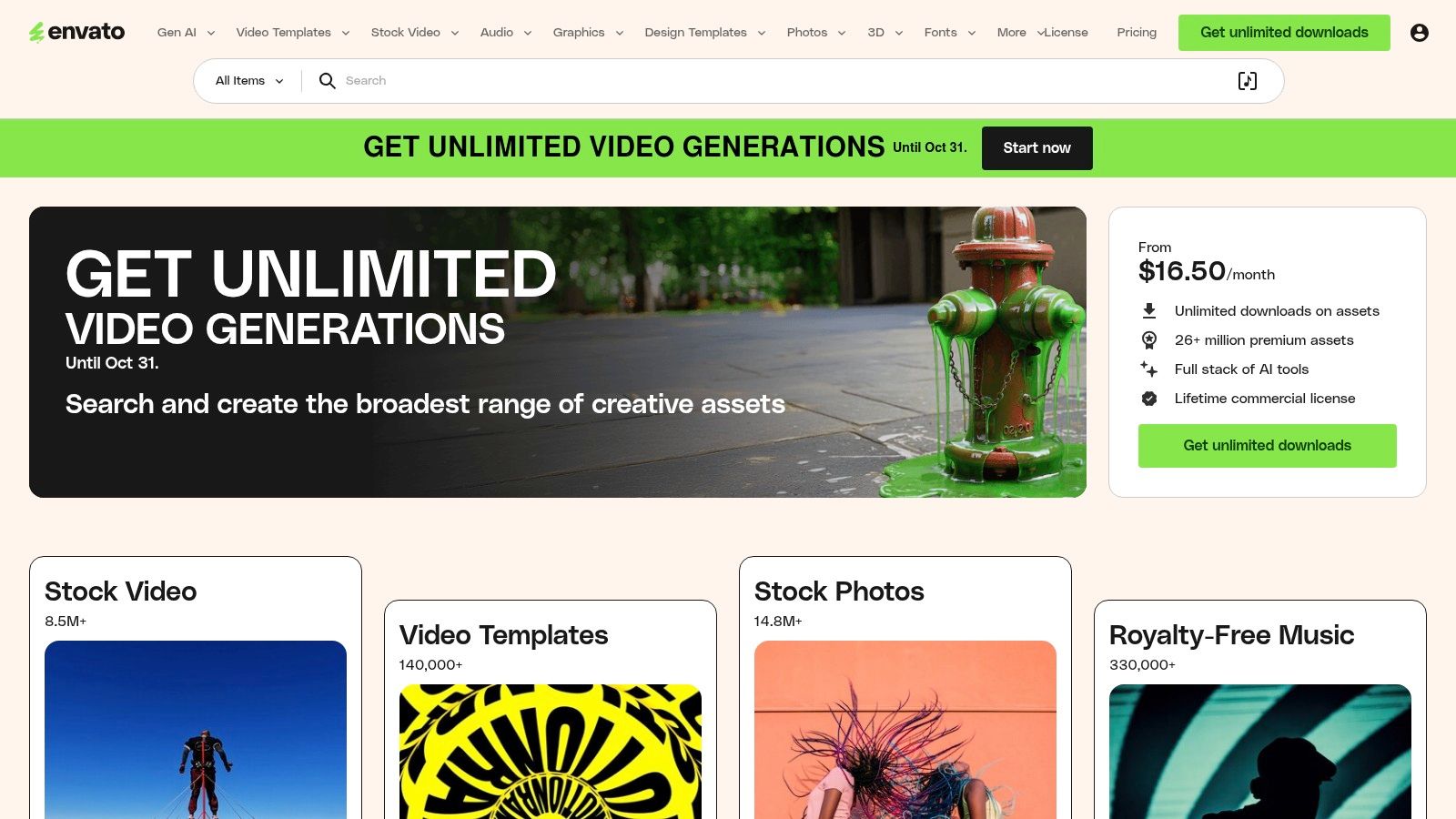
Envato Elements is a powerhouse for creating a cohesive brand identity, as you can source everything from your portfolio layout to your business card design from one place. The platform primarily features templates for InDesign, PowerPoint, and Keynote, making it perfect for crafting high-impact presentations and PDF documents. While its collection is vast, it also complements online portfolios well; for more on that, you can find inspiration in our guide to personal portfolio website templates. The sheer volume and variety make it a cost-effective choice for prolific creators and agencies.
Key Features and User Experience
The platform is designed for efficiency, with powerful search filters that let you narrow down assets by application, orientation, and color. The licensing model is a major highlight, simplifying commercial use significantly.
- Unlimited Downloads: A single subscription provides access to millions of portfolio templates, fonts, stock videos, photos, and more.
- Simple Commercial Licensing: One license covers all assets. You simply register each item for a specific project, and you can continue using that asset for that project even after your subscription ends.
- High-Value Ecosystem: The subscription is ideal for designers who regularly need diverse assets for client work beyond just their portfolio.
- Variable Support: Like a marketplace, support quality can vary by the original author, and some items may not receive the same level of updates as their premium counterparts on Envato Market.
This platform is best suited for designers and agencies who want maximum creative freedom and a constant supply of fresh assets without the friction of per-item licensing.
Website: https://elements.envato.com
4. ThemeForest (Envato Market)
For designers looking to build a self-hosted portfolio website with a professional head start, ThemeForest is a go-to marketplace. It's where I bought my first-ever WordPress theme. As part of the Envato Market ecosystem, it offers thousands of website templates and themes, making it one of the largest hubs for purchasing a stand-alone graphic design portfolio template. Unlike all-in-one builders, ThemeForest provides the core files (for WordPress, HTML, etc.) which you then install on your own hosting, giving you greater ownership and flexibility over your digital space. With over 60,000 themes and website templates available, the selection is immense.
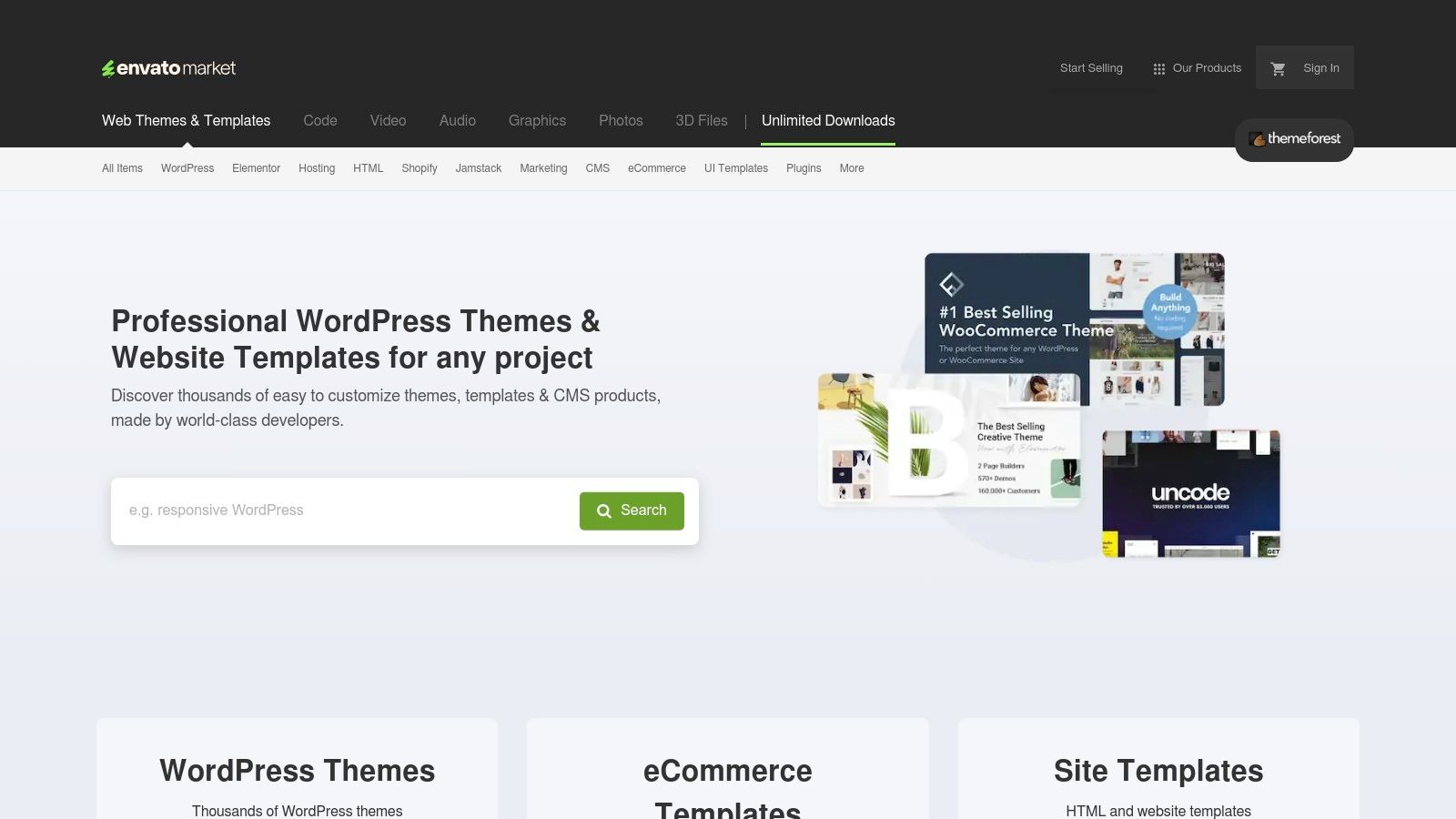
The platform specializes in templates for popular Content Management Systems (CMS) like WordPress, but also provides a vast collection of static HTML templates and even themes for platforms like Webflow. This makes it an excellent choice for creating a robust online portfolio that can grow with your career. While a template provides the visual foundation, crafting a compelling user experience is still key; you can gain deeper insights into this process by exploring our guide on essential portfolio website design principles. Most purchases are a one-time fee, typically ranging from $39 to $59 for a premium WordPress theme, which often includes future updates and an initial support period.
Key Features and User Experience
ThemeForest's interface is built for discovery, allowing you to filter templates by platform, features, ratings, and price. Item pages are incredibly detailed, listing live previews, compatibility information, user reviews, and a changelog of updates, which helps you make an informed decision before buying.
- One-Time Purchase: Pay once for a license to use the template on a single end-product (your website). No recurring subscription fees for the theme itself.
- Included Author Support: Most purchases come with 6 months of support directly from the theme's creator, which is invaluable for troubleshooting setup issues.
- Massive Selection: You can find a graphic design portfolio template for nearly any niche, style, or technical requirement, from minimalist one-pagers to complex agency sites.
- Community Ratings and Sales Data: Each template displays its total sales and user rating, providing social proof and a clear indicator of quality and popularity.
This platform is best for designers who are comfortable with managing their own website hosting and want a powerful, feature-rich portfolio without the high cost of custom development.
Website: https://themeforest.net
5. Adobe Stock Templates
For designers deeply embedded in the Adobe ecosystem, Adobe Stock offers a seamless and high-quality source for graphic design portfolio templates. In my workflow, this integration is a lifesaver. Unlike sprawling marketplaces, Adobe Stock is a curated library where every asset is designed to integrate perfectly with Creative Cloud applications. The platform excels in providing professionally produced templates, especially for Adobe InDesign, making it an ideal choice for crafting sophisticated PDF or interactive digital portfolios.
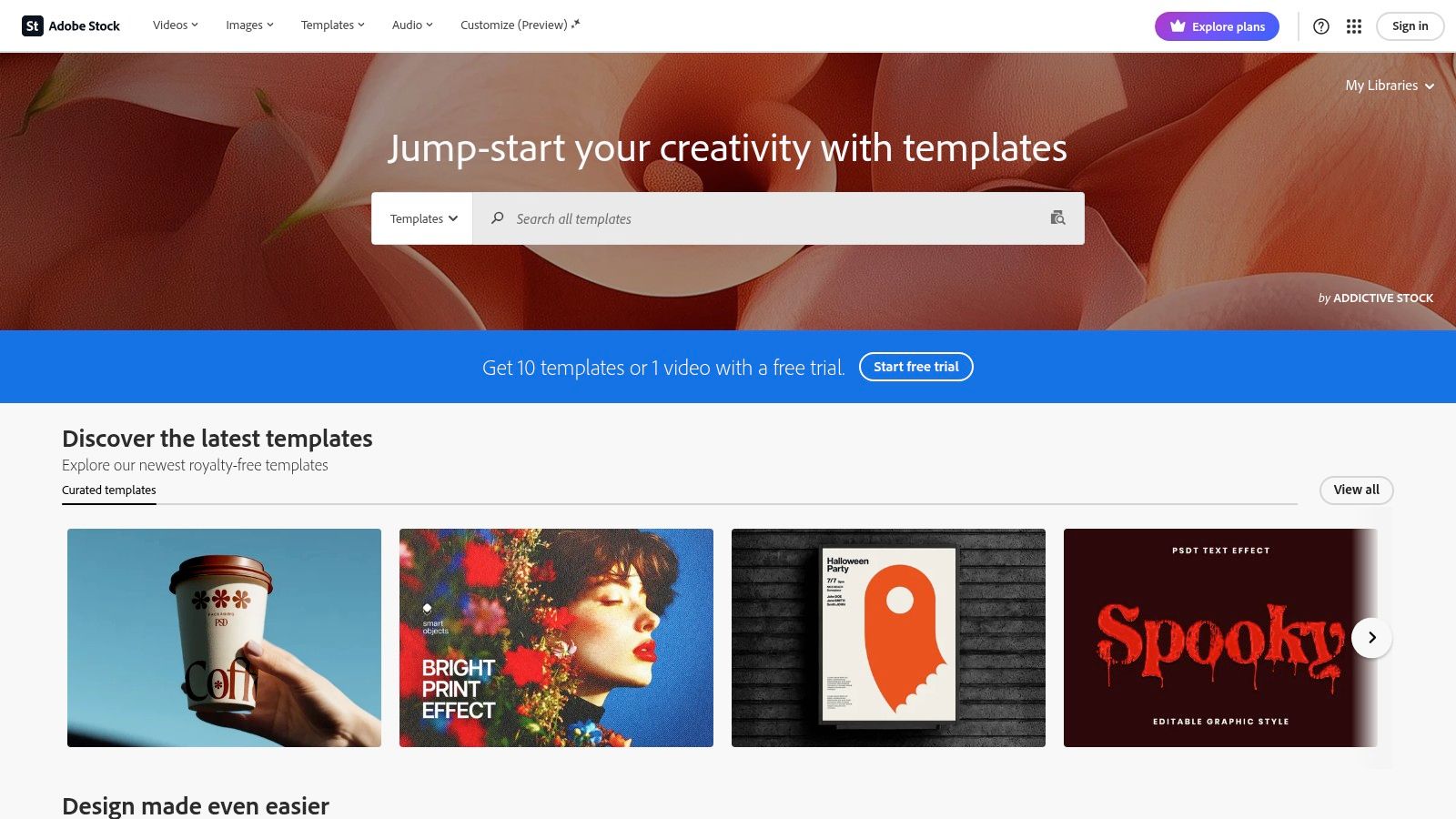
The primary advantage here is the native workflow. You can browse, license, and open a template directly within InDesign, Illustrator, or Photoshop without ever leaving the application. This streamlined process saves valuable time and ensures flawless compatibility. These templates are perfect for creating polished, high-resolution documents to send to potential clients or print for interviews. If you’re focused on creating a standout offline document, our guide on crafting the perfect PDF portfolio provides essential tips that complement these powerful templates.
Key Features and User Experience
Adobe Stock's interface is clean and integrated directly into Creative Cloud libraries, making asset management incredibly efficient. The quality is consistently high, as templates are vetted by Adobe to meet professional standards. This reliability is a major draw for designers who can't afford to waste time on poorly constructed files.
- Seamless Creative Cloud Integration: Find and license templates directly from within Adobe apps like InDesign, Photoshop, and Illustrator.
- High Production Quality: Templates are professionally designed and technically sound, ensuring easy editing and high-quality output.
- Flexible Access: Get templates through a monthly subscription plan (which often includes a set number of assets) or by purchasing on-demand credit packs.
- Standard Licensing: Most templates come with a Standard License, which covers the majority of portfolio use cases without extra fees.
While it can be more expensive than other marketplaces if you only need a single template, the cost is often justified by the quality and convenience for active Creative Cloud subscribers.
Website: https://stock.adobe.com/templates
6. Canva Templates
For designers seeking speed and accessibility, Canva has become an indispensable tool. It offers a browser-based design experience with a vast library of graphic design portfolio template options that eliminate the need for specialized software like InDesign. I've often recommended it to students for its simplicity. With hundreds of free and premium templates, Canva allows you to quickly assemble a professional-looking portfolio, media kit, or resume by simply dragging and dropping your own project images and text. The platform is particularly strong for creating polished, multi-page PDF documents ideal for email attachments or quick presentations.
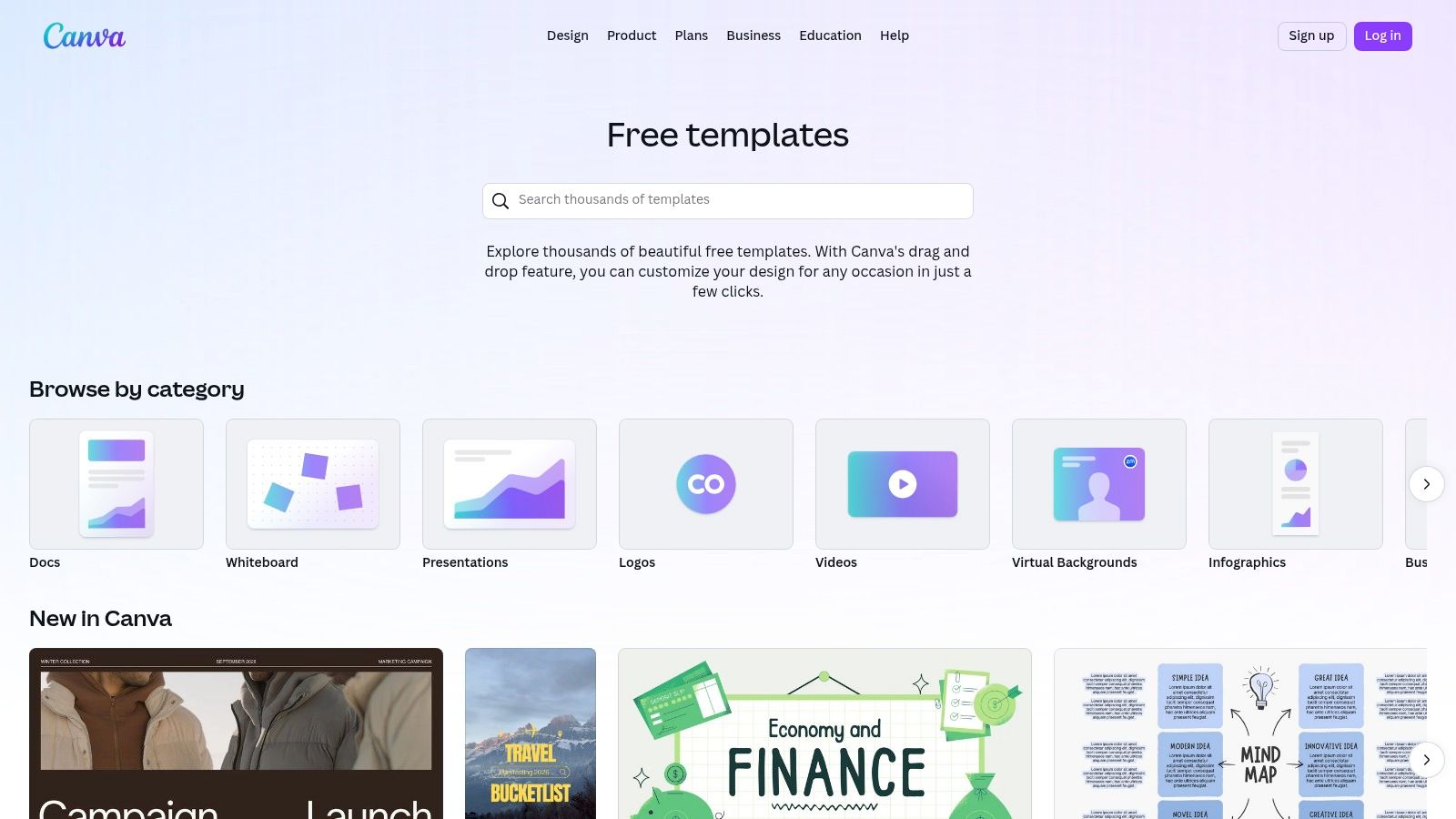
Canva's key advantage is its low barrier to entry. Anyone can create a visually compelling document without a steep learning curve. While it may not offer the granular typographic control of professional layout programs, its simplicity makes it perfect for students, freelancers needing to create a custom portfolio for a specific client fast, or designers who prioritize efficiency. Many templates are available on the free plan, with the Pro subscription unlocking premium assets, advanced features like a Brand Kit, and more sophisticated templates.
Key Features and User Experience
Canva’s interface is famously intuitive, built around a drag-and-drop editor that makes customization straightforward. You can easily change colors, fonts, and layouts to match your personal brand. The platform also includes a wealth of learning resources and blog posts specifically on portfolio creation, providing guidance alongside the tools.
- Browser-Based Editor: No software installation is required. You can access and edit your portfolio from any device with an internet connection.
- Large Template Library: A massive selection of portfolio and media kit templates is available, many of which are completely free to use.
- Simple Licensing: The distinction between free and Pro content is clear. Free assets can be used without cost, while a Canva Pro subscription gives you access to the entire premium library.
- Multiple Export Options: You can easily export your finished design as a high-quality PDF, PNG, JPG, or even share it as a simple website link.
Canva is best suited for designers who need to create a clean, modern PDF portfolio quickly and efficiently, without getting bogged down in the technical complexities of professional desktop publishing software.
Website: https://www.canva.com/templates
7. Webflow Templates
For designers seeking the ultimate blend of creative freedom and professional, code-free website building, Webflow Templates offers an exceptional solution. From a personal standpoint, mastering Webflow has been one of the biggest leaps forward in my own career. Unlike simpler drag-and-drop builders, it provides a visual canvas that mirrors the power of front-end development, allowing for granular control over every element, interaction, and responsive breakpoint. Its marketplace is filled with premium, modern templates specifically designed for portfolios, enabling you to launch a site that looks entirely custom-built.
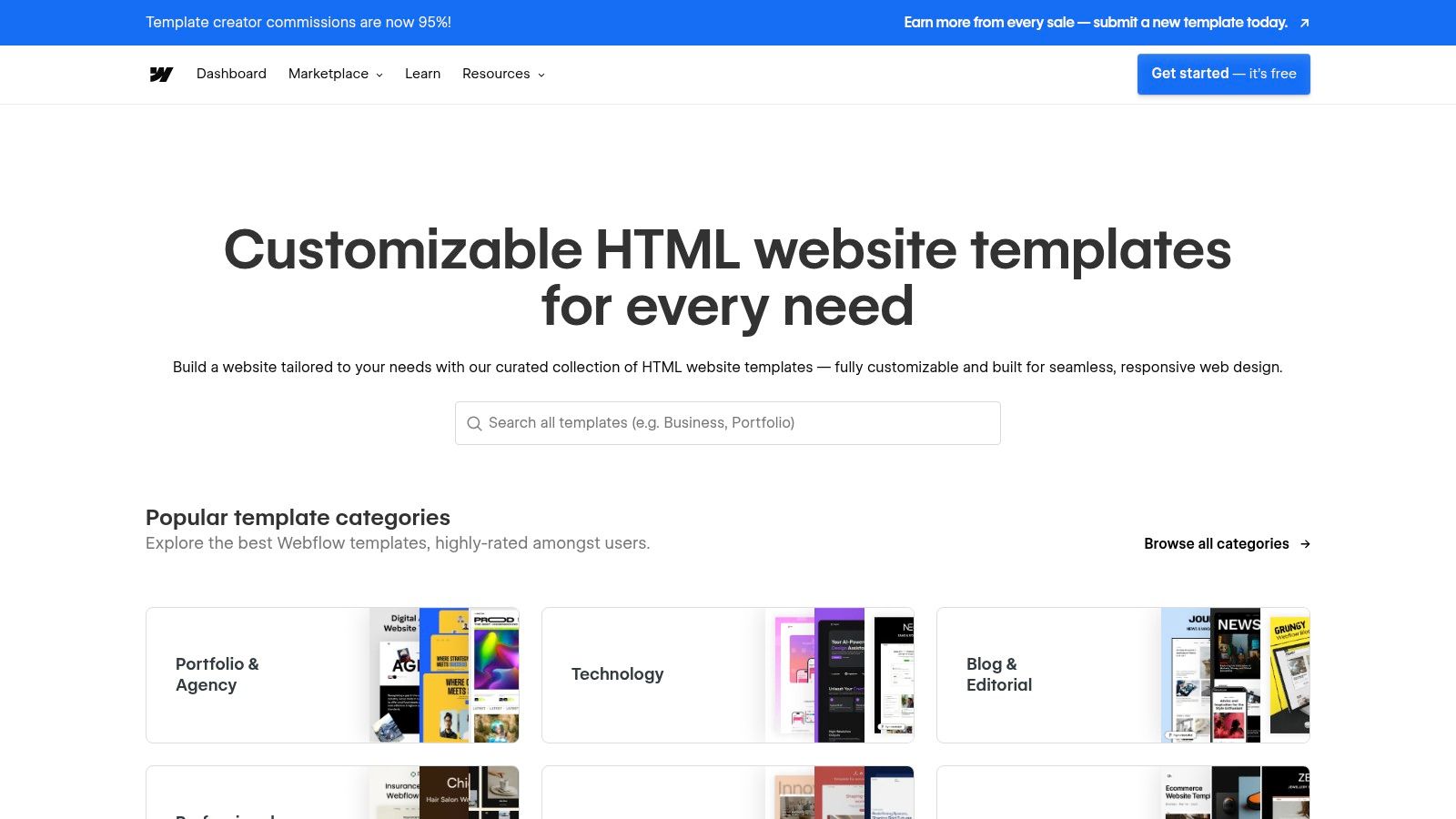
This platform is ideal for creating a dynamic, live portfolio with advanced features like a built-in CMS for managing case studies and blog posts. While there's a steeper learning curve, the payoff is a fast, clean, and highly professional website. The initial template purchase is a one-time cost (typically between $29 and $169), but you will need an ongoing Webflow site plan for hosting and to use a custom domain. For inspiration on how to structure your projects within these powerful templates, take a look at our collection of top-tier design portfolio examples.
Key Features and User Experience
Webflow's interface is powerful, offering a visual design tool that writes clean, semantic code in the background. Templates provide a huge head start. The platform is best for those who want a truly professional online presence and are willing to invest some time to learn the tool.
- Fine-Grained Design Control: Unmatched visual control over CSS properties, interactions, and responsive design without writing code.
- Integrated CMS: Effortlessly manage and update portfolio projects, case studies, and blog posts through a user-friendly Content Management System.
- One-Time Template Purchase: Templates are bought once, though ongoing site plans are required for hosting and custom domains.
- High-Quality, Responsive Output: Webflow sites are known for their clean code, fast load times, and flawless performance across all devices.
Webflow is the go-to choice for designers who want a fully-fledged, custom-looking website that can grow with their career, moving beyond a simple graphic design portfolio template into a complete professional hub.
Website: https://webflow.com/templates
Graphic Design Portfolio Templates: 7-Platform Comparison
| Product | Implementation complexity | Resource requirements | Expected outcomes | Ideal use cases | Key advantages |
|---|---|---|---|---|---|
| Fantastic Portfolios | Very low — upload PDF, AI builds site in seconds | Minimal: resume PDF, internet; Pro adds $3/mo yearly features | Mobile-friendly live portfolio, analytics, AI-assisted copy and lead capture | Students, new grads, freelancers, fast launches | Instant PDF-to-site, generous free tier, ATS/AI hiring tools |
| Creative Market | Low–moderate — buy template, edit in desktop app | Requires design software (InDesign/Illustrator/PowerPoint/Canva), one-time purchase | High-quality print/digital portfolio files ready to customize | Designers needing print/PDF portfolios or one-off templates | Large variety of designer-made templates, clear licensing, one-time buy |
| Envato Elements | Low — download and customize assets | Subscription required for unlimited downloads, design tools as needed | Access to many templates/assets for multiple projects | Agencies, freelancers who need many assets or recurring projects | Unlimited downloads, simple commercial license, good value at scale |
| ThemeForest (Envato Market) | Moderate — purchase theme, install/configure on site | Hosting, domain, sometimes developer or WordPress skills; one-time theme fee | Standalone portfolio website (WordPress/HTML) with theme features | Users wanting full site templates and richer web layouts | Huge selection of web templates, initial author support, single-use license |
| Adobe Stock Templates | Moderate — download and edit in Adobe apps | Adobe Creative Cloud or credits, InDesign for best compatibility | Professionally produced print/PDF or interactive portfolios integrated with CC | Designers producing high-quality print or interactive PDFs | High production quality, tight Creative Cloud integration |
| Canva Templates | Very low — edit in browser with drag-and-drop | Browser, free account (Pro for premium assets/features) | Quick PDF/web-style portfolios, easy exports for print or web | Non-designers, marketers, students needing fast polished layouts | Extremely accessible, fast editing, many free templates and guides |
| Webflow Templates | Moderate–high — customize visually, publish to domain | Webflow account, site plan for hosting/custom domain; some learning curve | Responsive, polished live portfolio with CMS and clean code output | Professionals who want a customizable live site with CMS | Fine-grained visual control, responsive output, CMS support |
From Template to Opportunity: Your Next Step is Clear
We've explored a diverse landscape of platforms, each offering a unique approach to finding the perfect graphic design portfolio template. From the vast, community-driven marketplaces of Creative Market and Envato Elements to the specialized, high-quality themes on ThemeForest and the seamless integration of Adobe Stock, the options are extensive. We also covered the accessible, user-friendly templates from Canva and the powerful, customizable frameworks offered by Webflow. The core takeaway is this: the ideal template isn’t a one-size-fits-all solution; it's a strategic tool that must align with your personal goals, technical skills, and career ambitions.
Your portfolio is more than just a collection of your best work. It is your most powerful career-building asset. I can tell you from personal experience that a compelling, well-organized portfolio is the number one factor hiring managers consider, often weighing more heavily than a resume. LinkedIn data from 2023 showed that recruiters are 71% more likely to respond to a candidate who includes a portfolio link in their profile. A strong portfolio can directly translate into better opportunities and higher earning potential.
Making Your Final Decision
As you move forward, consider these critical factors to make the right choice for your specific needs:
- Speed vs. Control: If your primary goal is to get a professional site online fast to capitalize on an immediate job opening or client lead, an all-in-one platform is your best bet. If you crave granular control over every pixel and animation, a Webflow template or a theme for a self-hosted platform might be more suitable.
- Budget and Subscription Models: Evaluate whether a one-time purchase from a marketplace like ThemeForest is more cost-effective for you, or if the ongoing value of a subscription service like Envato Elements, with its unlimited downloads, better fits your workflow.
- Your Technical Comfort Zone: Be honest about your coding skills. Platforms like Canva and our own Fantastic Portfolios are designed for creatives who want to focus on design, not code. Conversely, leveraging a template from Webflow or a WordPress theme requires a greater degree of technical know-how to customize and maintain.
Ultimately, the most significant mistake you can make is letting analysis paralysis stop you from taking action. I've personally seen talented designers miss out on incredible opportunities simply because their portfolio wasn't ready. The "perfect" portfolio is the one that is live, polished, and actively working for you. Pick the graphic design portfolio template and platform that removes the most friction from your process and commit to launching. Your next great client or dream job is waiting to see what you can do.
Ready to skip the technical headaches and launch a stunning, professional portfolio in minutes? Fantastic Portfolios uses AI to instantly transform your resume into a fully-featured portfolio website, complete with case study pages and smart project organization. Sign up today and see how easy it is to build the portfolio that gets you hired: Fantastic Portfolios.