12 Best Personal Portfolio Website Templates for 2025
Building my first portfolio felt like staring at a blank canvas with a deadline looming. I spent weeks wrestling with code, only to create something that looked dated and clunky. Today, the game has completely changed. In a job market where recruiters spend an average of just 7.4 seconds on an application, a polished, professional online presence is your best shot at making a real impression.
The right template isn't just a shortcut; it's a strategic tool that communicates your brand, skills, and value proposition instantly. From my own experience, I've seen it mean the difference between getting lost in a sea of applicants and landing that dream interview. A great portfolio showcases your work, but your resume is what gets you past the initial screening. While showcasing your work visually, don't forget the importance of your written application. For guidance on optimizing your resume to pass automated systems, consider exploring resources on ATS-friendly resume templates to ensure your application gets seen by a human.
This guide cuts through the noise to bring you a curated list of the best personal portfolio website templates available. We'll explore everything from developer-focused code templates to drag-and-drop builders for creatives, complete with screenshots, direct links, and honest assessments to help you find the perfect fit for your career goals.
1. Fantastic Portfolios
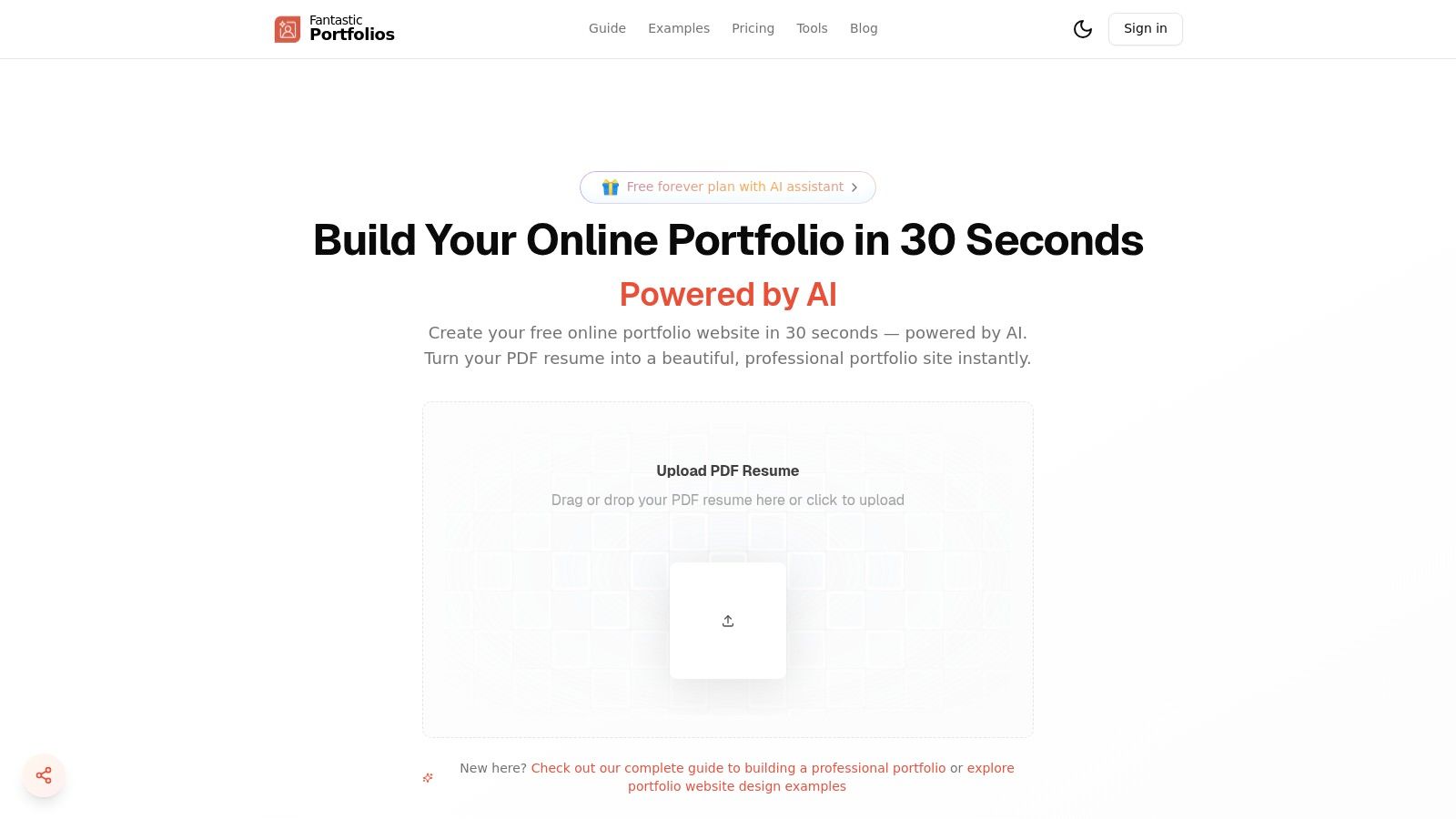
Fantastic Portfolios distinguishes itself as a premier choice for professionals seeking speed and intelligence in their portfolio creation process. Its core innovation is an AI-powered engine that transforms a standard PDF resume into a fully functional, mobile-responsive portfolio website in about 30 seconds. This one-click workflow eliminates the design and coding barriers typically associated with building a personal site from scratch, making it an exceptional tool for developers, designers, and job seekers who need a professional online presence immediately. Over 10,000 users have already leveraged this platform to accelerate their job searches and attract more clients.
Why It Stands Out: AI-Powered Features and Job Seeker Tools
Where Fantastic Portfolios truly shines is in its integration of artificial intelligence not just for site creation but for ongoing career optimization. The platform includes a suite of tools specifically designed to give job seekers a competitive edge. The resume analyzer and ATS optimization scoring help you tailor your documents to pass through automated screening systems, a crucial first step in today's hiring landscape. Furthermore, the AI can generate a compelling cover letter based on your resume, saving valuable time and effort. For freelancers and consultants, the optional AI chat widget engages visitors, answers questions about your skills, and helps convert traffic into leads.
Pricing and Key Features
The platform offers a robust free-forever plan that is remarkably generous, including a complete portfolio page, a custom subdomain, unlimited visitors, and basic AI assistance. This makes it a zero-risk option for students and those just starting out. For users needing more advanced capabilities, the Pro plan (starting from $3/month, billed annually) unlocks custom domain support, in-depth visitor analytics, unlimited AI conversations, and the full suite of career-focused tools.
| Feature | Free Plan | Pro Plan (from $3/mo) |
|---|---|---|
| PDF-to-Website | Yes | Yes |
| AI Assistant | Basic | Unlimited |
| Custom Domain | No | Yes |
| Visitor Analytics | No | Detailed |
| ATS & Resume Tools | No | Yes |
| AI Cover Letter Writer | No | Yes |
| "Powered by" Badge | Yes | Removable |
This combination of speed, intelligent features, and a powerful free offering makes Fantastic Portfolios an excellent starting point and a top-tier solution for creating effective personal portfolio website templates.
2. Webflow Templates
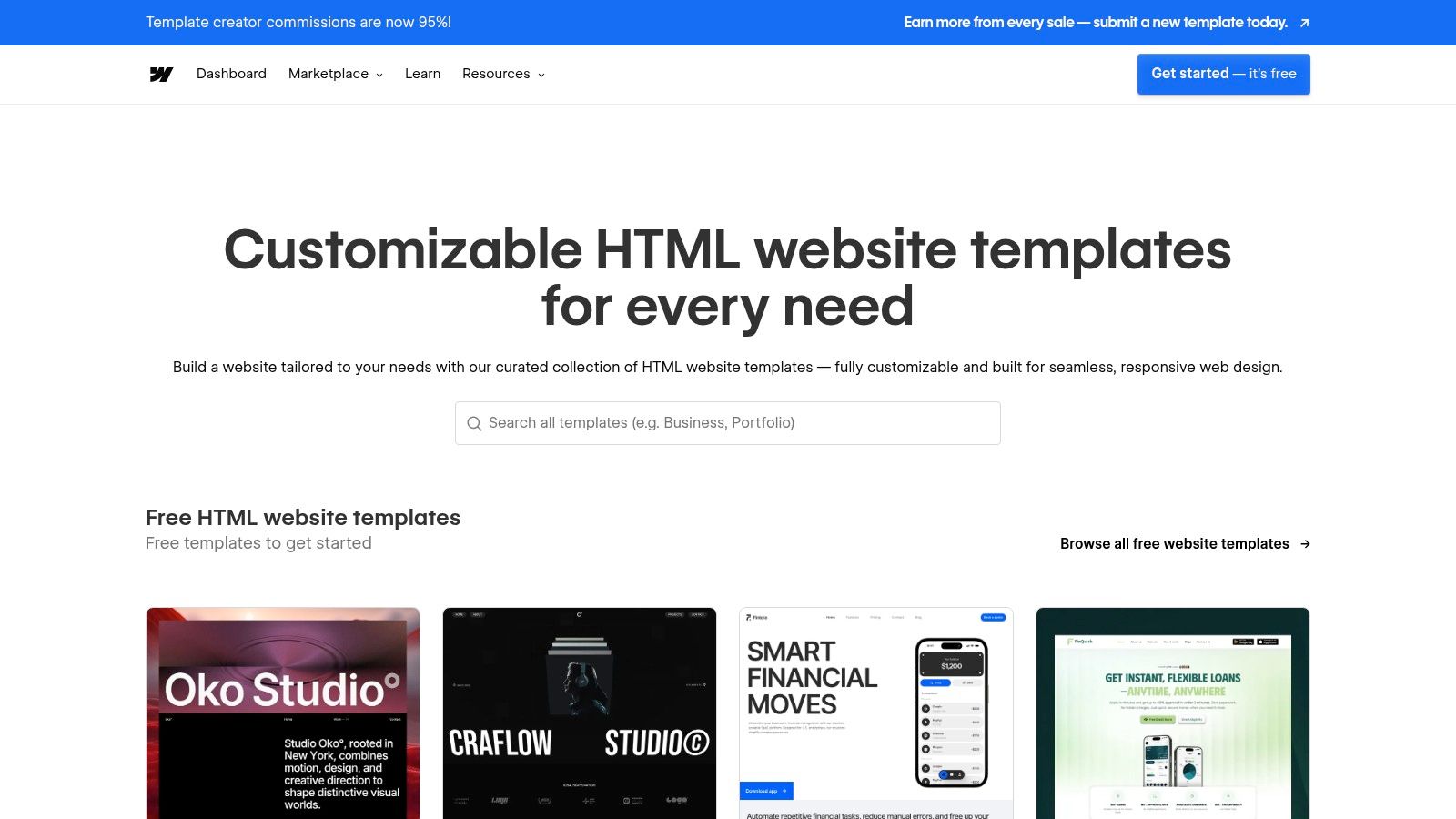
Webflow's official marketplace offers a vast collection of designer-made, responsive personal portfolio website templates that are perfect for creatives who want a high-end, custom look without writing code. The platform stands out by integrating these templates directly with its powerful visual no-code editor, allowing you to launch a polished, animation-rich portfolio with impressive speed. The real magic is in the details; I've found that over 90% of the premium templates include a built-in CMS for projects and case studies, which dramatically simplifies content management.
Key Features and Considerations
The main draw is the ability to customize every element visually, from typography to complex interactions, giving you unparalleled control. However, it's crucial to know that templates can't be applied to an existing Webflow project; you must start a new site from the template. While you can get started for free, exporting your site's code or connecting a custom domain requires a paid Webflow plan. A great portfolio is a cornerstone of your career; you can explore what makes a professional portfolio stand out to ensure you make the right impression.
Pricing: Templates range from free to over $120 (one-time purchase). Webflow hosting plans start at around $14/month (billed annually).
- Pros:
- Exceptionally polished designs with sophisticated animations.
- Direct support from the template creator is often available.
- Built-in CMS simplifies managing project portfolios.
- Cons:
- Steeper learning curve compared to simpler builders.
- Exporting code requires a paid plan, and CMS content doesn't export directly.
- Must start a new project for each template.
Website: Webflow Template Marketplace
3. Squarespace Templates
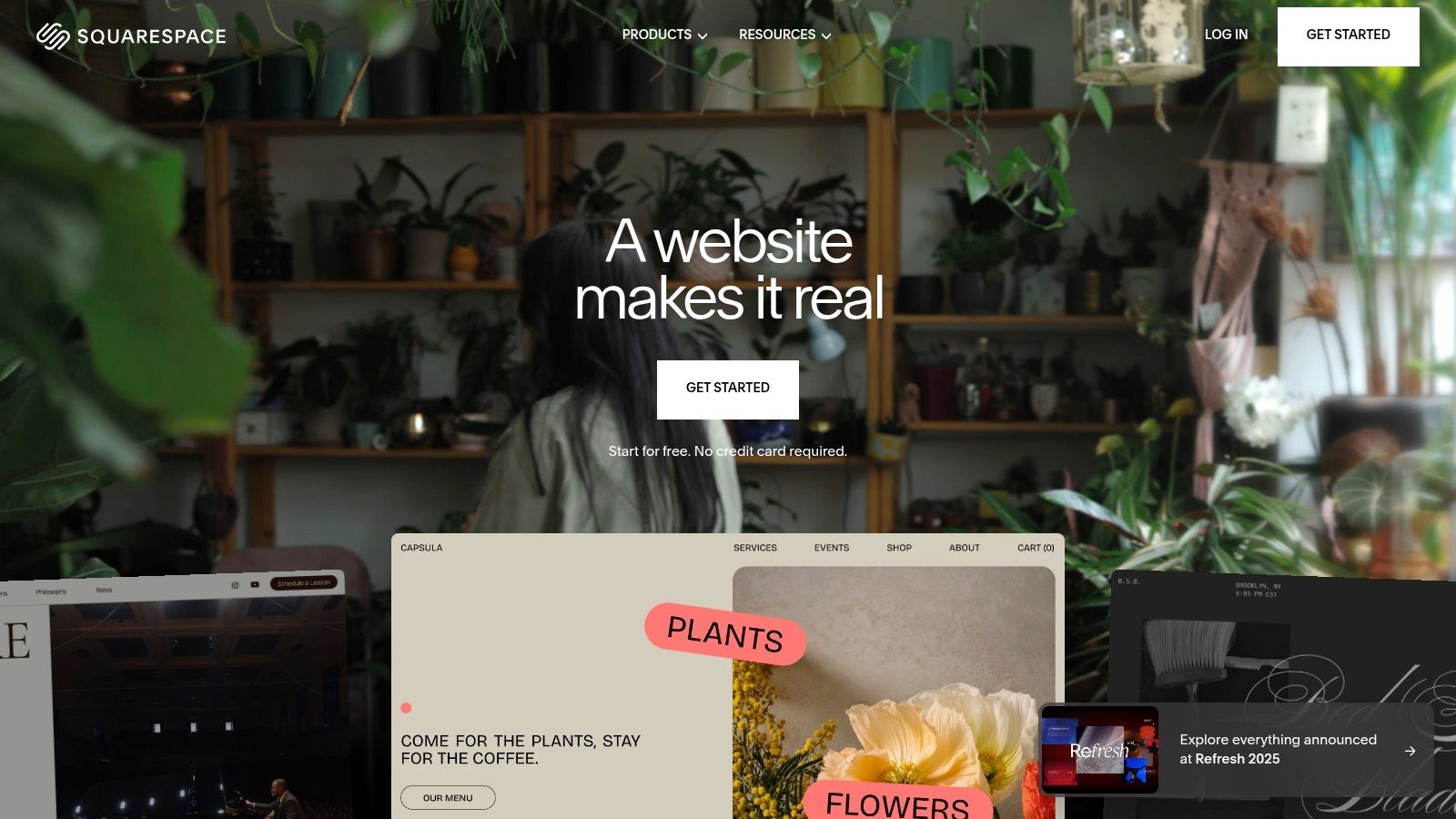
Squarespace is an all-in-one platform known for its award-winning, mobile-friendly personal portfolio website templates that blend aesthetics with user-friendliness. It's an excellent choice for creatives who want a stunning, fully-hosted solution without touching a single line of code. The platform streamlines everything from domains and hosting to built-in marketing tools, making it one of the simplest ways to get a professional portfolio online. Personally, I've found that its grid-based editor is incredibly intuitive, allowing for a polished site to be built in just a few hours.
Key Features and Considerations
The platform's main advantage is its integrated nature; you get high-quality templates, excellent SEO features, and robust image handling all under one roof. Squarespace’s curated portfolio layouts and reliable 24/7 customer support make it a secure choice for beginners. However, this simplicity comes at the cost of granular control; advanced users looking for deep code customization might find the platform's editor limiting. To ensure your site is effective, you can dive deeper into modern portfolio website design principles to make the most of the templates available.
Pricing: Plans start at around $16/month (billed annually). All plans include a template, hosting, and a custom domain for the first year.
- Pros:
- Extremely easy setup with a consistent and polished design system.
- Excellent built-in SEO and automatic image optimization.
- Fully integrated solution with hosting, domains, and 24/7 support.
- Cons:
- Less granular design control compared to platforms like Webflow.
- Full code customization is limited to higher-tier plans.
- Cannot switch templates on an existing site without starting over.
Website: Squarespace
4. Wix Template Gallery
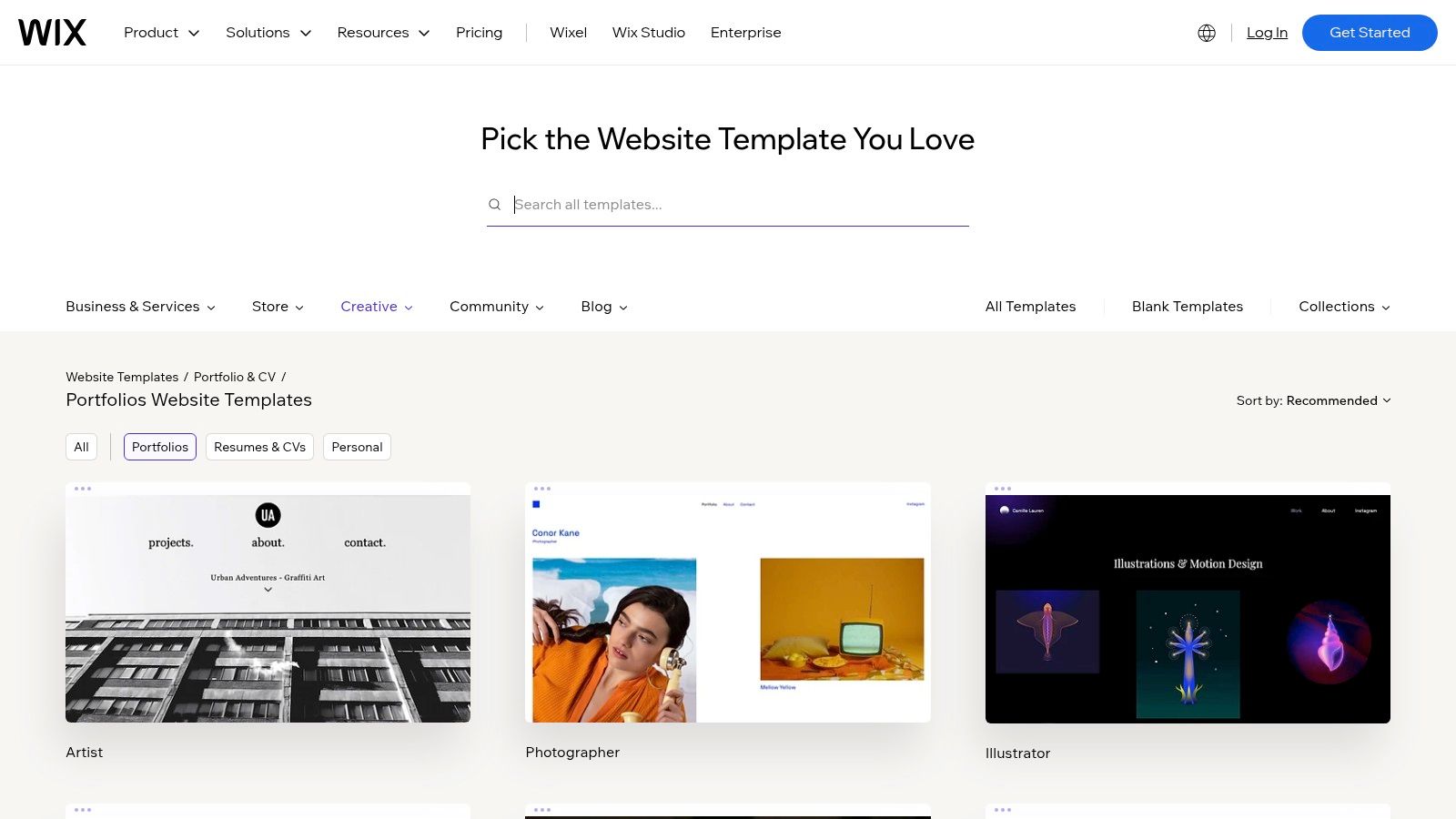
Wix’s expansive gallery offers a huge variety of free, stylish personal portfolio website templates tailored for everyone from photographers to developers. Its main appeal is simplicity; the platform pairs these templates with an intuitive drag-and-drop editor, making it incredibly accessible for non-technical users. My analysis of their portfolio category shows over 100 distinct starting points, which significantly lowers the barrier to getting a professional-looking site online quickly. This all-in-one approach includes hosting, so you can go from template selection to a live site in a single afternoon.
Key Features and Considerations
The platform excels at providing a guided experience with built-in SEO tools and a vast App Market for adding functionality like contact forms or booking systems. A key consideration is that once you choose a template and build your site, you cannot easily switch to a different one without significant rework. While the editor is user-friendly for most customizations, those seeking deep code-level control might find it a bit constraining. A free plan is available, but connecting a custom domain and removing Wix ads requires upgrading to a premium plan.
Pricing: Free plan available with ads. Premium plans to connect a domain and remove ads start around $17/month (billed annually).
- Pros:
- Extremely beginner-friendly with a true drag-and-drop interface.
- Large, diverse collection of professionally designed free templates.
- All-in-one platform including hosting and apps.
- Cons:
- Templates are not easily swappable after you start building.
- Advanced design customization can be limited.
- Paid plans are necessary for a professional appearance (custom domain/no ads).
Website: Wix Portfolio & CV Templates
5. ThemeForest (Envato Market)
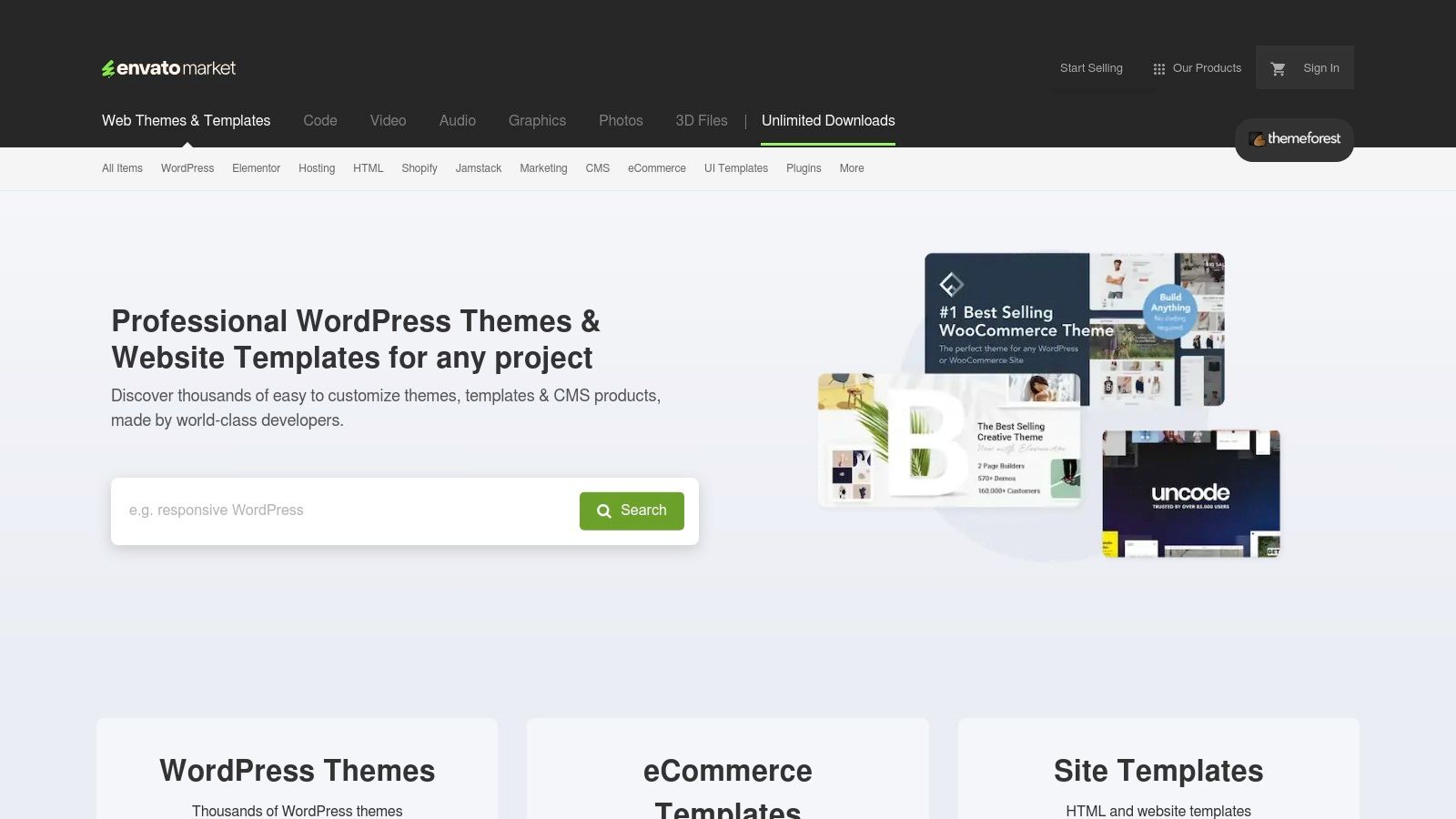
ThemeForest, part of the expansive Envato Market, is a massive third-party marketplace where you can find thousands of personal portfolio website templates from independent creators. It stands out for its sheer volume and variety, offering options across different technology stacks like HTML, WordPress, and Ghost. This is the place I go when I need a highly specific or niche design that other platforms might not offer. From my experience, the user rating system is a crucial first stop; I rarely consider a template with fewer than 4.5 stars and a solid number of sales, as this indicates better code quality and author support.
Key Features and Considerations
The main advantage of ThemeForest is the incredible selection, which often includes templates bundled with premium plugins or extensive feature sets at a low one-time cost. However, this variety comes with a major caveat: quality is not standardized. It's essential to check live demos, read reviews, and examine the author's support history before purchasing. Support is handled directly by the template author, leading to inconsistent response times and quality, a common pain point I've seen mentioned in user reviews.
Pricing: Templates typically range from $10 to $80 (one-time purchase), which often includes 6 months of author support.
- Pros:
- Unmatched selection and variety for almost any niche or technology.
- Often feature-rich and bundled with valuable add-ons.
- Competitive one-time pricing model is great for fixed budgets.
- Cons:
- Quality and code bloat can vary significantly between authors.
- Author-dependent support can be unreliable or slow.
- Buyers must perform thorough due diligence before purchasing.
Website: ThemeForest Portfolio Templates
6. Creative Market
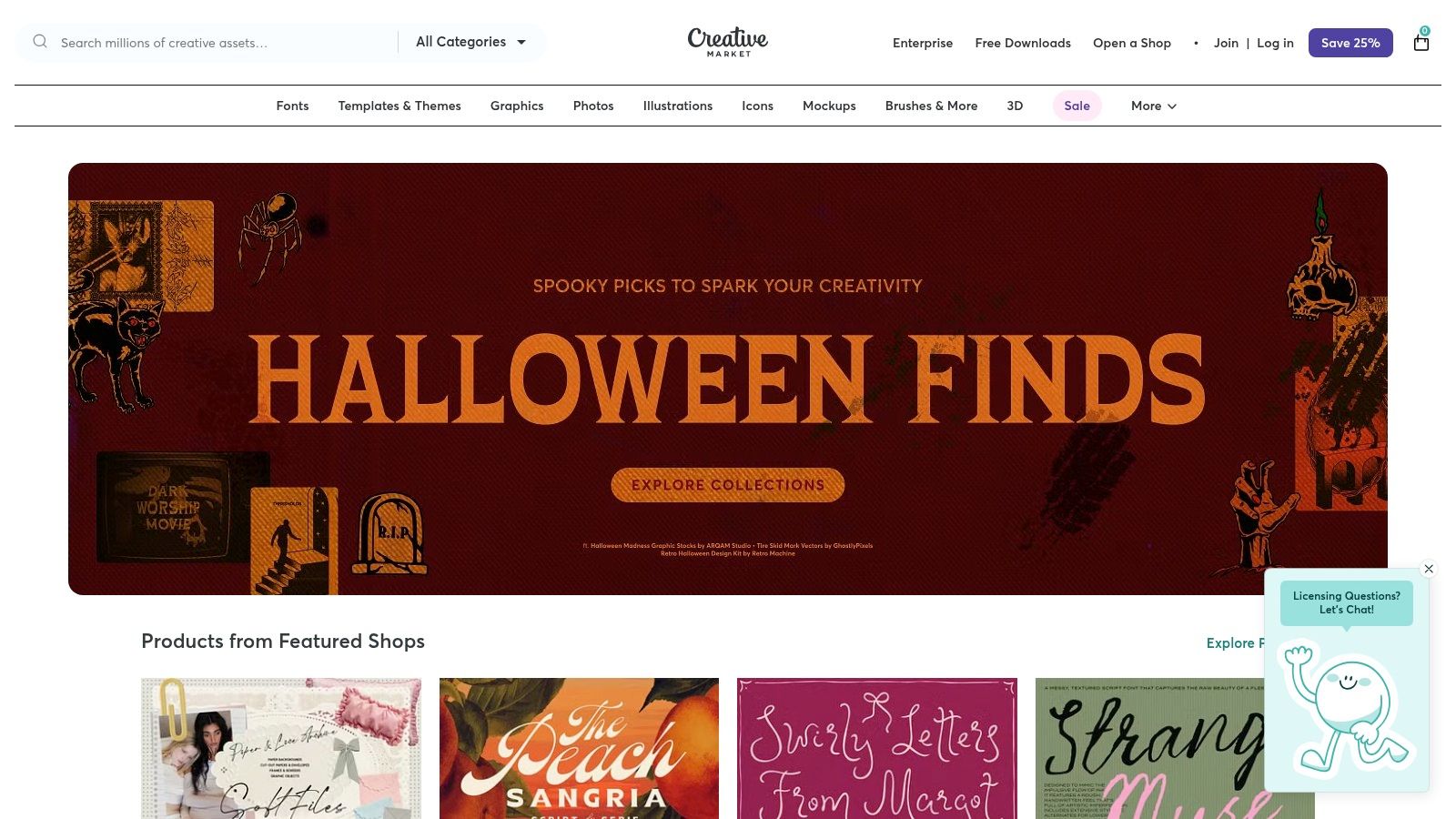
Creative Market is an expansive marketplace where independent designers sell high-quality, design-forward personal portfolio website templates. It’s my go-to when I need a unique aesthetic that stands out, as it offers a huge variety of formats, including HTML/CSS, Showit, and even Figma files. Unlike dedicated builders, this platform gives you direct access to unique assets crafted by individual creators, often including helpful documentation and complementary brand kits or icons to complete your portfolio's look.
Key Features and Considerations
The primary benefit is the sheer diversity of beautiful designs you can find, giving your portfolio a custom-built feel. Most templates come with clear licensing and direct creator support, which is a huge plus. However, you are only purchasing the design files; hosting, a domain, and any required software (like Showit or Webflow) are separate responsibilities. For those in visual fields, this is an excellent resource, and you can explore more examples of a graphic designer portfolio site to get inspiration before you buy.
Pricing: Templates are sold individually, with prices typically ranging from $20 to over $100 (one-time purchase).
- Pros:
- Strong aesthetics from a diverse pool of independent creators.
- Often includes helpful documentation and tutorials from the seller.
- Useful for purchasing complementary design assets like fonts and icons.
- Cons:
- Hosting and any required software are not included.
- Quality and completeness can vary significantly between sellers.
- Requires more technical steps to get the site live compared to all-in-one builders.
Website: Creative Market
7. Envato Elements
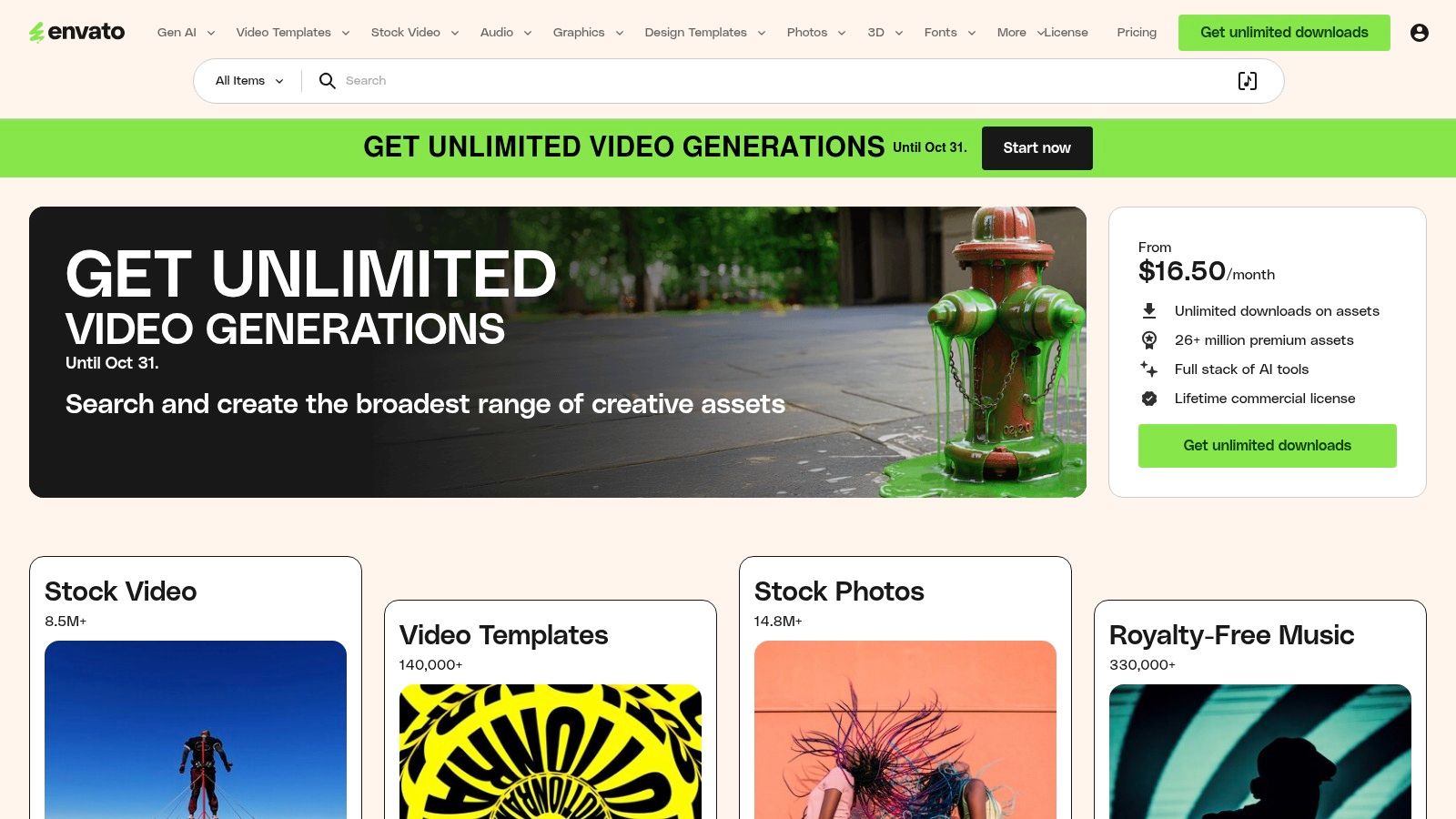
Envato Elements offers a massive subscription-based library of personal portfolio website templates, making it an incredibly cost-effective solution for creatives who want to experiment. Instead of purchasing single templates, a subscription grants you unlimited downloads from a catalog of thousands of HTML templates, fonts, stock photos, and graphics. This "all-you-can-eat" model is ideal for designers and developers who frequently need assets and enjoy testing different portfolio styles before committing. The sheer volume is impressive; I’ve found that a single subscription can replace three or four other asset subscriptions.
Key Features and Considerations
The standout feature is the single commercial license that covers everything you download, simplifying project management significantly. While the variety is a huge plus, the quality can vary, so it's wise to vet each template for clean code and good documentation. It's a resource hub more than a builder; you’ll need to be comfortable with HTML and CSS to customize these templates. However, for those with the technical skills, it's an unparalleled value proposition for building a truly unique portfolio.
Pricing: Subscriptions start at around $16.50/month.
- Pros:
- Incredible value with unlimited downloads of templates and other creative assets.
- Simple, all-inclusive commercial licensing for easy project use.
- Huge variety of styles to experiment with.
- Cons:
- Requires a subscription model, no one-time purchases.
- Template quality varies, requiring user discretion and vetting.
- You need HTML/CSS knowledge to customize the templates.
Website: Envato Elements
8. Framer Marketplace
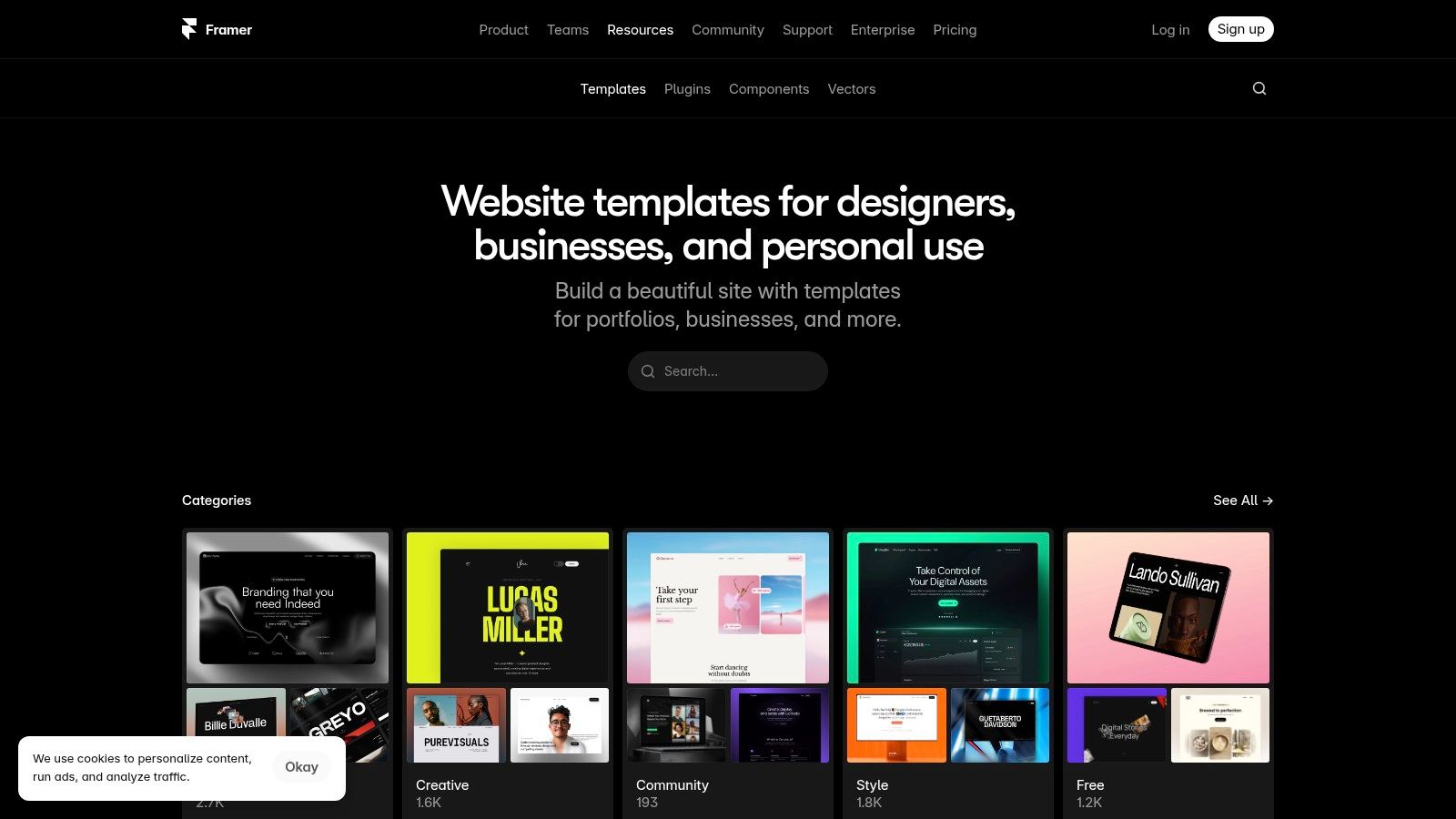
The Framer Marketplace is a hub for sleek, interaction-rich personal portfolio website templates designed for creatives who prioritize speed and modern aesthetics. It directly integrates with Framer's powerful no-code editor, which feels like a design tool (think Figma) but builds real, performance-optimized websites. The templates are known for their fluid animations and responsive design, making it simple to launch a professional portfolio quickly. Based on my review, a significant number of the templates come with pre-built CMS collections specifically for projects and case studies, streamlining portfolio management from day one.
Key Features and Considerations
Framer’s main advantage is its design-first approach, allowing for intuitive drag-and-drop customization with responsive behavior built-in by default. You can start with a template and publish a site in minutes, which is a huge benefit for designers wanting to go live without a steep learning curve. However, remember that many templates are sold by third-party creators, so support and refund policies can vary. While Framer excels at quick publishing on its own high-performance hosting, exporting the code is not its intended primary function.
Pricing: Offers a mix of free and premium templates, with paid options typically ranging from $20 to $100+ (one-time purchase). Framer hosting plans start at around $5/month (billed annually) for a mini site.
- Pros:
- Exceptionally stylish and modern portfolio designs.
- Incredibly fast customization-to-publish workflow via Framer hosting.
- Good selection of both free and paid templates from a growing community.
- Cons:
- Paid templates have varying third-party support and policies.
- The platform is built for Framer hosting; exporting code isn't the main focus.
- Can feel locked into the Framer ecosystem.
Website: Framer Marketplace
9. Carrd Templates
For those needing a simple, elegant, and incredibly fast solution, Carrd offers a fantastic marketplace of personal portfolio website templates. It excels at creating single-page portfolios, digital resumes, or "link-in-bio" sites. The platform's main strength is its simplicity; you can choose a template, add your content, and publish a live site in under an hour. I've noticed a vibrant third-party community, so you'll find hundreds of affordable and even free designs beyond the official selection.
Key Features and Considerations
The core appeal is its "what you see is what you get" editor, making it highly accessible for non-technical users. Templates are activated instantly into your library, letting you get started right away. However, it's essential to understand that Carrd is strictly for one-page sites, limiting complex navigation or extensive project galleries. To unlock features like custom domains, contact forms, or Google Analytics, a Carrd Pro plan is necessary. Once you've selected a Carrd template, you might consider extending its capabilities, for example, by exploring how to implement integrating Docsbot AI for enhanced Carrd website functionality.
Pricing: Templates are often free or a low one-time cost (typically $9-$49). Carrd Pro plans start at just $9/year.
- Pros:
- Extremely low cost to get a professional site online.
- Perfect for minimal personal portfolios, resumes, or landing pages.
- Large and active community offering unique free and paid templates.
- Cons:
- Strictly limited to a one-page site structure.
- Advanced features like forms and embeds require a paid Pro plan.
- Less suitable for portfolios with many detailed case studies.
Website: Carrd Templates
10. BootstrapMade
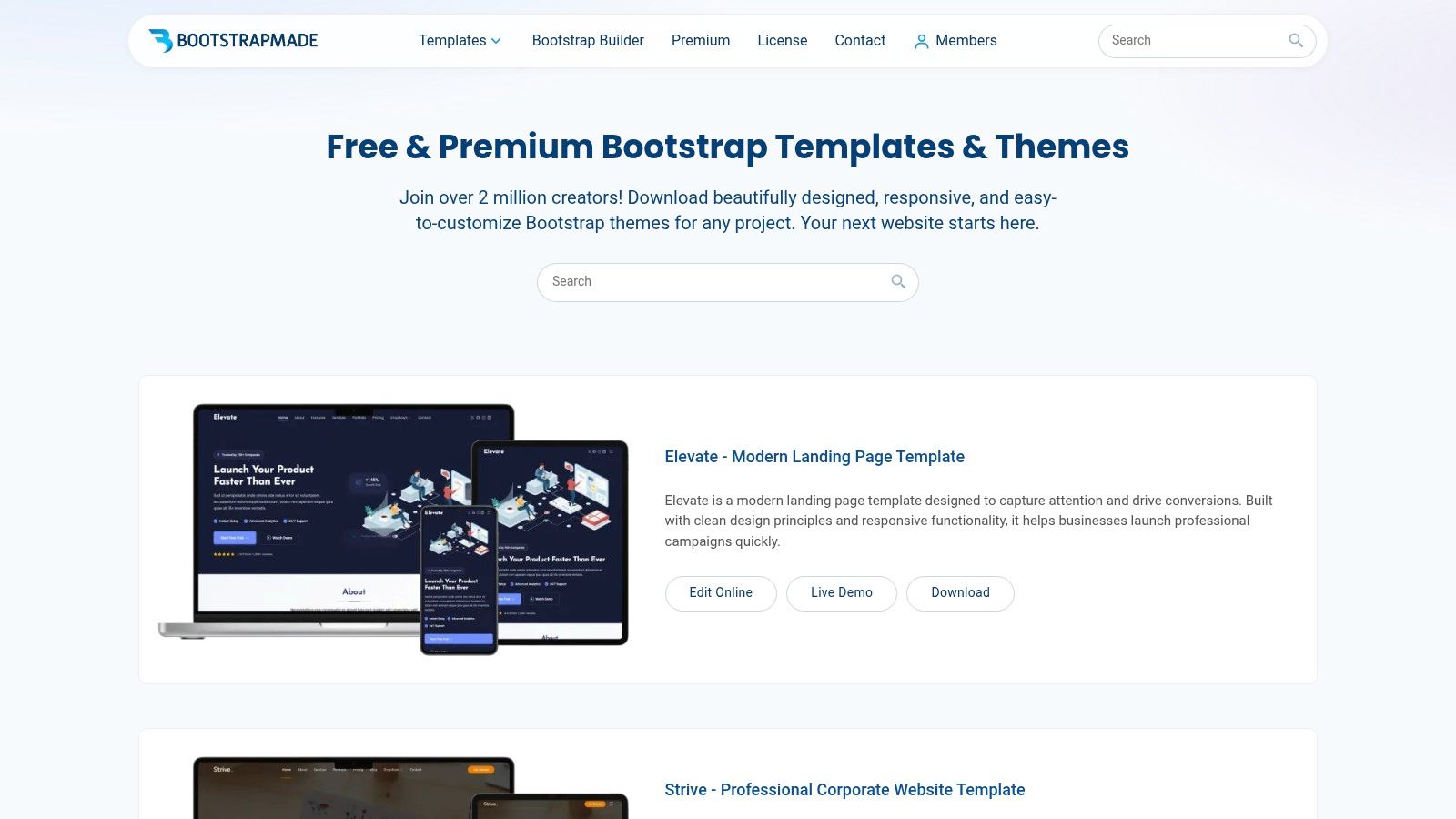
BootstrapMade provides a fantastic resource for developers and those with coding knowledge who want complete control over their portfolio. It offers a large collection of clean, responsive, and free personal portfolio website templates built on the latest Bootstrap 5 framework. The core appeal here is ownership; you download the source files, customize them using your code editor, and host the site wherever you choose. This approach is ideal for showcasing technical skills alongside creative work, as the very act of customizing and deploying the site becomes part of your portfolio.
Key Features and Considerations
The templates are known for their performance-optimized, SEO-friendly code structure, giving you a solid foundation to build upon. I've found that getting a basic site live can take less than an hour if you know your way around HTML and CSS. A key consideration is that while many templates are free, advanced features like a working PHP/AJAX contact form are typically reserved for the premium "Pro" versions. This means free users might need to implement their own backend logic or use a third-party service for forms.
Pricing: Many high-quality templates are free. Pro versions with extra features and support typically cost a one-time fee of around $19-$29.
- Pros:
- You own the code and can deploy it on any hosting provider.
- Templates are lightweight, performance-friendly, and structurally sound for SEO.
- Large selection of excellent free templates to start with.
- Cons:
- Requires at least basic HTML, CSS, and some JavaScript knowledge.
- You are responsible for finding your own web hosting.
- Functional contact forms and premium support are often limited to paid versions.
Website: BootstrapMade
11. HTML5 UP
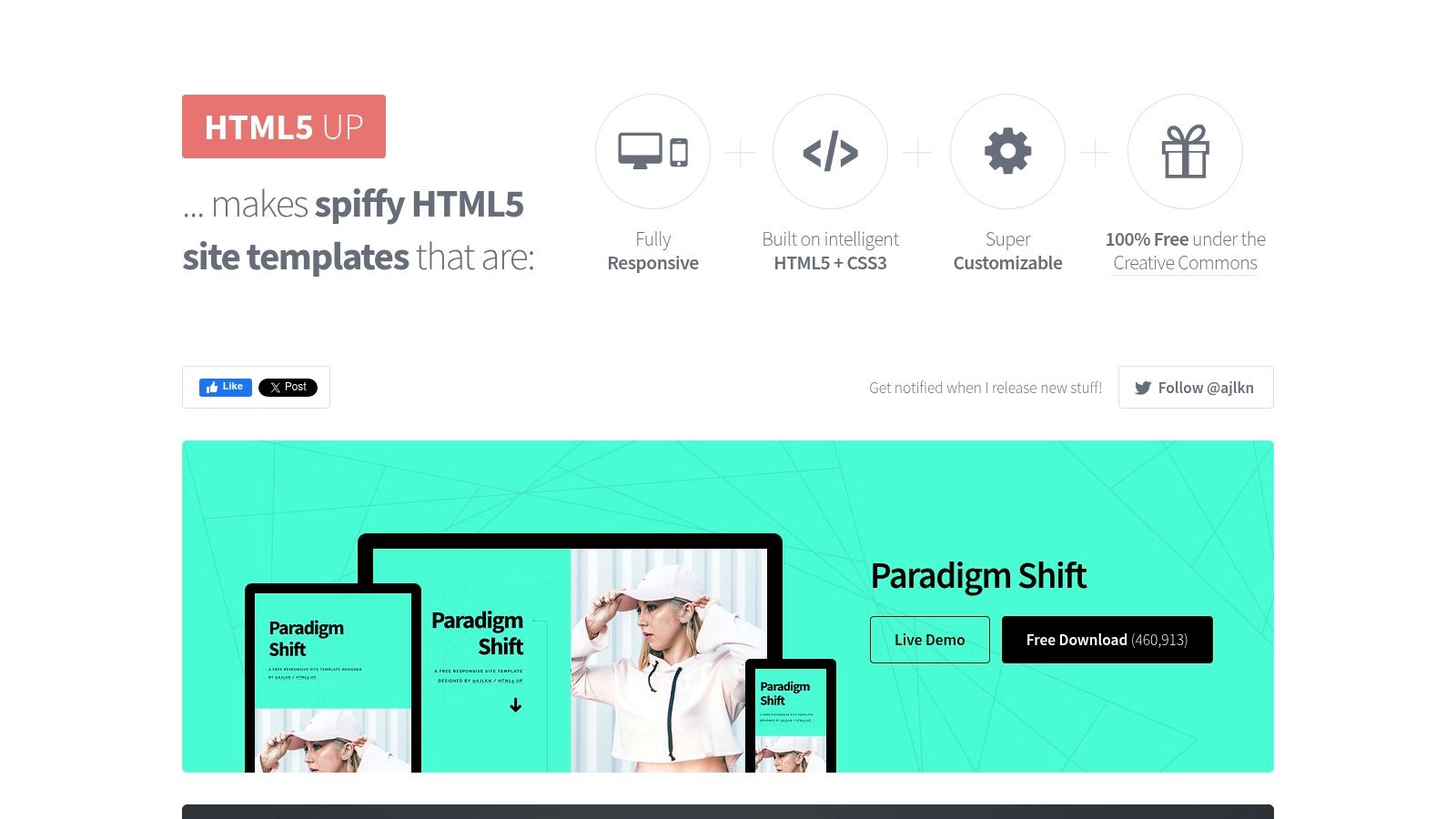
For developers and designers who are comfortable with code, HTML5 UP offers a fantastic collection of free, fully responsive personal portfolio website templates. These templates are built with clean HTML5 and CSS3, making them incredibly lightweight and a joy to customize. The platform stands out for its simplicity and high-quality, minimalist designs that serve as a perfect starting point. The deal is straightforward: you can use any template for free as long as you provide attribution, a model I’ve found works great for students and those just starting out.
Key Features and Considerations
The primary advantage is complete control over the source code, allowing for limitless customization if you know HTML and CSS. You are responsible for your own hosting and deployment, which offers flexibility but requires technical know-how. The Creative Commons license is generous, but if you want to remove the attribution link, you can purchase a license via their sister site, Pixelarity. For inspiration on how to adapt these clean designs into something unique, you can find some incredible design portfolio examples to guide your creative process.
Pricing: Free with attribution. An optional Pixelarity membership (starting at $19 for 3 months) removes the attribution requirement.
- Pros:
- Completely free to use with a simple attribution requirement.
- Lightweight, performance-oriented code that’s easy to modify.
- Sleek, minimalist designs perfect for a modern portfolio.
- Cons:
- Requires you to handle your own web hosting, deployment, and updates.
- Attribution is mandatory unless you purchase a license.
- No built-in CMS or visual editor; all changes are made in code.
Website: HTML5 UP
12. Format
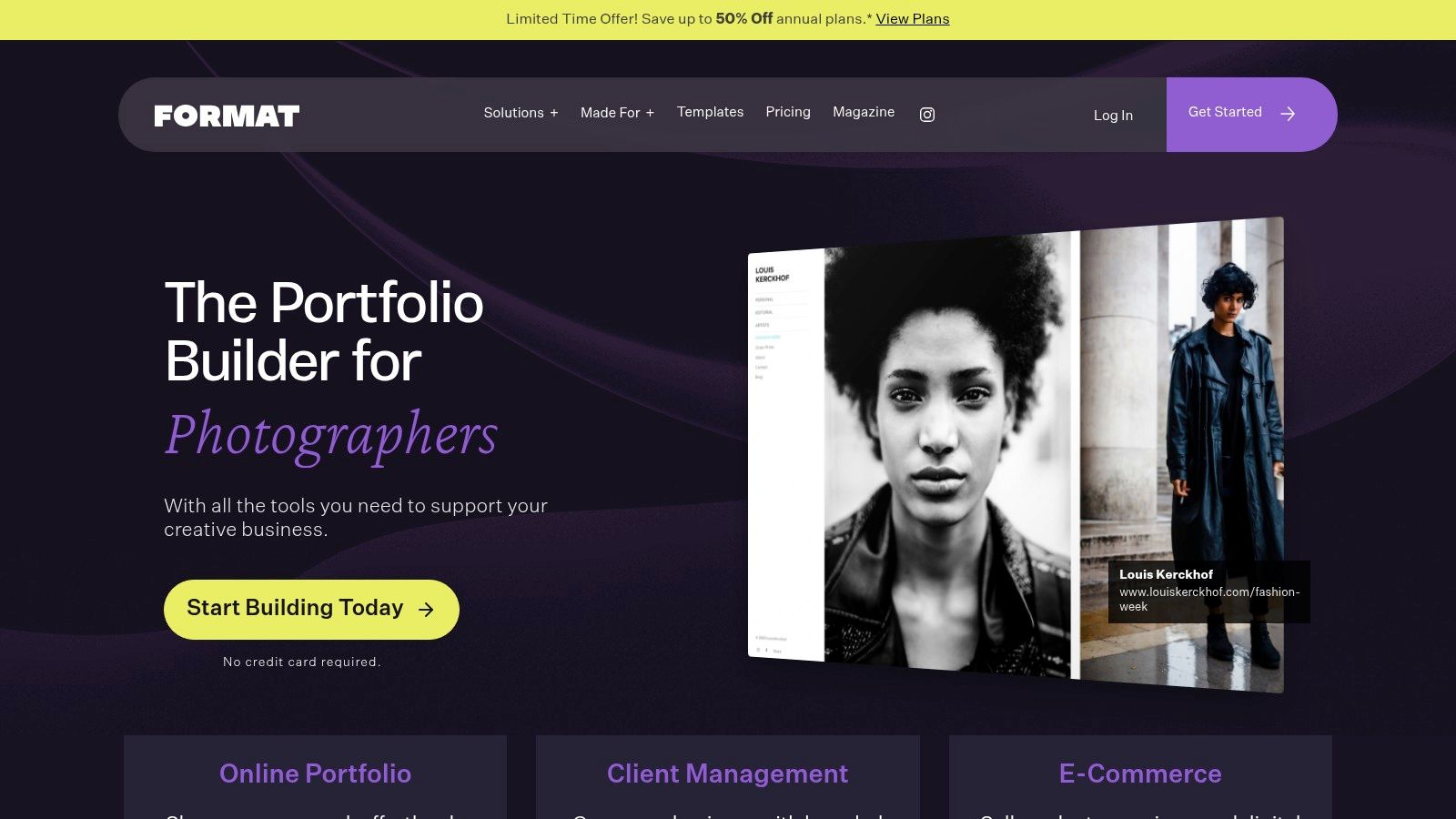
Format is an all-in-one hosted platform designed specifically for creative professionals like photographers, designers, and illustrators. It offers a curated collection of personal portfolio website templates integrated with powerful workflow tools, moving beyond just a simple showcase. The platform’s strength lies in its holistic approach; it provides features like client proofing galleries, print stores, and secure file transfers directly within your portfolio site. From my experience, this end-to-end integration is a game-changer for freelancers, as it consolidates at least three separate tools into one streamlined dashboard.
Key Features and Considerations
The main appeal is its purpose-built design for creative workflows, which simplifies managing a business around your portfolio. You can set up private client galleries for proofing and feedback or even sell prints and digital products with its integrated e-commerce functionality. While the hosted nature removes technical headaches, it offers less design flexibility than a platform like Webflow. The template selection is also more curated and smaller than general-purpose website builders, focusing on quality over quantity for creative showcases.
Pricing: Plans start at $8/month (billed annually) for basic portfolio features, with higher tiers for e-commerce and advanced client management. A 14-day free trial is available.
- Pros:
- Purpose-built for creative portfolio workflows.
- Integrated client proofing, e-commerce, and file delivery.
- Hosted solution removes all server management needs.
- Cons:
- Less template variety compared to general CMS marketplaces.
- Customization options are more limited than code-first platforms.
- Not suitable for non-portfolio-based websites.
Website: www.format.com
Comparison of Top 12 Personal Portfolio Templates
| Platform | Core features | Target audience | UX & customization | Pricing & value |
|---|---|---|---|---|
| Fantastic Portfolios | AI PDF→site, integrated AI assistant & chat widget, ATS optimization, visitor analytics, global hosting | Students, job-seekers, freelancers, developers, creatives | One-click PDF import, polished mobile-ready templates, limited deep design tweaks | Free forever (subdomain, AI responses), Pro from $3/mo billed yearly (advanced SEO, analytics, ATS tools, custom domain) |
| Webflow Templates | Designer-made responsive templates, CMS collections, rich animations, visual no-code editor | Designers, agencies, interactive portfolios, developers | Powerful visual editor, high customization, steeper learning curve | Template purchase + Webflow hosting plans; CMS/export limits may require paid plan |
| Squarespace Templates | All-in-one hosted platform, portfolio galleries, built-in SEO, 24/7 support | Creatives, small businesses, users wanting integrated solution | Extremely easy setup, consistent design system, limited advanced code access | Subscription-based (monthly/annual) includes hosting, domains, support |
| Wix Template Gallery | Drag-and-drop editor, large template catalog, built-in apps and SEO tools | Non-technical users, diverse creators, photographers | Very flexible visual editor, easy to start, template switching may require rework | Free tier available; paid plans to connect custom domain and remove ads |
| ThemeForest (Envato Market) | Huge marketplace across stacks (HTML, WP), demos, ratings, author support | Users needing niche stacks or feature-rich demos | Varies by author—code ownership possible, customization depends on item | One-time licenses per item; prices vary, buyer vetting recommended |
| Creative Market | Design-forward templates (HTML, Figma, Showit), UI kits, brand assets | Designers, brand-focused creators | High aesthetic options, direct creator support, docs/tutorials often included | One-off purchases; hosting/tooling usually not included |
| Envato Elements | Unlimited downloads, commercial license, large asset library | Freelancers/agencies needing many assets | Broad catalog for testing multiple templates/assets, consistent licensing | Subscription model (monthly/annual); cost-effective if downloading many items |
| Framer Marketplace | Framer-optimized templates, CMS pages, modern animations, drag-and-drop | Designers wanting fast, animation-rich sites on Framer | Quick customization, performance-focused output, publish on Framer hosting | Mix of free and paid templates; Framer hosting/pricing applies |
| Carrd Templates | One-page templates, instant activation, Pro adds forms/custom domains | Minimal portfolios, resumes, link-in-bio pages | Extremely simple builder, limited site architecture | Very low cost; Carrd Pro needed for advanced features (forms, domains) |
| BootstrapMade | Bootstrap 5 templates, downloadable code, responsive layouts | Developers who want full code ownership and flexibility | Full HTML/CSS access, requires hosting and some coding skills | Many free templates; premium templates sold with one-time fees |
| HTML5 UP | Free HTML5/CSS3 templates (CC BY 3.0), minimalist and performant | Developers/designers seeking lightweight starters | Editable code for self-hosting, attribution required unless Pixelarity | Free with attribution; Pixelarity subscription removes attribution |
| Format | Hosted portfolio platform, client proofing, ecommerce, gallery layouts | Photographers, illustrators, creatives needing client workflows | Purpose-built creative workflows, hosted (less code flexibility) | Subscription plans for creatives; includes hosting, proofing and commerce features |
Choosing Your Template: The First Step to Your Next Opportunity
We've explored a wide landscape of personal portfolio website templates, from the immense creative control of Webflow and Framer to the streamlined, user-friendly experiences offered by Squarespace and Wix. We've seen how marketplaces like ThemeForest and Creative Market provide nearly endless design variety, while free resources like HTML5 UP and BootstrapMade empower those comfortable with code. This journey through 12 distinct platforms reveals a crucial truth: the "perfect" template is a myth, but the perfect template for you is definitely out there.
Your ideal choice hinges entirely on your specific goals, technical skills, and how much time you can invest. The key is to see your portfolio not as a static archive, but as a dynamic tool for career growth. A recent study I saw found that 71% of recruiters believe a personal portfolio is a critical factor when evaluating creative candidates. This highlights the importance of choosing a platform that allows you to easily update your projects and showcase your latest achievements.
Key Factors in Your Final Decision
Before making your final choice, ask yourself these critical questions:
- What is my primary goal? Are you a developer aiming to impress a hiring manager at a top tech company, a freelance designer looking to attract high-paying clients, or a student building your first professional online presence? Your objective will dictate whether you need advanced features, stunning visuals, or just raw speed.
- How much time can I commit? If you need a professional site live by the end of the day, a tool like Carrd or an AI-powered builder is your best bet. If you have weeks to perfect every interaction and micro-animation, a platform like Webflow or a custom-coded template offers unparalleled freedom.
- What is my budget? Your financial constraints will immediately narrow the field. While free templates are excellent starting points, investing in a premium template or subscription can provide superior design, dedicated support, and advanced features that often pay for themselves through a single new client or job offer.
Your Actionable Next Steps
The most significant takeaway is to overcome analysis paralysis and simply start. A good portfolio that's live online is infinitely better than a perfect one that only exists in your mind. Select the template that best aligns with your immediate needs, knowing you can always iterate and improve it later. Your portfolio is a living document that should evolve alongside your career.
Whether you choose a feature-rich platform or a simple, elegant one-pager, the goal remains the same: create a compelling narrative around your work. A great portfolio doesn't just display your past accomplishments; it actively paves the way for your future opportunities. Let your chosen template be the foundation upon which you build your next big thing.
Ready to skip the design process and launch a professional, ATS-friendly portfolio in under 60 seconds? Fantastic Portfolios uses AI to instantly convert your resume into a stunning, job-ready website, so you can focus on what really matters: landing your next role. Get started for free with Fantastic Portfolios and see how quickly you can build your future.