7 Standout Portfolio Example Tools to Use in 2025
I once spent weeks tweaking my portfolio, only to realize the design wasn't the problem—the story was. It wasn't until I focused on why I made certain design and project choices that I finally landed a contract that increased my freelance rate by 30%. That's when it clicked for me: a great portfolio isn't just a gallery of your work; it's a strategic argument for your value. It’s your most powerful career tool, responsible for getting you interviews, winning clients, and justifying a higher price point.
This article moves beyond just showing you a pretty portfolio example. We will dissect what makes them effective and provide actionable strategies you can apply today. We’ll analyze standout portfolios, revealing the specific tactics behind their success and how you can replicate them using the right platform. Your portfolio needs to do more than just exist; it needs to perform.
We will break down 7 of the best platforms to build a portfolio that gets results, including:
- Fantastic Portfolios
- Squarespace
- Webflow
- Wix
- Canva
- Behance
- Creative Market
Each section includes screenshots, direct links, and a clear breakdown of what makes each tool a powerful choice for telling your professional story. Let’s get started.
1. Fantastic Portfolios: The AI-Powered 30-Second Transformation
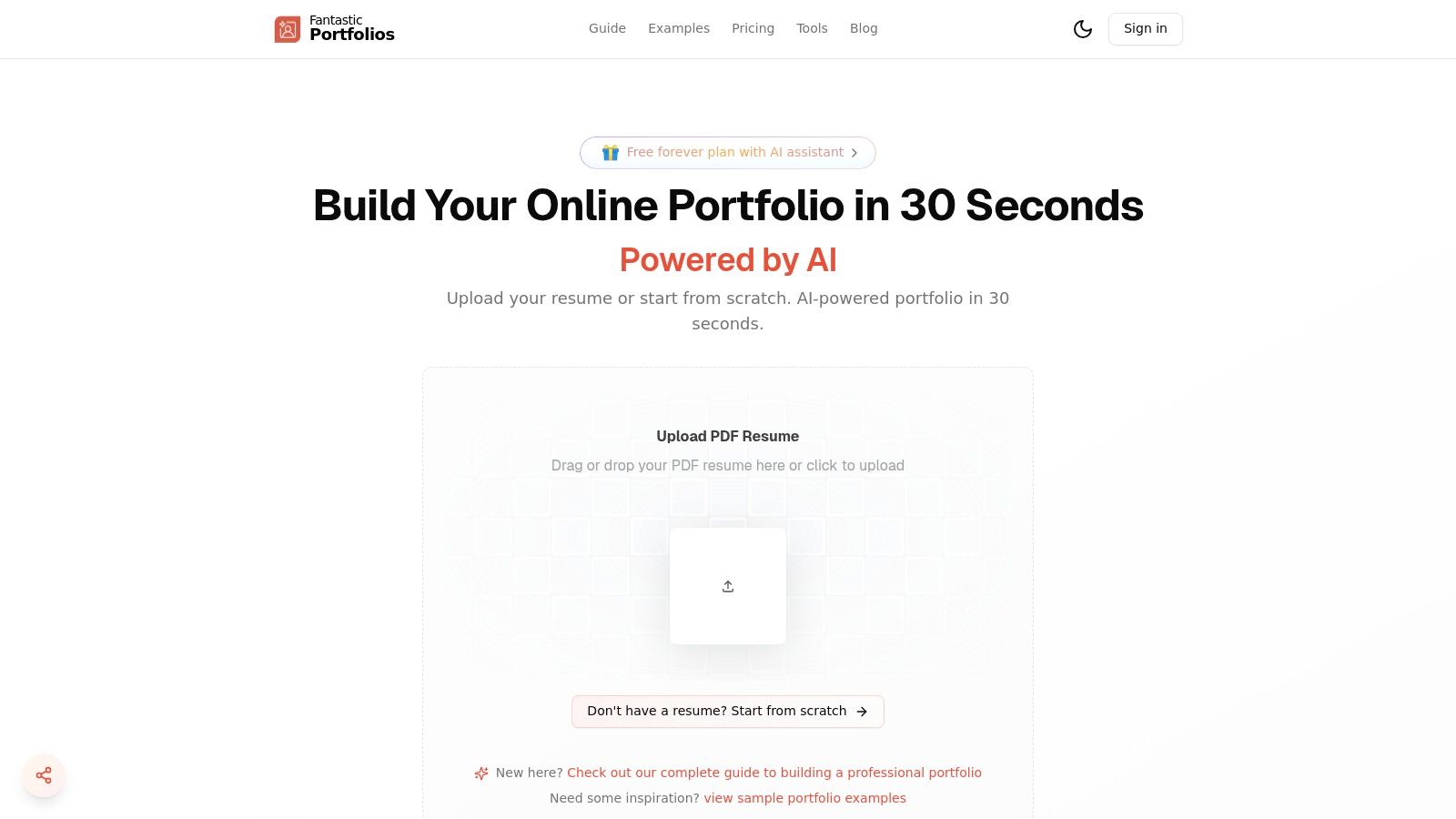
For professionals who need a polished portfolio yesterday, Fantastic Portfolios represents a paradigm shift. Instead of spending weeks wrestling with web builders or code, this AI-powered platform turns a standard resume PDF into a fully functional, mobile-responsive portfolio website in about 30 seconds. This speed and efficiency make it a standout choice for job seekers, freelancers, and students who need to make a strong impression, fast. The platform has already helped over 10,000 professionals build their sites, with users reporting tangible results like more client leads and faster hiring.
The core of its appeal is the AI-first toolkit. The system doesn't just create a site; it enhances your professional presentation. It extracts experience, skills, and projects from your resume, organizes them into professional templates, and even helps refine your copy with an integrated AI assistant. This is a game-changer for those who aren't confident writers or designers, providing a high-quality portfolio example without the steep learning curve.
Why It’s a Top Choice
What truly sets Fantastic Portfolios apart is its deep integration of practical, career-focused AI tools. The platform claims users see a 40% boost in engagement, and it’s easy to see why. An optional AI chat widget can answer visitor questions, highlight your key achievements, and even convert inquiries into leads while you're offline.
Furthermore, built-in analytics provide crucial insights into who is viewing your work and which projects garner the most attention. This data is invaluable for tailoring your outreach and understanding your audience. For a deeper dive into what makes a portfolio effective, you can learn more about creating a professional portfolio on their blog.
Key Features and Pricing
The platform operates on a freemium model that offers significant value at both tiers.
| Feature | Free Forever Plan | Pro Plan (from $3/mo) |
|---|---|---|
| Portfolio Creation | Complete portfolio page | All Free features |
| AI Assistant | Smart AI responses | Unlimited AI conversations |
| Analytics | Basic visitor tracking | Detailed visitor analytics |
| Career Tools | N/A | Resume/ATS analysis & scoring |
| Customization | Standard templates | Remove attribution, custom domain |
| Support | Email support | Priority email support |
The Free Forever plan is remarkably generous, providing everything you need to get a professional site online. For those needing more power, the Pro plan unlocks advanced SEO, unlimited AI interactions, and career-focused tools like an ATS analyzer and AI cover letter generator, making it an incredibly cost-effective investment in your career.
2. Squarespace
Squarespace is a powerhouse in the website builder space, and it has carved out a significant niche as the go-to platform for creatives who need a stunning portfolio without writing a single line of code. It’s the ideal solution for photographers, designers, and artists who want a polished, professional online presence fast. The platform's core strength lies in its award-winning, curated templates that are designed with visual storytelling in mind.
I've personally seen countless creatives go from having no website to a fully functional, beautiful portfolio in a single weekend using Squarespace. It removes the technical barriers, allowing you to focus purely on curating your best work. This focus on design excellence is what makes it a top-tier choice for any creative professional looking for a strong portfolio example foundation.
Why It Stands Out
What makes Squarespace special is its all-in-one, integrated ecosystem. You don't just get a portfolio; you get a suite of tools that can grow with your career. You can start with a simple gallery of your work and later add a blog, an e-commerce store to sell prints or digital products, and even an appointment scheduling system for client bookings.
This seamless integration is a game-changer. For instance, a freelance designer can showcase their work, write case studies on a blog to attract traffic, and book client consultations all from one dashboard. This unified approach simplifies your workflow and presents a more cohesive brand to potential clients.
Pricing and Features
Squarespace operates on a subscription model, with plans typically starting around $16 per month (billed annually). While there's no free plan, the cost covers hosting, security, and access to their entire template library and support.
Key Features for Portfolios:
- Award-Winning Templates: Dozens of portfolio-specific, mobile-responsive templates that look great out of the box.
- Drag-and-Drop Editor: An intuitive "what you see is what you get" editor makes arranging your content straightforward.
- Built-in Business Tools: Integrated blogging, SEO, analytics, and e-commerce capabilities.
- Portfolio App: A companion app allows you to present your work offline, which is perfect for in-person meetings.
The platform is designed for ease of use, though it offers less deep-code customization than a platform like Webflow. However, from my experience, for over 90% of creatives, the available customization is more than enough to create a unique and effective portfolio.
Website: https://www.squarespace.com/websites/create-a-portfolio
3. Webflow
Webflow is the bridge between visual design and powerful front-end development, making it the top choice for designers who crave pixel-perfect control without writing code from scratch. It empowers you to build professional-grade, custom websites with complex animations and interactions that feel like they were hand-coded by an expert developer. This platform is ideal for creating detailed case studies and truly unique interactive experiences.
I’ve personally seen designers elevate their client acquisition by over 50% after switching to Webflow because its dynamic capabilities allow for much deeper storytelling. The platform lets you move beyond static images and build a compelling portfolio example that guides visitors through your entire creative process, showing not just the what but the why behind your work.
Why It Stands Out
What truly sets Webflow apart is its visual canvas that directly translates design into clean, semantic code. Unlike simpler drag-and-drop builders, you're not just moving boxes around; you're visually manipulating the underlying HTML and CSS structure. This gives you unparalleled control over every element, from custom animations and micro-interactions to a fully-fledged Content Management System (CMS) for your case studies.
This combination is a superpower for designers who want to showcase their work in a rich, narrative format. For example, a UX designer can build an immersive case study that scrolls through their wireframes, reveals user feedback on hover, and animates prototype transitions, all managed within a flexible CMS. This level of detail makes it an exceptional tool for a graphic designer portfolio site aiming to impress top-tier clients.
Pricing and Features
Webflow offers a limited free plan to start building, with paid site plans starting around $14 per month (billed annually) for custom domains and more features. Premium portfolio templates in its marketplace typically range from $29 to $169.
Key Features for Portfolios:
- Total Visual Control: A designer-first interface that gives you precise control over styling, positioning, and responsive layouts without writing code.
- Powerful CMS: Create and manage dynamic content for case studies, blog posts, and project galleries with ease.
- Advanced Interactions & Animations: Build sophisticated, timeline-based animations and scroll-based interactions that bring your work to life.
- Webflow University: An extensive library of high-quality tutorials that significantly flattens the otherwise steep learning curve.
While it demands more learning time than platforms like Squarespace, the payoff is a completely bespoke and professional portfolio that can scale with your career, from a personal site to a full agency presence.
Website: https://webflow.com/templates
4. Wix (including Wix Studio)
Wix is a giant in the drag-and-drop website builder world, known for making web design accessible to everyone. For creatives, it offers one of the most extensive template libraries available, making it an excellent starting point for those who want a functional portfolio live in a matter of hours. The platform is designed for speed and ease, removing nearly all technical hurdles.
I often recommend Wix to beginners or creatives on a tight deadline who need a solid portfolio example up and running without any fuss. Its "what you see is what you get" editor is incredibly intuitive, and with the introduction of Wix Studio, it now offers a more advanced, responsive design environment for professional agencies and freelancers who need greater control.
Why It Stands Out
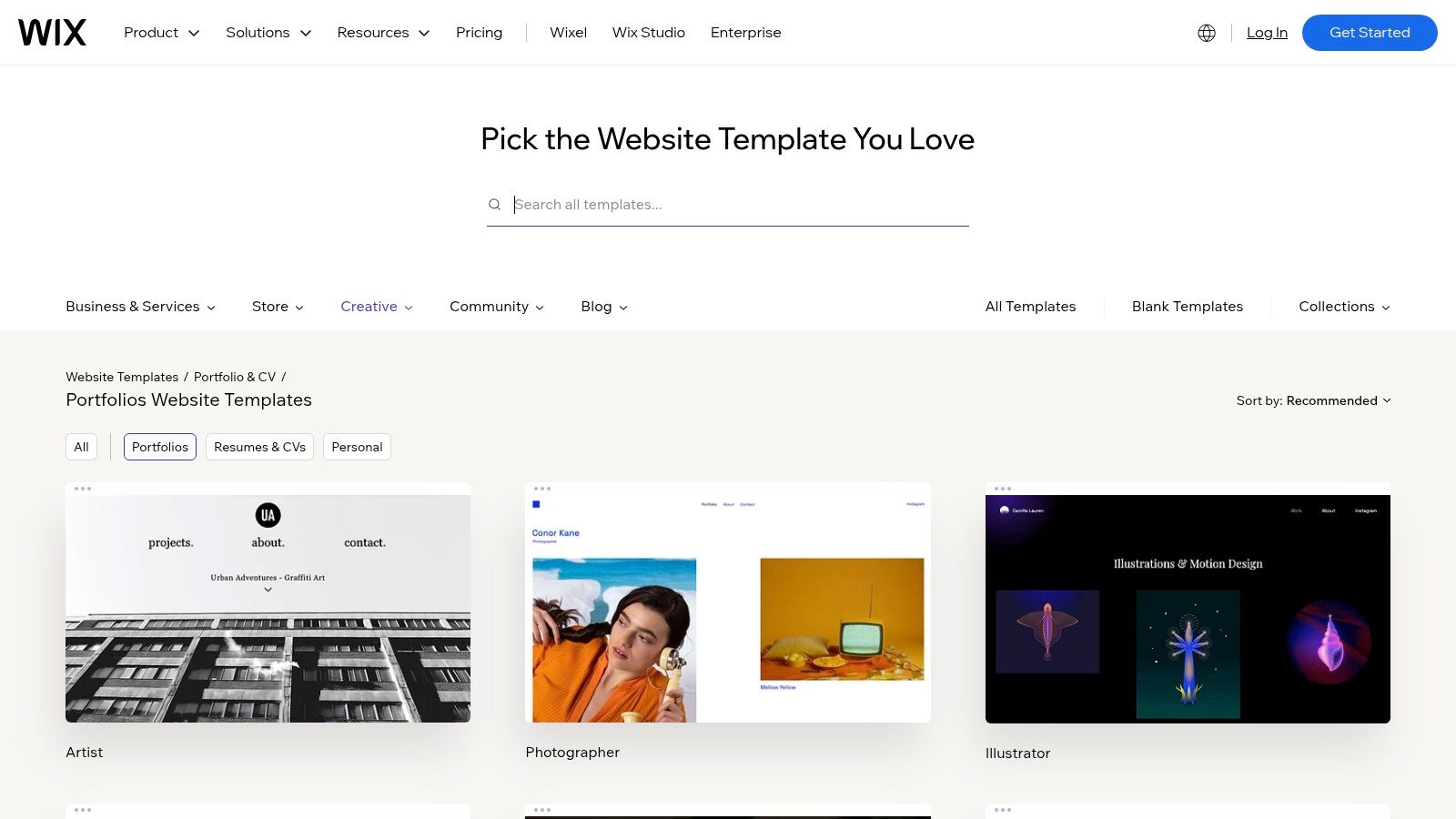
Wix’s main advantage is its sheer volume of choice and its low barrier to entry. While other platforms offer curated selections, Wix provides hundreds of templates across every conceivable creative discipline, from photography and illustration to graphic design and architecture. This breadth means you are highly likely to find a starting point that closely matches your vision.
The recent addition of Wix Studio bridges the gap between the simplicity of the classic editor and the power of more complex builders. It allows for pixel-perfect, responsive designs without writing code, appealing to professionals who have outgrown the standard editor but don't want to move to a more developer-focused platform. This scalability makes Wix a versatile choice that can grow with you.
Pricing and Features
Wix offers a free, ad-supported plan, which is great for testing the platform. To connect a custom domain and remove ads, paid plans start at around $16 per month. You can learn more about its features as a portfolio website builder and how it stacks up against other free options.
Key Features for Portfolios:
- Massive Template Library: Hundreds of portfolio-specific templates for virtually any creative field.
- Intuitive Drag-and-Drop Editor: Easily move elements around the page with visual precision.
- Wix Studio: An advanced, responsive design platform for professionals who need more control and flexibility.
- App Market: An extensive collection of add-ons for galleries, booking systems, e-commerce, and more.
While Wix gives you less control over the underlying code compared to developer tools, its combination of a beginner-friendly editor and the more powerful Wix Studio makes it a compelling choice for a huge range of creative professionals.
Website: https://www.wix.com/website/templates/html/portfolio-cv/portfolios
5. Canva
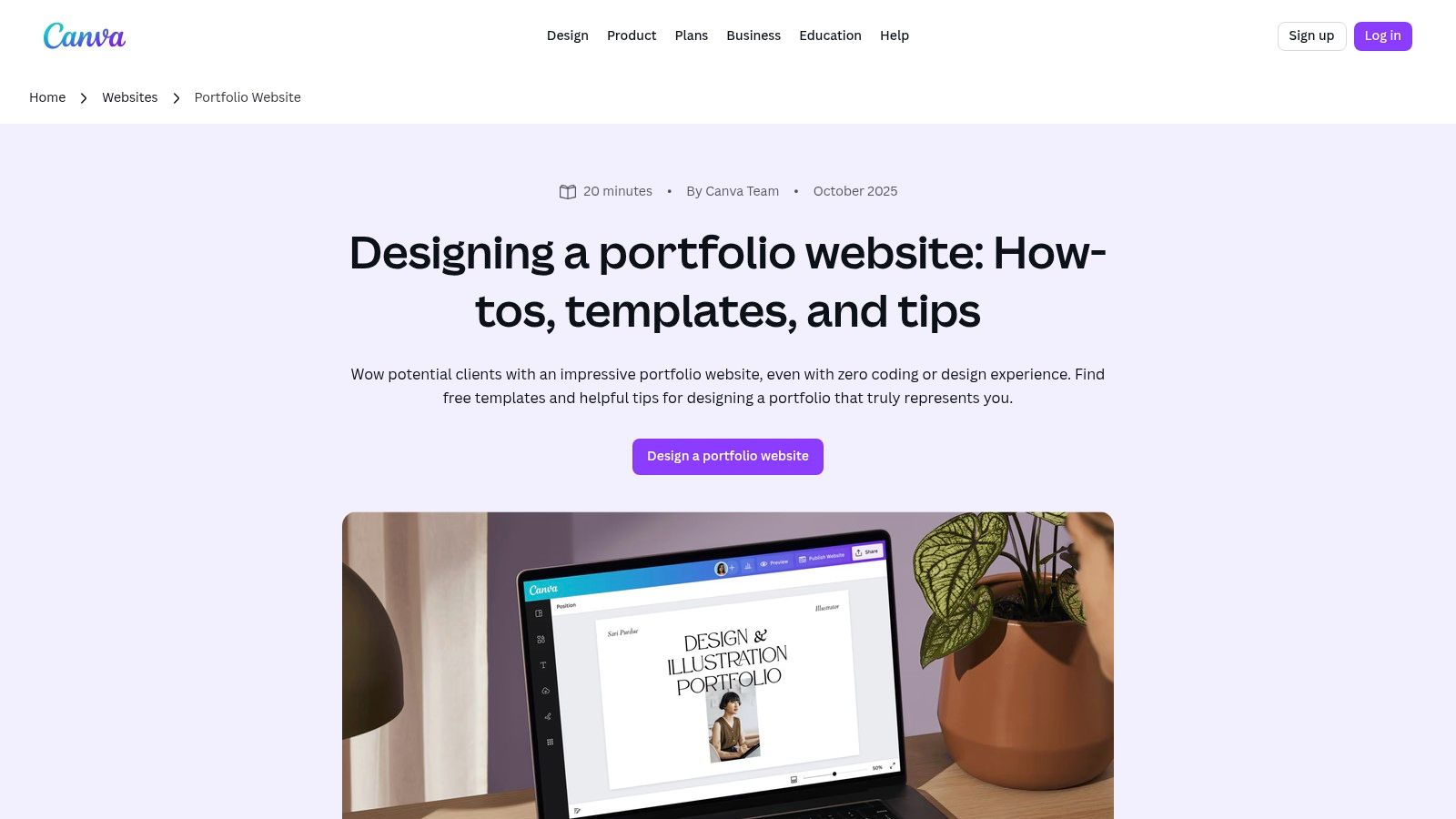
Canva has exploded in popularity, transitioning from a social media graphic tool to a surprisingly powerful platform for creating a quick, visually appealing portfolio. It’s the perfect solution for students, freelancers, and professionals who need an attractive portfolio example immediately without the learning curve of a traditional website builder. Its strength lies in its massive library of pre-designed templates that make good design accessible to everyone.
I've personally guided mentees who needed a portfolio for a job application by the end of the day, and Canva was the hero. It eliminates design friction, allowing you to drag-and-drop your projects into a polished layout and publish a live, one-page website in under an hour. This speed and simplicity make it an invaluable tool for anyone needing a fast, effective online presence.
Why It Stands Out
Canva’s biggest differentiator is its multi-format, template-driven approach. You aren’t just building a website; you’re creating a design asset that can be repurposed instantly. The same project you use for your one-page website can be downloaded as a high-resolution PDF for emailing directly to recruiters or printed for in-person interviews.
This versatility is a significant advantage. A user can create a core portfolio design and then export it as a live website, a multi-page PDF presentation, and even individual PNGs for social media. For those who need a flexible solution, creating a professional PDF portfolio is a huge benefit. While Canva offers a quick and simple one-page solution for portfolios, creatives might also want to explore some of the best alternatives to Canva for different needs or more advanced features.
Pricing and Features
Canva offers a robust free plan that is more than enough to create and publish a simple portfolio website to a canva.site domain. Paid plans (starting around $12.99/month) unlock premium templates, more cloud storage, and the ability to connect a custom domain.
Key Features for Portfolios:
- Massive Template Library: Thousands of portfolio-specific templates for both websites and printable documents.
- Intuitive Drag-and-Drop Editor: An extremely user-friendly interface that requires zero technical skills.
- One-Page Website Publishing: Publish your design as a live, mobile-responsive website with just a few clicks.
- Multi-Format Downloads: Export your portfolio as a print-ready PDF, JPG, PNG, or even a presentation.
The platform is built for speed and ease of use, making it ideal for non-designers or anyone on a tight deadline. While it lacks the multi-page functionality and deep customization of dedicated builders, its ability to produce a beautiful, functional portfolio in minutes is unmatched.
Website: https://www.canva.com/website-builder/portfolio-websites/
6. Behance (and Adobe Portfolio via Behance Pro / Creative Cloud)
Behance is less a portfolio builder and more the world's largest creative network, a powerhouse platform where millions of professionals showcase their work. It’s the ultimate destination to discover and study an endless stream of high-quality portfolio example projects from virtually every creative discipline imaginable. Its true power lies in its two-pronged approach: a massive discovery engine and a direct path to a professional website via Adobe Portfolio.
I often advise new designers to spend hours on Behance not just for inspiration, but to deconstruct how top-tier creatives structure their case studies. The platform’s integration with Adobe Portfolio (included with Behance Pro or Creative Cloud) then allows you to take those learnings and seamlessly build a polished, standalone website on your own domain, creating a powerful one-two punch for your career.
Why It Stands Out
The synergy between Behance and Adobe Portfolio is what makes this combination unique. You can use Behance as your public-facing, community-driven showcase to get feedback, followers, and job offers, while using Adobe Portfolio as your curated, professional-grade site to send to high-value clients. Projects sync between the two, so you don't have to upload your work twice.
This integrated system is a strategic advantage. For instance, a UI/UX designer can leverage Behance’s massive audience to gain visibility and then direct serious inquiries to their clean, focused Adobe Portfolio site. This dual-platform strategy separates casual browsing from professional engagement, giving you control over your personal brand.
Pricing and Features
Behance is free to use. However, to unlock Adobe Portfolio and advanced features, you need a Behance Pro or a qualifying Adobe Creative Cloud subscription. Behance Pro is priced around $9.99 per month.
Key Features for Portfolios:
- Massive Discovery Engine: Search millions of projects with robust filters to find the exact portfolio example you need for inspiration.
- Adobe Portfolio Integration: Publish up to five distinct, professional portfolio websites on your own custom domain.
- Zero Platform Fees: With Behance Pro, you can sell assets and services with 0% platform fees on your earnings.
- Advanced Analytics: Get deep insights into who is viewing your work, where they are coming from, and what projects resonate most.
The primary limitation is that Adobe Portfolio isn't available as a standalone purchase; it's bundled. However, for anyone already in the Adobe ecosystem, this provides immense value and a direct, easy route to a professional portfolio site.
Website: https://www.behance.net/pro
7. Creative Market
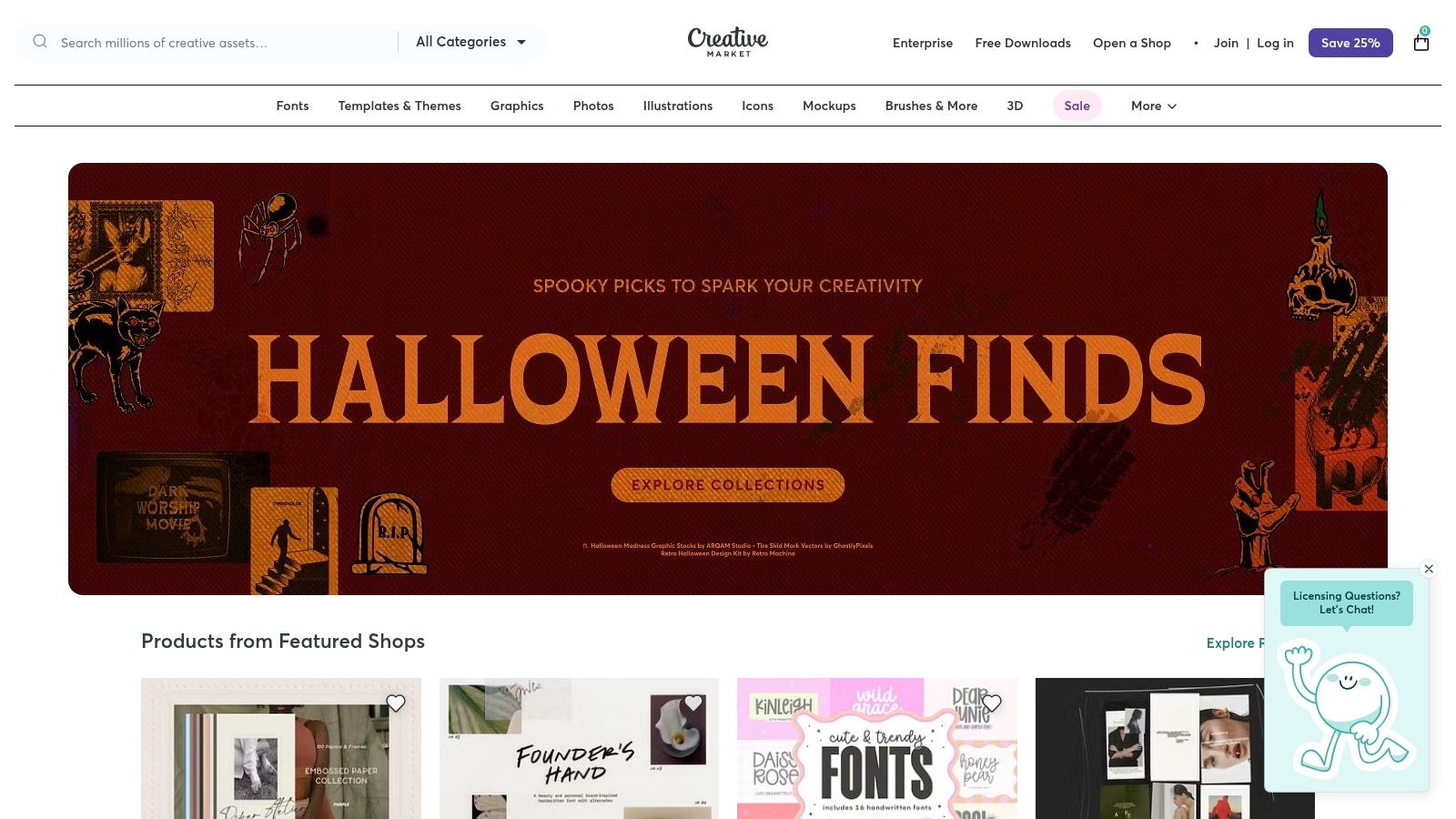
Creative Market isn't a portfolio builder but rather a vast marketplace where you can purchase professionally designed templates to create your own portfolio. It's the perfect resource for creatives who need a high-quality starting point for a printable booklet, a PDF case study, or even a website built on platforms like Showit or WordPress. Think of it as an arsenal of design assets that can give you a professional edge without starting from scratch.
I often recommend Creative Market to designers who need to create a physical portfolio for an interview or a polished PDF to send to a potential client quickly. The ability to buy a one-time template and customize it in Adobe InDesign or Photoshop is a massive time-saver. This approach provides a fantastic portfolio example foundation that you can tailor to your specific brand and projects.
Why It Stands Out
What makes Creative Market unique is the sheer variety and specialization of its offerings. With thousands of templates from independent creators, you can find hyper-specific designs for nearly any industry, from architecture and fashion to UX design and photography. This diversity ensures you can find a style that truly matches your personal brand, rather than being confined to the aesthetic of a single platform.
This is a game-changer for standing out. For instance, a graphic designer can find a stunning layout that perfectly complements their work, and they can even find a matching graphic design portfolio template for their resume and business cards to create a cohesive brand package. It’s an efficient way to achieve a custom look without the cost of hiring a designer.
Pricing and Features
Creative Market operates on a one-time purchase model. Prices for portfolio templates can range from as little as $15 to over $100, depending on the complexity and licensing. This is a key advantage if you want to avoid recurring subscription fees.
Key Features for Portfolios:
- Massive Template Library: Thousands of portfolio templates available for print (InDesign, Photoshop) and web (Showit, WordPress, etc.).
- One-Time Purchases: Pay for a template once and use it as needed, with commercial licensing options often included.
- Niche Specialization: Find templates designed specifically for your creative discipline and industry.
- Instant Download: Get access to your files immediately after purchase to start working right away.
The main consideration is that you'll need the appropriate software (like the Adobe Creative Suite) to edit the files and, for web templates, your own hosting and domain. However, for creatives who are already comfortable with these tools, it offers unparalleled flexibility and value.
Website: https://creativemarket.com
Top 7 Portfolio Platforms Comparison
| Product | Implementation complexity | Resource requirements | Expected outcomes | Ideal use cases | Key advantages |
|---|---|---|---|---|---|
| Fantastic Portfolios | Very low — upload PDF or start from scratch; AI automates layout | Minimal (resume PDF), free tier available; Pro for advanced features | Polished mobile-friendly portfolio with integrated AI assistant, analytics and lead-capture | Job seekers, freelancers, students who want a fast, AI-enhanced portfolio | Instant PDF→site, AI resume/copy tools, built-in analytics and chat |
| Squarespace | Low — drag-and-drop with curated templates | Monthly subscription, built-in hosting and tools | Professional-looking portfolio quickly with blog, commerce and SEO | Photographers, designers, creatives needing a polished site fast | Strong portfolio templates, integrated site features, fast launch |
| Webflow | High — visual but steeper learning curve for pixel-level control | Designer/front-end skills, templates, paid hosting tiers | Pixel-perfect, exportable code, advanced interactions and CMS-driven case studies | Designers and front-end creators wanting custom animations and scalability | Granular control, professional-grade results, robust CMS & interactions |
| Wix (including Wix Studio) | Low to medium — beginner-friendly editor; Studio for pro workflows | Large template library, optional paid plans and add-ons | Quick live portfolio with many template styles; Studio enables pro responsiveness | Non-technical creatives, photographers; agencies using Studio for clients | Huge template variety, easy editing, scales from novice to pro |
| Canva | Very low — simple drag-and-drop templates | Free plan available; paid for custom domains and advanced assets | Attractive one-page websites or print/PDF portfolios ready quickly | Non-designers needing rapid visual pieces or printable portfolios | Large template library, low barrier to entry, easy export to print |
| Behance (and Adobe Portfolio) | Low — publishing on Behance is straightforward; Adobe Portfolio requires plan | Behance free; Adobe Portfolio needs Behance Pro or qualifying Creative Cloud plan | High discoverability on a global gallery; option to publish standalone sites via Adobe Portfolio | Creatives who want exposure, portfolio research, or simple standalone sites | Massive curated gallery, discovery tools, integrated Adobe Portfolio option |
| Creative Market | Low to medium — buy templates; assembling may require design software | One-time purchases, may require InDesign/Photoshop and hosting for web | Professionally designed printable or web templates ready to customize | Users who want one-time, discipline-specific templates for print or web | Wide variety of templates, affordable one-time licensing, niche-specific designs |
Your Next Step: From Example to Execution
We've explored a wide range of inspiring portfolio examples, breaking down the strategic choices behind their success. From the sleek, custom-coded developer sites to the visually rich showcases built by designers, a clear pattern emerges: a successful portfolio is a strategic blend of compelling storytelling, thoughtful design, and the right technology. Each portfolio example we analyzed didn't just display work; it communicated a clear professional narrative designed to attract specific opportunities.
The core lesson is that the platform you choose should be a direct extension of your goals. Are you a developer who wants to demonstrate your coding prowess? A custom build or a platform like Webflow might be your best bet. Are you a designer who needs pixel-perfect control over every visual element? A tool like Squarespace or Wix Studio offers a powerful canvas.
Key Takeaways for Building Your Portfolio
Reflecting on the examples, several key principles stand out:
- Story Over Slideshow: The most memorable portfolios guide visitors through a narrative. They use project case studies to show not just the what but the how and why behind their work. Your goal is to articulate your value, not just present a gallery.
- Clarity Trumps Complexity: A simple, intuitive user experience always wins. Recruiters spend an average of just seven seconds on an initial resume scan; your portfolio likely gets a similarly brief window to make an impression. Ensure your best work is immediately accessible.
- Action-Oriented Design: Every element, from your project descriptions to your "About Me" page, should be crafted with your target audience in mind. What do you want them to think, feel, and do? The answer should guide your content and design choices.
Choosing Your Tool: Speed vs. Perfection
My own journey taught me a valuable lesson: launching a good portfolio quickly is infinitely better than spending months chasing a perfect one that never goes live. The "analysis paralysis" of choosing the right tool can be a major roadblock. While platforms like Squarespace, Webflow, and Wix offer immense creative freedom, they also come with a steeper learning curve and a significant time investment. For a comprehensive overview of accessible options, you can refer to this guide on the best no-code website builders for 2025.
However, for over 90% of professionals, the primary goal is to get a polished, effective portfolio online with minimal friction. This is where specialized, AI-driven tools have created a new path forward. A platform like Fantastic Portfolios is built specifically for this purpose. It automates the technical and design-heavy lifting, allowing you to focus your energy on what truly matters: refining your project stories and articulating your unique skills.
Instead of getting bogged down in template customization and plugin management, you can have a professional, AI-enhanced site live in minutes. This speed to market is a massive competitive advantage, enabling you to start sharing your work and applying for opportunities today, not next month. Stop researching and start building. Your next great opportunity is waiting for you to show them what you can do.
Ready to turn inspiration into action? Stop staring at another portfolio example and start building your own. Upload your resume to Fantastic Portfolios for free and let our AI generate a professional, polished website for you in under a minute. See for yourself how quickly you can go from an idea to a live portfolio ready to impress.